Keep your referring dentists in the loop automatically
Every morning, WebRun opens TDO Software, reads the referral activity since yesterday, logs each referring doctor and case status to Google Sheets, and posts your front desk a Slack summary so you can send thank-you letters or follow-up notes before the day gets busy.
- No credit card
- Under $0.01 per run
- Cancel anytime
How do I automatically track and report endodontic referrals from TDO Software?
WebRun opens TDO Software each morning, reads the past 24 hours of referral activity, and logs each referring doctor and case status to a Google Sheet. It then posts your front desk a Slack digest of new referrals and overdue items, keeping every referring dentist relationship visible without manual chart pulling.
- Every referring doctor relationship logged daily without manual chart pulling
- Overdue referrals flagged before they slip through the cracks
- Front desk starts each day with a clear referral action list
Built for endodontists · endodontic practices · specialty dental offices · endodontic front desk teams
What does WebRun do on every run?
The exact actions WebRun takes, in order - in plain language, so you can adjust anything.
-
WebRun signs in and gets to work
Opens
wwww.tdo4endo.comin a real browser with your saved login - no setup, no API keys. -
1
TDO Software - read new and completed referrals
tdo4endo.com How to Automate TDO Software
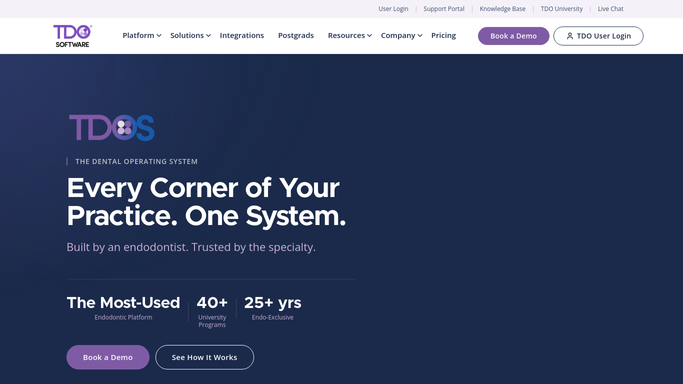
WebRun opens TDO Software to read new and completed referrals. - Open TDO Software and navigate to the Referral Management module
- Filter referral activity to the past 24 hours
- Capture referring doctor name, patient name (internal only), case status, and date received for each record
- Flag any referral that has been open more than 3 business days without a status update
Done when All referral activity from the past 24 hours is captured with referring doctor and case status details.
-
2
Google Sheets - log referring doctor and case details
google.com How to Automate Google Sheets

WebRun opens Google Sheets to log referring doctor and case details. - Open the Referral Tracking sheet
- Append a new row for each referral with referring doctor, case status, and date
- Mark flagged overdue referrals in red so they stand out on next review
Done when All new referral records are logged in the tracking sheet with overdue cases highlighted.
-
3
Slack - post front-desk action list
slack.com How to Automate Slack

WebRun opens Slack to post front-desk action list. - Post a morning referral summary to the front-desk Slack channel
- List each referring doctor with their case count and any overdue flags
- Include a link to the Google Sheet for the full log
Done when Front desk has a morning referral digest in Slack with overdue items flagged.
How is each run configured?
Secure by default
Connect once, stays signed in
WebRun signs in once and keeps each session in a persistent environment, so every run picks up right where it left off.
Every action is checked against this policy before it runs.
Questions, answered
Will it send anything to the referring dentist automatically?
No. The daily digest is internal only. Any thank-you letters or referral updates for the referring office are drafted for your team to review and send, never transmitted automatically.
Does patient information leave the practice?
No protected health information is sent externally. The Slack digest uses referring doctor names and case counts only. Full case details stay inside TDO Software and your internal Google Sheet.
What counts as an overdue referral?
Any referral that has been open more than 3 business days without a status update is flagged. You can adjust that threshold to match your practice's own service commitment.
Related templates
Put this on autopilot.
Turn it on in minutes - or have our team set it up for you.