Get a clear daily sales snapshot every evening
Every evening, WebRun opens CleanCloud, reads the day's completed orders and revenue by service type, and posts a concise sales digest to your Slack channel so you can review performance without logging into the POS.
- No credit card
- Under $0.01 per run
- Cancel anytime
How do I get an automatic daily sales report from CleanCloud?
WebRun reads CleanCloud's transaction data every evening and posts a concise daily sales digest to your Slack channel, covering total orders, gross revenue, service category breakdown, and payment method split. Owners get a clear performance snapshot each night without logging into the POS system.
- Owners review daily performance in Slack without logging into CleanCloud
- Below-average days are flagged automatically for investigation
- Daily data habits replace end-of-month surprises
Built for dry cleaning owners · laundromat managers · multi-location dry cleaners · garment care businesses
What does WebRun do on every run?
The exact actions WebRun takes, in order - in plain language, so you can adjust anything.
-
WebRun signs in and gets to work
Opens
app.cleancloudapp.comin a real browser with your saved login - no setup, no API keys. -
1
CleanCloud - read day's orders and revenue totals
cleancloudapp.com How to Automate CleanCloud
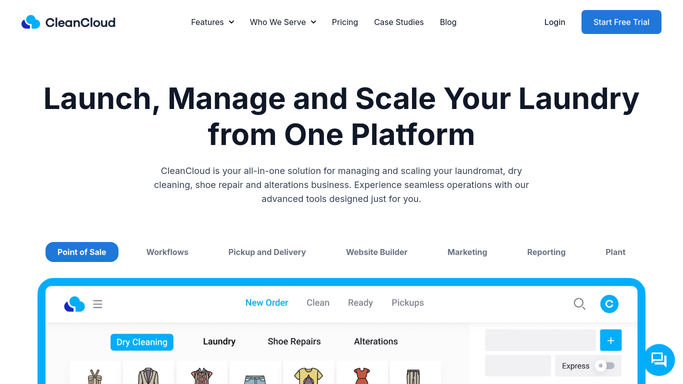
WebRun opens CleanCloud to read day's orders and revenue totals. - Open CleanCloud and navigate to the daily reports section
- Read total orders processed, gross revenue, and revenue by top service categories (dry clean, wash-fold, alterations)
- Note the payment method split and any refunds or voids for the day
Done when Today's order count, revenue total, and service breakdown are captured.
-
2
Slack - post daily sales digest to owner channel
slack.com How to Automate Slack

WebRun opens Slack to post daily sales digest to owner channel. - Post the daily digest to the owner or management Slack channel
- Include total orders, gross revenue, top service by volume, and payment method split
- Flag any day where revenue is more than 20% below the trailing 7-day average
Done when Today's sales digest is posted in Slack for the owner to review.
How is each run configured?
Secure by default
Connect once, stays signed in
WebRun signs in once and keeps each session in a persistent environment, so every run picks up right where it left off.
Every action is checked against this policy before it runs.
Questions, answered
Can I see the breakdown by service type, not just total revenue?
Yes. WebRun reads CleanCloud's service categories and includes a revenue split by type such as dry clean, wash-and-fold, and alterations in every digest.
What if the store had no orders that day?
WebRun still posts a digest showing zero orders so you know the run completed and can spot any data or connectivity issue quickly.
Will this replace my monthly reports?
This digest is a daily snapshot for quick review. For detailed monthly reporting, use CleanCloud's built-in report exports or ask WebRun to build a separate monthly summary.
Related templates
Put this on autopilot.
Turn it on in minutes - or have our team set it up for you.