Follow up on open CounterGo quotes before they go cold
Every Monday, WebRun opens Moraware CounterGo, finds all quotes that have been open without a customer response for more than three days, drafts a polite follow-up email for each, and saves the drafts in Gmail for your team to review and send.
- No credit card
- Under $0.01 per run
- Cancel anytime
How do I automatically follow up on open countertop quotes from Moraware?
Every Monday, WebRun opens Moraware CounterGo, finds all quotes open for more than three days without a customer response, drafts a polite follow-up email for each lead, and saves the drafts in Gmail for your team to review and send. No email reaches a customer without your approval.
- No quote goes cold because a follow-up was forgotten
- Sales team starts each Monday with ready-to-send follow-up drafts
- Already-accepted quotes are skipped automatically with no double-handling
Built for countertop fabricators · stone fabrication shops · kitchen and bath dealers · countertop sales teams
What does WebRun do on every run?
The exact actions WebRun takes, in order - in plain language, so you can adjust anything.
-
WebRun signs in and gets to work
Opens
app.moraware.comin a real browser with your saved login - no setup, no API keys. -
1
Moraware - find open quotes without response
moraware.com How to Automate Moraware
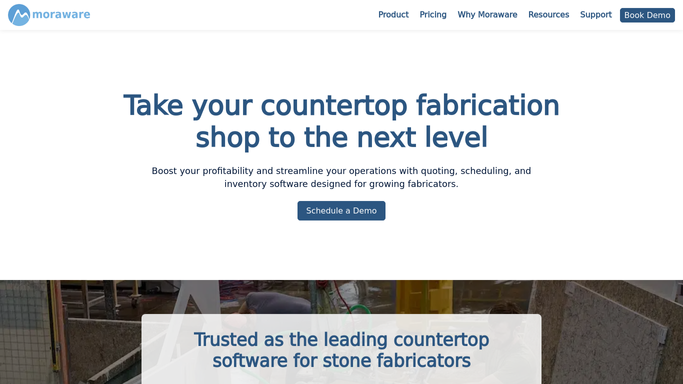
WebRun opens Moraware to find open quotes without response. - Open Moraware and navigate to CounterGo quotes
- Filter for quotes in open or sent status with no customer response in the past 3 days
- Capture the customer name, email, quote total, and quote date for each
Done when Every aging open quote is listed with customer contact and quote details.
-
2
Gmail - draft follow-up emails for review
gmail.com How to Automate Gmail

WebRun opens Gmail to draft follow-up emails for review. - Draft a friendly follow-up email for each quote, referencing the job and quote total
- Save each draft to Gmail Drafts without sending
- Leave all drafts for your sales team to review, personalise, and send
Done when All follow-up drafts are in Gmail Drafts ready for team review each Monday morning.
How is each run configured?
Secure by default
Connect once, stays signed in
WebRun signs in once and keeps each session in a persistent environment, so every run picks up right where it left off.
Every action is checked against this policy before it runs.
Questions, answered
Will it send follow-up emails to leads automatically?
No. WebRun saves every follow-up as a Gmail draft for your team to review and send. No email goes to a lead without a human approving it first.
How many days old does a quote need to be before it gets a follow-up?
The default threshold is 3 days with no customer response. You can adjust the number of days when you set up the workflow to match your typical sales cycle.
What if a customer already responded and the quote is moving forward?
WebRun checks the current status in Moraware CounterGo each run. Quotes that have already been accepted, declined, or progressed to a job are skipped automatically.
Related templates
Put this on autopilot.
Turn it on in minutes - or have our team set it up for you.