Collect intake questionnaires from every new coaching client
Each morning, WebRun opens Practice Better and Paperbell, identifies new clients who have not yet completed their intake questionnaire, and drafts a polite reminder email in Gmail for each one so you start every first session fully prepared.
- No credit card
- Under $0.01 per run
- Cancel anytime
How do I automatically chase new clients to complete their intake questionnaire?
WebRun checks Practice Better and Paperbell every morning for new clients who have not yet completed their intake questionnaire, then drafts a polite, personalised reminder in Gmail for each one with a direct link to the form. Every draft waits for your approval, so you start every first session with complete client information.
- Every first session starts with a complete intake questionnaire on file
- No client slips through without being chased for their intake information
- Manual intake chasing is replaced by a daily automated review
Built for life coaches · health coaches · business coaches · small coaching practices
What does WebRun do on every run?
The exact actions WebRun takes, in order - in plain language, so you can adjust anything.
-
WebRun signs in and gets to work
Opens
practicebetter.ioin a real browser with your saved login - no setup, no API keys. -
1
Practice Better - check intake form completion
practicebetter.io How to Automate Practice Better
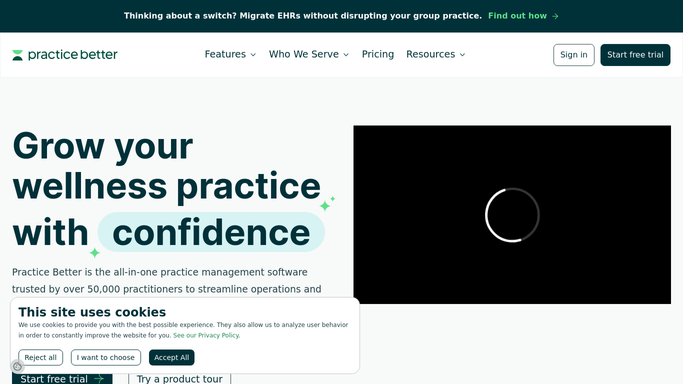
WebRun opens Practice Better to check intake form completion. - Open Practice Better and go to the Clients section
- Identify clients who were added in the last 7 days
- Check the intake form status for each new client and note who has not yet submitted it
Done when Every new client with an incomplete intake form is identified and listed.
-
2
Paperbell - confirm booking and session date
paperbell.com

WebRun opens Paperbell to confirm booking and session date. - Open Paperbell and check the upcoming sessions for each client flagged in Practice Better
- Note the date of their first scheduled session
- Prioritise clients whose first session is within the next 7 days
Done when Each flagged client has a confirmed first session date and priority level.
-
3
Gmail - draft intake chase emails for review
gmail.com How to Automate Gmail

WebRun opens Gmail to draft intake chase emails for review. - Draft a friendly intake reminder for each client with an incomplete form
- Include a direct link to their Practice Better intake questionnaire
- Note the upcoming session date in the message to add urgency
- Save each message as a Gmail draft, not sent, for your review
Done when A draft intake chase email sits in Gmail for every new client who has not yet submitted their questionnaire.
How is each run configured?
Secure by default
Connect once, stays signed in
WebRun signs in once and keeps each session in a persistent environment, so every run picks up right where it left off.
Every action is checked against this policy before it runs.
Questions, answered
Will it send intake reminders to clients without my approval?
No. Every reminder is saved as a Gmail draft for your review. Nothing goes to a client until you read it and send it yourself.
What if a client submits the form after the draft is created?
WebRun reads the live intake status in Practice Better each morning, so clients who submitted overnight are no longer flagged in the next run and no new draft is created for them.
Can it chase clients who are slow to respond more than once?
Yes. WebRun checks daily and will create a new draft for any client who still has not submitted, giving you a steady stream of gentle reminders to send in the days before their first session.
Related templates
Put this on autopilot.
Turn it on in minutes - or have our team set it up for you.