Alert regulars when their favorite is back
Every morning, WebRun opens ShelfPerks to find favorites back in stock, matches each against your Google Sheet of customer preferences, and drafts a Klaviyo message to just the regulars who buy that cheese, left in draft for you to review before sending.
- No credit card
- Under $0.01 per run
- Cancel anytime
How do I alert regulars when their favorite cheese is restocked?
WebRun brings your regulars back for their favorites. Each morning it finds cheeses newly restocked in ShelfPerks, matches them to the customers who buy them using your Google Sheet, and drafts a targeted Klaviyo alert to just that segment. The message waits in draft for you to review and send, keeping outreach personal.
- Regulars hear their favorite is back the morning it lands
- Each alert reaches only the customers who buy that cheese
- No message sends without your review, keeping outreach personal
Built for cheese shop owners · specialty food retailers · gourmet grocers · fine food shops
What does WebRun do on every run?
The exact actions WebRun takes, in order - in plain language, so you can adjust anything.
-
WebRun signs in and gets to work
Opens
app.shelfperks.comin a real browser with your saved login - no setup, no API keys. -
1
ShelfPerks - find favorites back in stock
shelfperks.com How to Automate ShelfPerks
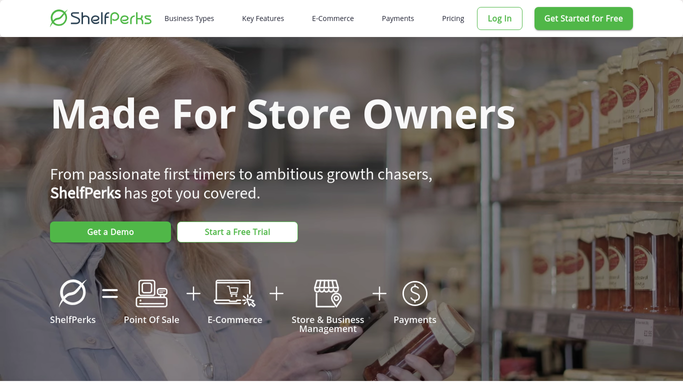
WebRun opens ShelfPerks to find favorites back in stock. - Open ShelfPerks and find cheeses that moved from out of stock to in stock overnight
- Capture the cheese name, quantity received, and counter price
- Focus on items previously flagged as customer favorites or frequent requests
- Note any limited quantity so the alert can set the right expectation
Done when Every favorite cheese newly back in stock is listed with its quantity and price.
-
2
Google Sheets - match customer preferences
google.com How to Automate Google Sheets

WebRun opens Google Sheets to match customer preferences. - Open the Customer Preferences sheet listing which regulars buy which cheeses
- Match each restocked favorite to the customers who buy it repeatedly
- Build the recipient segment for each cheese from those matches
- Skip any restock with no matching regulars so no empty alert is drafted
Done when Each restocked favorite has its segment of interested regulars assembled.
-
3
Klaviyo - draft the restock alert
klaviyo.com How to Automate Klaviyo

WebRun opens Klaviyo to draft the restock alert. - Draft a Klaviyo message for each restocked favorite naming the cheese and that it is back
- Target only the matched segment of regulars for that cheese
- Save each message as a draft in the flow and leave it unsent for your review
- Never send a Klaviyo message automatically. You approve and send each one
Done when A targeted restock alert sits in Klaviyo as a draft for every favorite, all unsent.
How is each run configured?
Secure by default
Connect once, stays signed in
WebRun signs in once and keeps each session in a persistent environment, so every run picks up right where it left off.
Every action is checked against this policy before it runs.
Questions, answered
Will it message customers as soon as stock arrives?
No. WebRun builds the segment and drafts the Klaviyo message, then leaves it unsent. You review and send it yourself, so no regular gets an alert without your approval.
How does it know which cheese a customer loves?
It reads your Google Sheet of customer preferences, where each regular is linked to the cheeses they buy. Only customers tied to that specific cheese land in the alert segment, so the message stays relevant.
What if only a small amount came in?
It reads the received quantity from ShelfPerks and notes it in the draft, so you can trim the segment or frame it as a limited restock before sending, keeping the offer honest for a short supply.
Related templates
Put this on autopilot.
Turn it on in minutes - or have our team set it up for you.