Catch aging cheese before its sell-by date
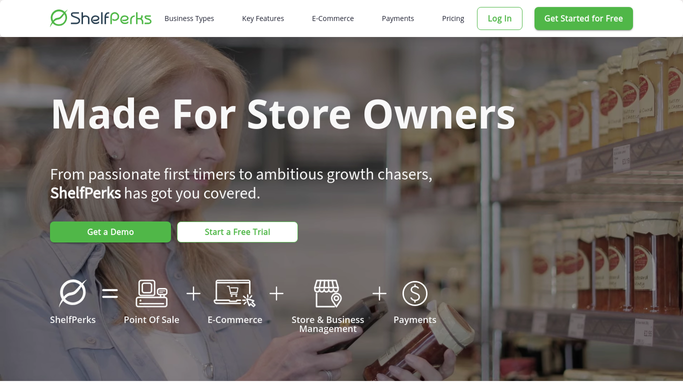
Every morning, WebRun opens ShelfPerks, reads every aging cheese lot with its sell-by date, flags any lot due within your window, appends each to a Google Sheet with lot number and remaining days, and posts your counter team a ranked pull list in Slack.
- No credit card
- Under $0.01 per run
- Cancel anytime
What does WebRun do on every run?
The exact actions WebRun takes, in order - in plain language, so you can adjust anything.
-
WebRun signs in and gets to work
Opens
app.shelfperks.comin a real browser with your saved login - no setup, no API keys. -
1
ShelfPerks - read aging lots and sell-by dates
shelfperks.com How to Automate ShelfPerks

WebRun opens ShelfPerks to read aging lots and sell-by dates. - Open ShelfPerks and go to the Aging Collections view
- Read each active lot with its cheese type, lot number, aging start date, and sell-by date
- Flag any lot whose sell-by date falls within the next 7 days or has already passed
- Note the remaining wheel count and current shelf location for each flagged lot
Done when Every aging lot at or near its sell-by date is listed with its lot number and remaining days.
-
2
Google Sheets - log lots nearing sell-by
google.com How to Automate Google Sheets
WebRun opens Google Sheets to log lots nearing sell-by. - Open the Cheese Sell-By Tracker sheet
- Append each flagged lot as a row with today's date, lot number, cheese type, sell-by date, and days remaining
- Update any lot already present rather than duplicating its row
- Sort the rows by days remaining, soonest first
Done when The tracker sheet reflects today's full sell-by list, sorted by urgency.
-
3
Slack - post the counter pull list
slack.com How to Automate Slack
WebRun opens Slack to post the counter pull list. - Post a summary to the shop floor Slack channel counting how many lots are due within 2, 5, and 7 days
- List the most urgent lots first with cheese type, lot number, and shelf location
- Link to the full Google Sheet for the complete pull list
Done when The counter team has a ranked Slack pull list with a link to the full tracker.


How do I track cheese sell-by dates and aging lots automatically?
WebRun opens ShelfPerks every morning, reads every aging cheese lot with its sell-by date, and flags any wheel due within your window. It logs each to a Google Sheet with lot number and days remaining, then posts your counter team a ranked pull list in Slack, so no wheel spoils unnoticed.
- No wheel spoils because every sell-by date is checked each morning
- Counter team opens Slack to a ranked pull list every day
- Sold-out lots drop off automatically from live ShelfPerks counts
Built for cheese shop owners · cheesemongers · specialty food retailers · deli counter managers
How is each run configured?
Secure by default
Connect once, stays signed in
WebRun signs in once and keeps each session in a persistent environment, so every run picks up right where it left off.
Every action is checked against this policy before it runs.
Questions, answered
Will it mark down or discard any cheese on its own?
No. WebRun only logs aging lots and posts an internal Slack pull list for your counter team. Every markdown, pull, or discard decision is left for a person to make.
How far ahead does it flag a sell-by date?
Seven days ahead by default, with a tighter urgency tier for lots due within 2 days. The look-ahead window is adjustable in your run settings so it fits how fast your wheels move.
What if a lot already sold out?
It reads the live wheel count in ShelfPerks each morning, so any lot already sold through drops off the list automatically and never clutters the pull list.
Related templates
Put this on autopilot.
Turn it on in minutes - or have our team set it up for you.