Surface every unactioned abnormal cardiac result before it becomes a liability
Every morning, WebRun opens athenahealth and scans for abnormal cardiology results, including EKG findings, echo reports, Holter results, and cardiac labs, that have no documented follow-up action within the last 48 hours. It builds a prioritized clinical worklist in Airtable and posts an alert to the care team Slack channel.
- No credit card
- Under $0.01 per run
- Cancel anytime
How do I track unactioned abnormal cardiology results in athenahealth?
Every morning, WebRun opens athenahealth and scans cardiology results for abnormal findings with no documented follow-up in the past 48 hours, covering EKGs, echocardiograms, Holter results, and cardiac labs. It logs a prioritized worklist in Airtable and posts a count alert to the clinical team in Slack, with all PHI remaining inside athenahealth.
- No abnormal cardiac result sits unactioned past 48 hours
- Results older than 72 hours are automatically escalated as urgent in the Slack alert
- PHI stays inside athenahealth throughout the entire workflow
Built for cardiologists · cardiology nurse practitioners · cardiology clinical coordinators
What does WebRun do on every run?
The exact actions WebRun takes, in order - in plain language, so you can adjust anything.
-
WebRun signs in and gets to work
Opens
www.athenahealth.comin a real browser with your saved login - no setup, no API keys. -
1
athenahealth - find abnormal results with no follow-up
athenahealth.com How to Automate athenahealth
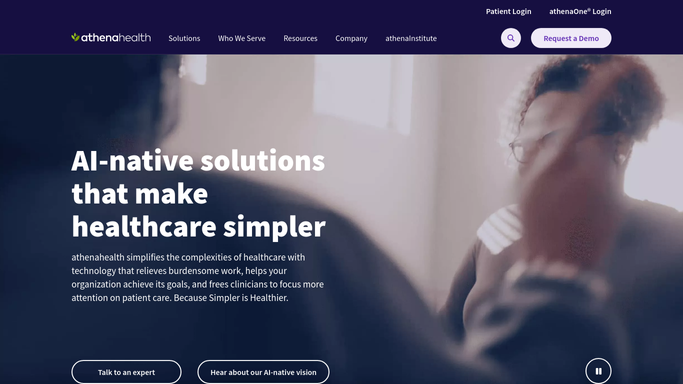
WebRun opens athenahealth to find abnormal results with no follow-up. - Open athenahealth and navigate to the results inbox and result management module
- Filter for abnormal-flagged results in the cardiology department from the past 7 days
- Identify results with no documented follow-up action, order, or addendum in the last 48 hours
- Capture result type, date, ordering provider, and abnormal flag severity
Done when All unactioned abnormal cardiac results are identified with result type and provider.
-
2
Airtable - log the clinical worklist
airtable.com How to Automate Airtable

WebRun opens Airtable to log the clinical worklist. - Open the Abnormal Results Worklist base in Airtable
- Add a new record for each unactioned result with result type, date, provider, and severity
- Update existing records if follow-up has been documented since the last run
Done when Airtable reflects all currently unactioned abnormal results with no PHI shared externally.
-
3
Slack - alert the care team
slack.com How to Automate Slack

WebRun opens Slack to alert the care team. - Post a summary count to the clinical care team Slack channel: total unactioned results, count by result type
- Flag any results older than 72 hours with no documented action as urgent
- Include a link to the Airtable worklist for the full detail view
Done when Clinicians have a Slack alert with the unactioned abnormal result count and an Airtable link.
How is each run configured?
Secure by default
Connect once, stays signed in
WebRun signs in once and keeps each session in a persistent environment, so every run picks up right where it left off.
Every action is checked against this policy before it runs.
Questions, answered
Will it notify patients about their results?
No. WebRun only builds an internal clinical worklist for your care team. All patient communication about abnormal results is handled by your clinicians after reviewing the worklist, in line with your practice protocols and HIPAA requirements.
What result types does it surface?
Any abnormal-flagged result documented in athenahealth for the cardiology department, including EKG interpretations, echocardiograms, Holter monitor reports, stress test findings, and cardiac lab panels such as troponin and BNP.
Does it send PHI to Airtable or Slack?
No. The Slack post contains only counts and a worklist link. Airtable receives result type, date, and provider without patient-identifying details, keeping PHI within athenahealth.
Related templates
Put this on autopilot.
Turn it on in minutes - or have our team set it up for you.