Catch a Backblaze bucket that is more open than it should be
Every Monday, WebRun signs in to Backblaze, walks every B2 bucket to record its type, lifecycle rules, and file count, lists the application keys and what each one can reach, writes the full audit into Notion, and posts any public bucket or over-broad key to Microsoft Teams.
- No credit card
- Under $0.01 per run
- Cancel anytime
How do I check whether any of my Backblaze B2 buckets are public?
WebRun audits your Backblaze B2 access every Monday. It walks each bucket for its type, size, and lifecycle rules, lists every application key with its scope and expiry, writes the full audit into Notion, and posts any public bucket or over-broad key to Microsoft Teams for a human to fix.
- A public bucket is caught by you before anyone else finds it
- Every application key is reviewed for scope and expiry each week
- The Notion audit shows exactly what changed since the last review
Built for cloud engineers · IT admins · security teams · small SaaS teams
What does WebRun do on every run?
The exact actions WebRun takes, in order - in plain language, so you can adjust anything.
-
WebRun signs in and gets to work
Opens
secure.backblaze.comin a real browser with your saved login - no setup, no API keys. -
1
Backblaze - audit buckets, keys and rules
backblaze.com
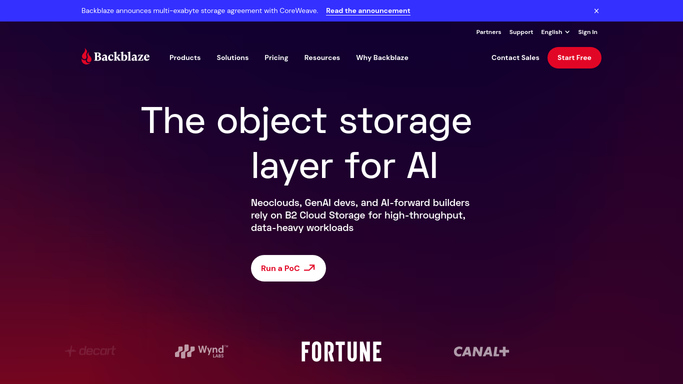
WebRun opens Backblaze to audit buckets, keys and rules. - Sign in to Backblaze and open the B2 buckets list
- Capture each bucket with its name, bucket type, file count, and current size
- Read the lifecycle rules on each bucket and note any bucket with no rule at all
- Open the application keys list and record each key, the bucket it is scoped to, its capabilities, and its expiry
- Never change a bucket type, delete a key, or edit a lifecycle rule. WebRun only reads
Done when Every bucket, lifecycle rule, and application key is captured with its scope.
-
2
Notion - write the weekly audit
notion.so How to Automate Notion

WebRun opens Notion to write the weekly audit. - Open your cloud audit page in Notion and add this week's entry
- Write the bucket table with type, size, file count, and lifecycle rule status
- Write the key table with scope, capabilities, and expiry, marking keys that can reach every bucket
- Diff against last week's entry and list what changed: new buckets, new keys, and type changes
Done when This week's B2 audit is in Notion with a clear diff against the previous week.
-
3
Microsoft Teams - flag anything public
microsoft.com How to Automate Microsoft Teams

WebRun opens Microsoft Teams to flag anything public. - Post the risky findings to your infrastructure channel in Teams
- Name every public bucket first, with its file count and size
- Follow with keys that carry delete capability or are scoped to all buckets, and any key past its expiry
- Add buckets holding files with no lifecycle rule, then link the Notion audit for the full tables
Done when Anything public or over-broad is named in Teams with a link to the full audit.
How is each run configured?
Secure by default
Connect once, stays signed in
WebRun signs in once and keeps each session in a persistent environment, so every run picks up right where it left off.
Every action is checked against this policy before it runs.
Questions, answered
Will it change my bucket settings?
No. WebRun reads the B2 buckets, keys, and lifecycle rules and reports what it finds. Making a bucket private, deleting a key, or editing a rule stays a click you make after reading the audit.
What counts as risky?
Public buckets, application keys scoped to every bucket, keys with delete capability, keys past their expiry, and buckets holding files with no lifecycle rule. Those are the lines that lead the Teams post.
Does it read the files in my buckets?
No. It records counts, sizes, bucket types, and key scopes. File contents are never opened or downloaded, so the audit tells you how open a bucket is without touching what is inside it.
Related templates
Put this on autopilot.
Turn it on in minutes - or have our team set it up for you.