Follow up every broken promise to pay before it becomes a write-off
Every morning, WebRun opens Versapay, identifies customers whose promise-to-pay date passed without a payment received, drafts a firm but professional follow-up email for each in Gmail, logs the broken promise in Airtable, and leaves all emails unsent for your AR team to review and approve.
- No credit card
- Under $0.01 per run
- Cancel anytime
What does WebRun do on every run?
The exact actions WebRun takes, in order - in plain language, so you can adjust anything.
-
WebRun signs in and gets to work
Opens
app.versapay.comin a real browser with your saved login - no setup, no API keys. -
1
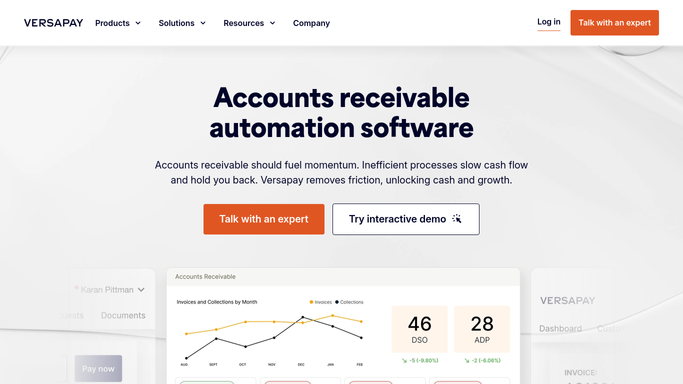
Versapay - identify broken promise-to-pay commitments
versapay.com How to Automate Versapay

WebRun opens Versapay to identify broken promise-to-pay commitments. - Open Versapay and review the collections or promise-to-pay tracking view
- Identify customers whose promise-to-pay date has passed as of today without payment recorded
- Capture customer name, invoice amount, original promise date, and days overdue since the broken commitment
Done when All broken promise-to-pay commitments are identified with full account and invoice details.
-
2
Airtable - log broken promises register
airtable.com How to Automate Airtable
WebRun opens Airtable to log broken promises register. - Open the promise-to-pay Airtable tracker
- Log each newly broken commitment as a new record with the original promised date and overdue amount
- Update the status field on any previously logged promises that have since been paid
- Flag accounts with two or more consecutive broken promises as high risk
Done when The Airtable tracker is updated with every current broken commitment and its risk level.
-
3
Gmail - draft firm follow-up emails for review
gmail.com How to Automate Gmail
WebRun opens Gmail to draft firm follow-up emails for review. - Draft a firm, professional follow-up email for each broken promise, referencing the commitment date and overdue amount
- Save all drafts in Gmail but leave them unsent for your AR team to review
- For accounts with two or more broken promises, note in the draft that escalation may be needed
Done when A reviewed-ready Gmail draft exists for every broken promise, unsent and awaiting approval.


How do I automatically follow up on broken promise-to-pay commitments in Versapay?
Every morning, WebRun checks Versapay for customers whose promise-to-pay date has passed without payment received, logs every broken commitment in Airtable, and drafts a firm follow-up email in Gmail for each. No message is sent until your AR team reviews and approves the drafts, keeping the team fully in control of every customer escalation.
- No broken payment commitment slips past the AR team without a follow-up draft
- Repeat broken promises are flagged for escalation before the balance ages further
- AR team saves hours a day on manual collections log review
Built for AR collectors · credit managers · collections teams · B2B finance departments
How is each run configured?
Secure by default
Connect once, stays signed in
WebRun signs in once and keeps each session in a persistent environment, so every run picks up right where it left off.
Every action is checked against this policy before it runs.
Questions, answered
Will it send the follow-up emails automatically?
No. Every follow-up email is saved as a Gmail draft and held for your AR team to review and approve before anything is sent to a customer. No email goes out without a human sign-off.
How does it know a payment was promised for a specific date?
It reads promise-to-pay dates logged in Versapay's collections workflow. If your team records commitments there, WebRun checks them each morning against actual payments received.
What happens with repeat offenders?
Accounts with two or more consecutive broken promises are flagged as high risk in Airtable and the corresponding draft email notes the pattern, giving your AR team the context to decide whether to escalate to a collections agency.
Related templates
Put this on autopilot.
Turn it on in minutes - or have our team set it up for you.