Give your collections team a ranked priority list every Monday
Every Monday morning, WebRun opens Versapay, reads the overdue balance, aging, payment history, and dispute flags for every active account, scores each for collections priority, writes the ranked list to a shared Google Sheet, and posts a Slack summary so your collectors know exactly where to focus their calls for the week.
- No credit card
- Under $0.01 per run
- Cancel anytime
What does WebRun do on every run?
The exact actions WebRun takes, in order - in plain language, so you can adjust anything.
-
WebRun signs in and gets to work
Opens
app.versapay.comin a real browser with your saved login - no setup, no API keys. -
1
Versapay - read overdue account data and scoring factors
versapay.com How to Automate Versapay

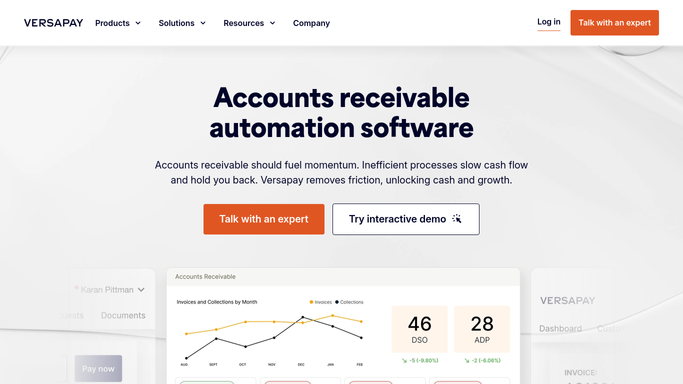
WebRun opens Versapay to read overdue account data and scoring factors. - Open Versapay and read all active accounts with an overdue balance
- For each account, capture: total overdue amount, aging bucket, days since last payment, number of broken payment promises in the last 90 days, and any open disputes
- Apply a weighted priority score: highest weight to balance size and longest aging, lower weight to recent payment activity
Done when Every overdue account has a calculated priority score and its key data points have been captured.
-
2
Google Sheets - write ranked collections priority report
google.com How to Automate Google Sheets
WebRun opens Google Sheets to write ranked collections priority report. - Open the weekly collections priority Google Sheet
- Clear the prior week's data and paste this week's ranked list: account name, overdue amount, aging bucket, priority score, and assigned collector
- Add conditional formatting so the top-priority accounts stand out in red
- Include a summary row at the top with total overdue value and account count
Done when The Google Sheet shows this week's full ranked priority list, ready for the collections team.
-
3
Slack - notify collections team the report is ready
slack.com How to Automate Slack
WebRun opens Slack to notify collections team the report is ready. - Post a Monday morning message to the collections Slack channel with the total overdue value, account count, and top 5 accounts by priority score
- Include a direct link to the priority Google Sheet
Done when Collections team has today's priority list in Slack and the full sheet for detailed working.


How do I get a ranked collections priority report from Versapay each week?
Every Monday, WebRun reads overdue balances, aging, and payment history for all active accounts from Versapay, scores each account for collections priority, and writes a ranked list to Google Sheets. A Slack message delivers the top 5 accounts and total overdue value to your collections team so they start the week focused on the highest-impact calls.
- Collectors start every Monday with a scored, ranked account list instead of building one manually
- Highest-value and oldest balances prioritised automatically each week
- Total overdue value visible at a glance for management reporting
Built for collections managers · AR teams · credit controllers · B2B companies with large overdue ledgers
How is each run configured?
Secure by default
Connect once, stays signed in
WebRun signs in once and keeps each session in a persistent environment, so every run picks up right where it left off.
Every action is checked against this policy before it runs.
Questions, answered
How is the priority score calculated?
The score weights overdue balance and aging most heavily, then factors in broken payment promises and open disputes. You can adjust the weighting to match your collections policy, for example prioritising oldest balances over largest ones.
Does it contact customers or make calls?
No. WebRun only produces the ranked report for your team. All customer outreach, calls, and collections communications are initiated by your collectors after reviewing the list.
Can accounts be assigned to specific collectors in the sheet?
Yes. Add an assignment column in the Google Sheet and tell WebRun your assignment rules (by territory, account size, or collector name) and it will pre-populate the assigned collector column each Monday.
Related templates
Put this on autopilot.
Turn it on in minutes - or have our team set it up for you.