Flag accounts that should go on credit hold before more orders ship
Every morning, WebRun opens Versapay, evaluates all active accounts against your credit hold criteria (days overdue, balance threshold, broken promises), logs each recommendation in a Google Sheet, and posts a Slack alert to your credit team so they can approve holds before more orders ship to high-risk customers.
- No credit card
- Under $0.01 per run
- Cancel anytime
What does WebRun do on every run?
The exact actions WebRun takes, in order - in plain language, so you can adjust anything.
-
WebRun signs in and gets to work
Opens
app.versapay.comin a real browser with your saved login - no setup, no API keys. -
1
Versapay - evaluate accounts against credit hold criteria
versapay.com How to Automate Versapay

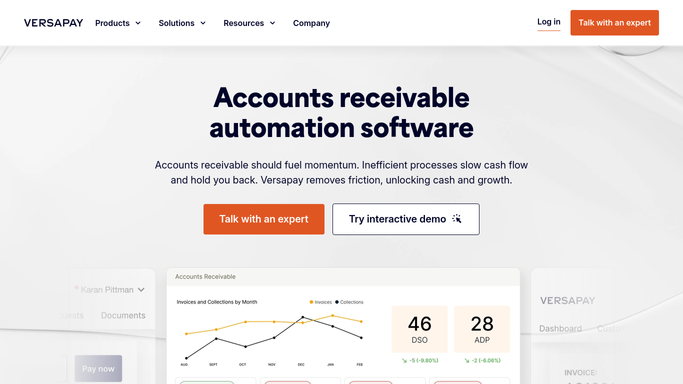
WebRun opens Versapay to evaluate accounts against credit hold criteria. - Open Versapay and review the accounts receivable ledger for all active customer accounts
- Apply credit hold criteria: flag accounts with invoices overdue by more than 30 days, total overdue balance above your threshold, or two or more broken payment promises in the past 60 days
- Capture customer name, total overdue amount, oldest invoice age, and specific trigger criterion for each flagged account
Done when All accounts meeting credit hold criteria are identified and their trigger reasons documented.
-
2
Google Sheets - log credit hold recommendations
google.com How to Automate Google Sheets
WebRun opens Google Sheets to log credit hold recommendations. - Open the credit hold recommendations Google Sheet
- Append each newly flagged account as a new row with customer, overdue amount, trigger reason, and recommended hold date
- Update the status of previously flagged accounts that have since paid their balance
- Sort the list by overdue balance descending
Done when The credit hold recommendations sheet is current with all new flags and resolved accounts cleared.
-
3
Slack - alert credit team for approval
slack.com How to Automate Slack
WebRun opens Slack to alert credit team for approval. - Post a summary to the credit team Slack channel with the count and total value of new hold recommendations
- List each flagged account with name, overdue amount, and trigger reason
- Include a link to the Google Sheet and remind the team that no hold is applied until they approve it
Done when Credit team has the full list of recommended holds and can act before the next order cycle.


How do I automatically flag accounts for credit hold review using Versapay?
Every morning, WebRun evaluates all active accounts in Versapay against your credit hold criteria, such as 30-plus days overdue or repeated broken promises. It logs each recommended hold in Google Sheets and posts a Slack alert to your credit team with the full list, so human approvers can act before the next order ships to a high-risk customer.
- High-risk accounts flagged before new orders add more exposure
- Credit team reviews a ranked recommendation list in minutes each morning
- No hold applied without explicit human approval
Built for credit managers · AR teams · finance directors · B2B companies extending trade credit
How is each run configured?
Secure by default
Connect once, stays signed in
WebRun signs in once and keeps each session in a persistent environment, so every run picks up right where it left off.
Every action is checked against this policy before it runs.
Questions, answered
Does it apply the credit hold automatically?
No. WebRun only flags and recommends. Placing a customer on credit hold requires explicit approval from your credit team. The Slack alert and Google Sheet are designed to make that human decision fast and informed.
What criteria trigger a credit hold recommendation?
By default: any invoice overdue by more than 30 days, a total overdue balance above your set threshold, or two broken payment promises in the past 60 days. You can adjust all three thresholds to match your credit policy.
Will it notify the customer that they are flagged?
No. This is an entirely internal workflow. No communication is sent to customers. Any customer notification about a credit hold is a separate, human-approved step.
Related templates
Put this on autopilot.
Turn it on in minutes - or have our team set it up for you.