Follow up on every allergy test result before it gets missed
Every morning, WebRun opens Practice Fusion and finds allergy and immunology test results received in the past 48 hours that have not yet been acknowledged, signed off, or linked to a follow-up appointment. It logs each pending result to an Airtable worklist with the test type and ordering provider, and posts a priority queue to Slack so no actionable result sits unaddressed.
- No credit card
- Under $0.01 per run
- Cancel anytime
How do I automatically track allergy test results that need provider follow-up?
WebRun opens Practice Fusion every morning and finds every allergy test result received in the past 48 hours that has not yet been acknowledged or linked to a follow-up. Abnormal results are flagged for same-day action, all results are logged to Airtable with deadlines, and a priority queue posts to Slack so no result sits unaddressed past 72 hours.
- No allergy test result goes unacknowledged past 48 hours
- Abnormal and critical results surface at the top of the Slack queue the same morning they arrive
- A running Airtable log gives management documentation that every result was acted on within deadline
Built for allergy and immunology clinics · allergy providers · clinical quality managers
What does WebRun do on every run?
The exact actions WebRun takes, in order - in plain language, so you can adjust anything.
-
WebRun signs in and gets to work
Opens
static.practicefusion.com/apps/ehrin a real browser with your saved login - no setup, no API keys. -
1
Practice Fusion - find unacknowledged test results received in the last 48 hours
practicefusion.com How to Automate Practice Fusion
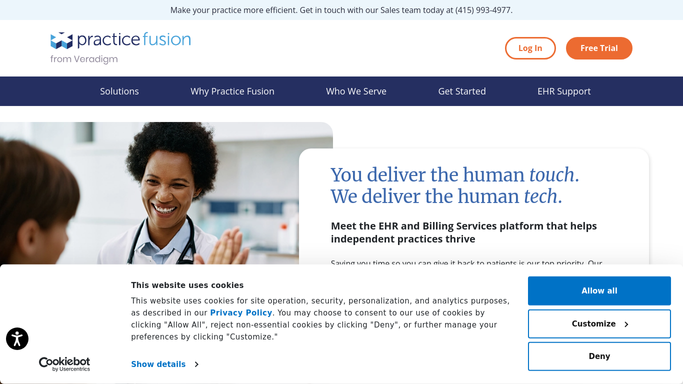
WebRun opens Practice Fusion to find unacknowledged test results received in the last 48 hours. - Open Practice Fusion and navigate to incoming results or the lab and diagnostic results section
- Filter for results received in the past 48 hours that are not yet signed off or linked to a follow-up note
- Capture patient name, test type (skin prick results, specific IgE panel, RAST, PFT, or other), ordering provider, and result date
- Flag any results marked abnormal or critical for top priority
Done when Every unacknowledged test result from the past 48 hours is identified with test type and priority level.
-
2
Airtable - log each pending result with test type and ordering provider
airtable.com How to Automate Airtable

WebRun opens Airtable to log each pending result with test type and ordering provider. - Open the results follow-up Airtable worklist
- Add a record for each pending result with patient, test type, ordering provider, result date, and abnormal flag
- Set a follow-up deadline field: 24 hours for abnormal or critical, 72 hours for routine
Done when All pending results are logged in Airtable with deadlines and abnormal flags.
-
3
Slack - post results follow-up queue to clinical team
slack.com How to Automate Slack

WebRun opens Slack to post results follow-up queue to clinical team. - Post the results follow-up queue to the clinical Slack channel
- Lead with any abnormal or critical results requiring same-day action
- List remaining results by ordering provider with test type and result date
- Include a count of total results awaiting acknowledgment
Done when The clinical team has today's results follow-up queue in Slack, with abnormal results at the top.
How is each run configured?
Secure by default
Connect once, stays signed in
WebRun signs in once and keeps each session in a persistent environment, so every run picks up right where it left off.
Every action is checked against this policy before it runs.
Questions, answered
Will it notify the patient about their test results automatically?
No. WebRun surfaces unacknowledged results to the clinical team in Slack and Airtable. Patient notification about test results must be done by a provider or staff member after reviewing the result, ensuring clinical accuracy and no unauthorized PHI disclosure.
How does it handle critical or abnormal results?
Abnormal or critical results are flagged at the top of both the Airtable worklist and the Slack post, with a 24-hour follow-up deadline instead of the standard 72 hours. This ensures the most urgent results get provider attention the same day they arrive.
What types of allergy test results does it track?
It checks for any result in the Practice Fusion results inbox, including skin prick and intradermal test results, specific IgE or RAST panels, pulmonary function tests, patch test readings, and any lab orders tied to allergy or immunology patients.
Related templates
Put this on autopilot.
Turn it on in minutes - or have our team set it up for you.