Get a weekly scorecard of what Zscaler blocked and who tried
Every Monday, WebRun opens Zscaler, reviews the past week's internet access logs for blocked categories and the users with the most policy violations, creates a Trello card for any policy that looks worth reviewing, and posts a scorecard to Microsoft Teams.
- No credit card
- Under $0.01 per run
- Cancel anytime
What does WebRun do on every run?
The exact actions WebRun takes, in order - in plain language, so you can adjust anything.
-
WebRun signs in and gets to work
Opens
zscaler.comin a real browser with your saved login - no setup, no API keys. -
1
Zscaler - review access logs
zscaler.com

WebRun opens Zscaler to review access logs. - Open Zscaler and review internet access logs for the past week
- Rank the top blocked categories and the users with the most violations
- Note any policy that looks outdated or overly broad
Done when The week's top blocked categories and top users are ranked.
-
2
Trello - queue policies worth reviewing
trello.com How to Automate Trello
WebRun opens Trello to queue policies worth reviewing. - Open the policy review board in Trello
- Create a card for any policy that looks worth reviewing, with the reason noted
- Leave the card open until a policy owner reviews it
Done when Every policy worth a second look has a Trello card.
-
3
Microsoft Teams - post the scorecard
microsoft.com How to Automate Microsoft Teams
WebRun opens Microsoft Teams to post the scorecard. - Post the scorecard to the network security channel in Microsoft Teams
- List the top blocked categories and top users by violation count
- Link to any new Trello review card
Done when The Teams channel has this week's access scorecard.
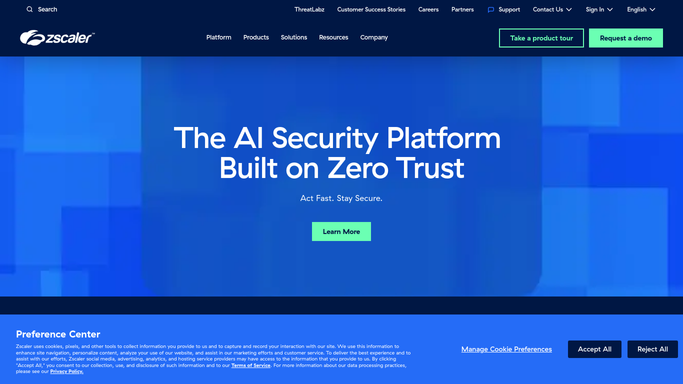


How do I get a weekly summary of what Zscaler blocked and who triggered the most policy hits?
WebRun reviews Zscaler's internet access logs every Monday, ranks the top blocked categories and users with the most policy violations, and queues any policy worth a second look as a Trello card. It posts a scorecard to Microsoft Teams and never changes a policy itself, leaving every rule change to your team.
- Top blocked categories and risky users are ranked every Monday
- Policies worth a second look get queued instead of forgotten
- The team reads one scorecard instead of raw access logs
Built for network security teams · IT admins · CISOs · managed service providers
How is each run configured?
Secure by default
Connect once, stays signed in
WebRun signs in once and keeps each session in a persistent environment, so every run picks up right where it left off.
Every action is checked against this policy before it runs.
Questions, answered
Does WebRun change any access policy itself?
No. WebRun only reads logs and queues a review card. Any policy change is a manual step your network security team makes in Zscaler.
Does the scorecard name individual users?
It lists users by their violation count so patterns are visible, but any action, such as a conversation with that user, is left to your team.
What if no policy needs review this week?
Then no new Trello card is created. The scorecard still posts with the week's blocked-category counts either way.
Related templates
Put this on autopilot.
Turn it on in minutes - or have our team set it up for you.