Survey alumni for employment outcomes
Every morning, WebRun opens CoreCampus, finds graduates hitting their 6-month post-graduation mark, drafts a survey invite email linking to the employment outcome survey in Google Forms, and reports career services the current response rate for each program.
- No credit card
- Under $0.01 per run
- Cancel anytime
How do I survey alumni for employment outcomes at their 6-month mark?
WebRun checks CoreCampus every morning for graduates reaching their 6-month post-graduation mark and drafts a survey invite email linking to the employment outcome survey in Google Forms. It leaves the draft in Gmail for career services to send, then tracks the response rate by program, so alumni employment data stays current for accreditation without anyone manually chasing surveys.
- Alumni employment data stays current without anyone manually chasing surveys
- Career services sees response rate by program every morning, not just at audit time
- Every graduate gets surveyed on the same consistent 6-month window
Built for career services coordinators · trade school registrars · accreditation compliance staff · vocational school administrators
What does WebRun do on every run?
The exact actions WebRun takes, in order - in plain language, so you can adjust anything.
-
WebRun signs in and gets to work
Opens
www.corecampus.comin a real browser with your saved login - no setup, no API keys. -
1
CoreCampus - find graduates at the 6-month mark
corecampus.com How to Automate CoreCampus
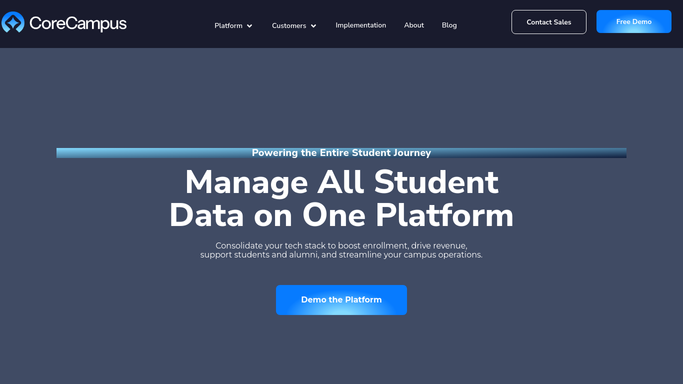
WebRun opens CoreCampus to find graduates at the 6-month mark. - Open CoreCampus and list graduates hitting exactly 6 months since their completion date today
- Pull their program, graduation date, and email on file
- Skip anyone who already completed the survey
Done when Every graduate reaching the 6-month mark today is listed.
-
2
Gmail - draft the survey invite email
gmail.com How to Automate Gmail

WebRun opens Gmail to draft the survey invite email. - Draft a short survey invite email for each graduate with the Google Forms link
- Personalize it with their program and graduation date
- Leave every draft in Gmail for career services to review and send
Done when A draft survey invite is ready for every graduate hitting the 6-month mark.
-
3
Google Forms - collect and report survey responses
forms.google.com

WebRun opens Google Forms to collect and report survey responses. - Collect submitted responses on current job title, employer, and whether the role is in-field
- Tally the response rate for each program
- Report any program falling behind its survey response target
Done when Career services has today's response tally by program.
How is each run configured?
Secure by default
Connect once, stays signed in
WebRun signs in once and keeps each session in a persistent environment, so every run picks up right where it left off.
Every action is checked against this policy before it runs.
Questions, answered
Will it email alumni without review?
No. WebRun only drafts the survey invite in Gmail and leaves it for career services to review and send. It never contacts a graduate on its own.
Why does it survey at exactly 6 months?
Employment outcome reporting for accreditation and gainful employment disclosures is typically measured at a fixed post-graduation window, so surveying consistently at 6 months keeps the data comparable across programs.
What happens to a graduate who never responds?
They stay counted against that program's response rate so career services can see the gap, but no automated reminder goes out beyond the reviewed invite.
Related templates
Put this on autopilot.
Turn it on in minutes - or have our team set it up for you.