Get your critical Sumo Logic alerts every morning
Every morning, WebRun opens Sumo Logic, reads every alert triggered since the last check, archives the full search results to Google Drive, and posts a digest of critical and high severity alerts to Slack.
- No credit card
- Under $0.01 per run
- Cancel anytime
How do I get a morning digest of Sumo Logic alerts?
WebRun checks Sumo Logic every morning for alerts triggered overnight, archives the full search results to Google Drive, and posts a digest of critical and high severity alerts to Slack. Security and ops teams start the day with the highest severity issues already surfaced and the full detail saved for investigation.
- Critical alerts are surfaced first thing every morning
- Full search results are archived before anyone starts digging
- Lower severity noise stays counted, not spelled out line by line
Built for security teams · site reliability engineers · ops teams
What does WebRun do on every run?
The exact actions WebRun takes, in order - in plain language, so you can adjust anything.
-
WebRun signs in and gets to work
Opens
service.sumologic.comin a real browser with your saved login - no setup, no API keys. -
1
Sumo Logic - read overnight alerts
sumologic.com
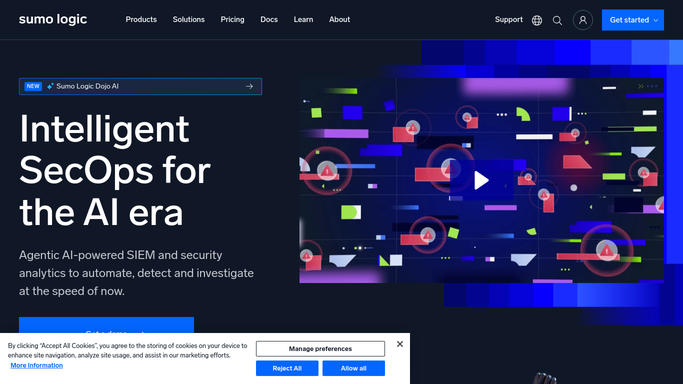
WebRun opens Sumo Logic to read overnight alerts. - Open Sumo Logic and check alerts triggered since the last run
- Read each alert's severity and the search that triggered it
- Group them by critical, high, and lower severity
Done when Every alert since the last check is read and grouped by severity.
-
2
Google Drive - archive the full results
drive.google.com How to Automate Google Drive

WebRun opens Google Drive to archive the full results. - Open the ops archive folder in Google Drive
- Save the full search results for each alert as a dated file
- Keep the folder organized by day
Done when Today's alert results are archived in Drive.
-
3
Slack - post the digest
slack.com How to Automate Slack

WebRun opens Slack to post the digest. - Open the ops channel in Slack
- Post the critical and high severity alerts first, with a count of the rest
- Link to the archived detail in Google Drive
Done when The team has this morning's digest in Slack.
How is each run configured?
Secure by default
Connect once, stays signed in
WebRun signs in once and keeps each session in a persistent environment, so every run picks up right where it left off.
Every action is checked against this policy before it runs.
Questions, answered
Does WebRun silence or resolve alerts in Sumo Logic?
No. It only reads triggered alerts and archives the results. Muting, resolving, or tuning an alert stays a manual step.
What happens to lower severity alerts?
They're counted in the digest but not listed line by line, so the channel stays focused on what needs attention first.
How long is the archived detail kept?
As long as it stays in the Google Drive folder. Every day gets its own dated file, so nothing overwrites a prior morning.
Related templates
Put this on autopilot.
Turn it on in minutes - or have our team set it up for you.