Kick off new records management client onboarding automatically
When a new client account is created in O'Neil Stratus, WebRun reads the account details, drafts a welcome email for the client in Gmail for staff review, configures the default retention schedule settings in the account, and posts an onboarding task checklist to your operations Slack channel.
- No credit card
- Under $0.01 per run
- Cancel anytime
How do I automatically onboard new records management clients in O'Neil Stratus?
WebRun detects every new client account created in O'Neil Stratus, reads the account details, applies default retention schedule codes, drafts a welcome email in Gmail for the account manager to review before sending, and posts a kickoff task checklist to the operations Slack channel so the onboarding is actioned the same day.
- New client accounts are configured with retention defaults within minutes of creation
- Account managers receive a ready-to-send welcome email draft without writing it from scratch
- Operations team has a full kickoff checklist in Slack the same day a new client is added
Built for records management companies · secure shredding services · document storage account managers · records center operations teams
What does WebRun do on every run?
The exact actions WebRun takes, in order - in plain language, so you can adjust anything.
-
WebRun signs in and gets to work
Opens
oneilsoftware.comin a real browser with your saved login - no setup, no API keys. -
1
O'Neil Stratus - read new client account and configure defaults
oneilsoftware.com How to Automate O'Neil Stratus
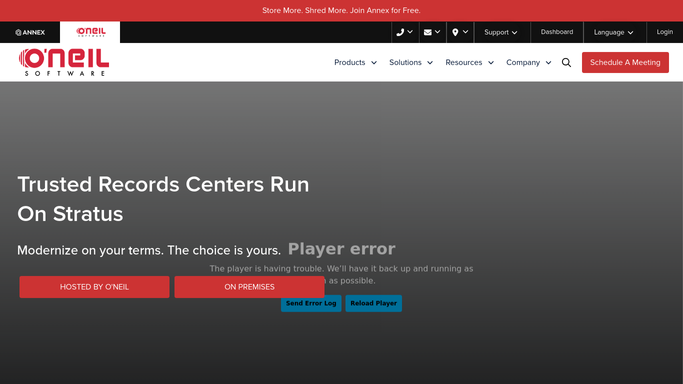
WebRun opens O'Neil Stratus to read new client account and configure defaults. - Open O'Neil Stratus and navigate to the new client account just created
- Verify the account details: company name, service address, primary contact, service type, and billing settings
- Apply the default retention schedule codes for the client's industry if not already set
Done when The new client account is fully configured with verified details and default retention settings.
-
2
Gmail - draft welcome email for staff review
gmail.com How to Automate Gmail

WebRun opens Gmail to draft welcome email for staff review. - Draft a welcome email for the new client with your company's onboarding instructions and primary contact details
- Include the client's account number from O'Neil Stratus and links to the O'Neil Order customer portal
- Leave the draft unsent in Gmail for the account manager to review and personalize before sending
Done when A welcome email draft is queued in Gmail for the new client, ready for account manager review.
-
3
Slack - post onboarding task checklist to operations team
slack.com How to Automate Slack

WebRun opens Slack to post onboarding task checklist to operations team. - Post a new client onboarding checklist to the operations Slack channel
- Include the client name, service type, service start date, and the tasks still to be completed such as container delivery and first pickup scheduling
- Tag the assigned account manager and operations lead so the kickoff is actioned the same day
Done when The operations team has the new client checklist in Slack and kickoff tasks are assigned.
How is each run configured?
Secure by default
Connect once, stays signed in
WebRun signs in once and keeps each session in a persistent environment, so every run picks up right where it left off.
Every action is checked against this policy before it runs.
Questions, answered
Will it send the welcome email to the new client automatically?
No. The welcome email is drafted in Gmail and left unsent for the account manager to review, personalize, and approve before sending. The first client contact always goes through a staff review.
What retention schedule defaults does it apply?
It applies the standard retention codes for the client's industry type as configured in your O'Neil Stratus defaults. Account managers can review and adjust these before the first service run.
What if some account details are missing at the time of creation?
WebRun flags any missing required fields in the Slack checklist so the account manager can complete them before the first pickup or storage job is scheduled.
Related templates
Put this on autopilot.
Turn it on in minutes - or have our team set it up for you.