Deliver your daily revenue reconciliation digest automatically
Every morning, WebRun opens Leapfin, reads the latest reconciliation results across your payment streams, cross-checks each settlement against Stripe payouts, flags any unmatched items, and posts a concise digest to your Slack accounting channel so the team starts the day with a clear picture.
- No credit card
- Under $0.01 per run
- Cancel anytime
What does WebRun do on every run?
The exact actions WebRun takes, in order - in plain language, so you can adjust anything.
-
WebRun signs in and gets to work
Opens
app.leapfin.comin a real browser with your saved login - no setup, no API keys. -
1
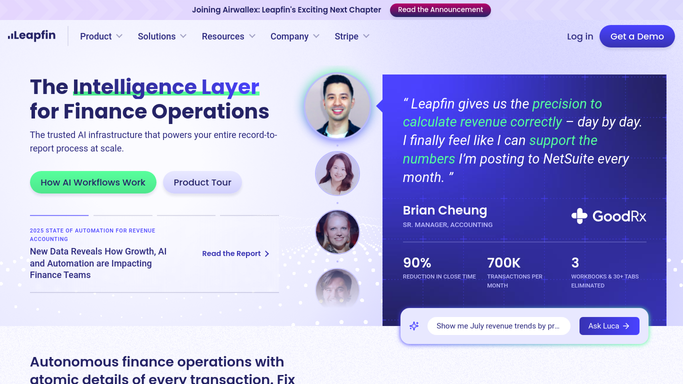
Leapfin - read reconciliation results
leapfin.com How to Automate Leapfin

WebRun opens Leapfin to read reconciliation results. - Open Leapfin and navigate to the reconciliation dashboard
- Read the latest reconciliation run: matched items, unmatched items, and any exceptions
- Capture gross revenue, refunds, disputes, and net settlement totals by source
Done when Reconciliation totals and exception counts are captured for each payment source.
-
2
Stripe - verify payout settlements
stripe.com How to Automate Stripe
WebRun opens Stripe to verify payout settlements. - Open Stripe and check yesterday's payout summary
- Confirm the net payout amount matches the Leapfin reconciled total for Stripe
- Note any chargebacks, refunds, or fees that affect the settled amount
Done when Stripe payout figures are confirmed and any discrepancies noted.
-
3
Slack - post daily digest
slack.com How to Automate Slack
WebRun opens Slack to post daily digest. - Post the reconciliation digest to the accounting Slack channel
- Include gross revenue, net settlements, exception count, and any items needing manual review
- Highlight any variance greater than the team threshold in bold
Done when The accounting team has today's reconciliation digest in Slack.


How do I automatically get a daily revenue reconciliation digest?
WebRun reads Leapfin reconciliation results every morning, cross-checks each Stripe payout for discrepancies, and posts a clear digest to your accounting Slack channel. The digest covers gross revenue, net settlements, and any exceptions needing manual review, so your team starts each day fully informed.
- Team starts every day with a fully reconciled payment summary
- Exceptions surface automatically rather than waiting for manual review
- Stripe payout discrepancies are caught the morning after they occur
Built for SaaS accounting teams · revenue operations managers · controllers · finance directors
How is each run configured?
Secure by default
Connect once, stays signed in
WebRun signs in once and keeps each session in a persistent environment, so every run picks up right where it left off.
Every action is checked against this policy before it runs.
Questions, answered
Does it post journal entries to the ledger automatically?
No. The digest is an internal Slack summary only. Any journal entries identified for posting are flagged for your accountant to review and approve in Leapfin before they reach the GL.
What counts as an exception in the digest?
Unmatched transactions, settlement amounts that do not tie to Leapfin totals, and any refund or dispute not yet reflected in the revenue subledger are all flagged as exceptions.
Can it reconcile sources other than Stripe?
Yes. Leapfin ingests data from multiple payment processors and billing systems. You can extend the digest to cover any source Leapfin already reconciles.
Related templates
Put this on autopilot.
Turn it on in minutes - or have our team set it up for you.