Recover failed membership payments before access lapses
Every morning, WebRun checks Stripe for failed membership charges, matches each failure to a member record in CourtReserve, drafts a payment-recovery email in Gmail for staff review, and posts a failed-payment worklist to Slack.
- No credit card
- Under $0.01 per run
- Cancel anytime
How do I automatically follow up on failed membership payments?
WebRun checks Stripe every morning for failed membership charges, matches each failure to the member record in CourtReserve, and drafts a polite payment-recovery email in Gmail for staff review. A worklist of at-risk members is posted to Slack so the team can approve drafts and recover revenue before access lapses.
- Failed payments are caught and recovery drafts queued within 24 hours
- Staff see which members are at risk of access suspension before it happens
- No recovery email reaches a member without a human reviewing it first
Built for tennis clubs · pickleball clubs · racquet sports clubs · club finance managers
What does WebRun do on every run?
The exact actions WebRun takes, in order - in plain language, so you can adjust anything.
-
WebRun signs in and gets to work
Opens
dashboard.stripe.comin a real browser with your saved login - no setup, no API keys. -
1
Stripe - find failed membership charges
stripe.com How to Automate Stripe

WebRun opens Stripe to find failed membership charges. - Open Stripe and filter charges to failed status from the last 24 hours
- Capture the charge amount, failure reason, and customer email for each
- Note whether this is the first failure or a retry
Done when Every failed membership charge from the last 24 hours is listed with its details.
-
2
CourtReserve - match failures to member records
courtreserve.com
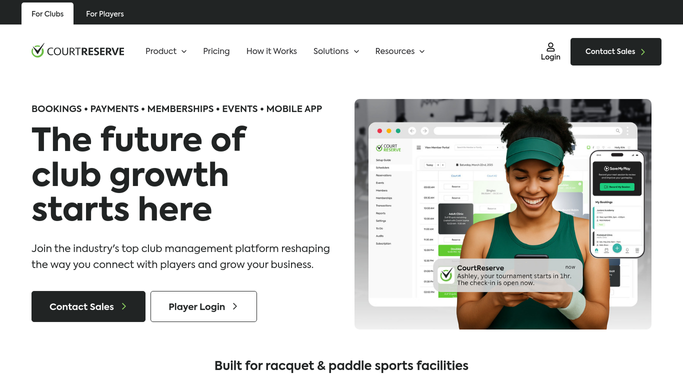
WebRun opens CourtReserve to match failures to member records. - Open CourtReserve and look up each failed-payment email in the Members section
- Confirm the member's name, membership tier, and current access status
- Flag members whose access will be suspended if payment is not recovered
Done when Each failed payment is matched to a named member record with their access status confirmed.
-
3
Gmail - draft payment-recovery emails
gmail.com How to Automate Gmail

WebRun opens Gmail to draft payment-recovery emails. - Draft a polite payment-recovery email for each member naming the failed amount and a link to update their payment method
- Keep the tone friendly, not threatening
- Save every email as a draft for staff review. Do not send without approval
Done when A recovery email draft is queued in Gmail for every member with a failed payment.
-
4
Slack - post failed-payment worklist
slack.com How to Automate Slack

WebRun opens Slack to post failed-payment worklist. - Post a failed-payment worklist to the staff channel with each member's name, amount, and failure reason
- Flag members at risk of access suspension today
- Note how many Gmail drafts are waiting for review
Done when Staff have a full failed-payment worklist in Slack with at-risk members highlighted.
How is each run configured?
Secure by default
Connect once, stays signed in
WebRun signs in once and keeps each session in a persistent environment, so every run picks up right where it left off.
Every action is checked against this policy before it runs.
Questions, answered
Will it email members about a failed payment without staff approval?
No. Every recovery email is saved as a Gmail draft for staff to review before sending. No message reaches a member without a human sign-off.
Does it handle retried charges automatically?
It notes whether each failure is a first attempt or a retry so staff can prioritise, but it does not initiate retries. Any retry action is taken by staff after reviewing the worklist.
What if a member pays before the draft is reviewed?
Stripe is checked for live failed status each morning, so members whose payment already succeeded on a retry are skipped and no draft is created for them.
Related templates
Put this on autopilot.
Turn it on in minutes - or have our team set it up for you.