Fill every clinic and lesson with confirmed attendees
Every morning, WebRun opens CourtReserve, finds clinics and lessons starting in the next 48 hours, drafts a confirmation and preparation reminder for each enrolled participant, queues every draft in Gmail for staff review, and posts a session summary to Slack.
- No credit card
- Under $0.01 per run
- Cancel anytime
What does WebRun do on every run?
The exact actions WebRun takes, in order - in plain language, so you can adjust anything.
-
WebRun signs in and gets to work
Opens
app.courtreserve.comin a real browser with your saved login - no setup, no API keys. -
1
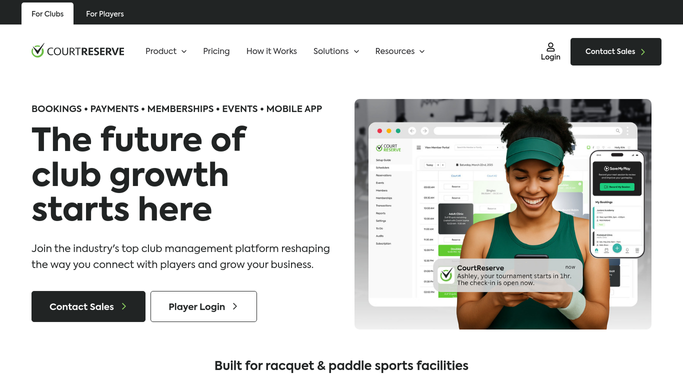
CourtReserve - find upcoming clinics and lessons
courtreserve.com

WebRun opens CourtReserve to find upcoming clinics and lessons. - Open CourtReserve and navigate to the Programs or Events section
- Filter for clinics and lessons starting in the next 48 hours
- Capture each session's name, date, time, court, instructor, and enrolled participant list with emails
- Skip participants already reminded for this session
Done when Every upcoming clinic and lesson has a full participant list with contact details.
-
2
Gmail - draft confirmation and prep reminders
gmail.com How to Automate Gmail
WebRun opens Gmail to draft confirmation and prep reminders. - Draft a confirmation email for each participant naming the session, time, court, and instructor
- Add a short what-to-bring note tailored to the session type
- Save every email as a draft for staff review. Do not send without approval
Done when A confirmation and prep reminder draft is queued for every participant across all upcoming sessions.
-
3
Slack - post session summary to staff
slack.com How to Automate Slack
WebRun opens Slack to post session summary to staff. - Post a session summary listing each clinic and lesson with its enrollment count and how many reminder drafts need review
- Flag any session with low enrollment so staff can promote it
- Note any session starting within 24 hours as time-sensitive
Done when Staff have a clinic and lesson overview in Slack with low-enrollment sessions flagged.


How do I automatically send reminders for tennis and pickleball clinics?
WebRun opens CourtReserve every morning, finds all clinics and lessons starting within 48 hours, and drafts a confirmation and preparation reminder for every enrolled participant in Gmail. Staff approve each batch before sending. Low-enrollment sessions are flagged in Slack so the team can promote them before the session starts.
- Every enrolled participant gets a timely confirmation before their session
- Low-enrollment clinics are flagged in Slack with time to promote them
- No-show rates fall because reminders go out consistently every morning
Built for tennis clubs · pickleball clubs · racquet sports programs · club instructors
How is each run configured?
Secure by default
Connect once, stays signed in
WebRun signs in once and keeps each session in a persistent environment, so every run picks up right where it left off.
Every action is checked against this policy before it runs.
Questions, answered
Will it email participants without staff approval?
No. Every reminder is saved as a Gmail draft for staff to review and approve. No email reaches a participant without a human sign-off first.
Does it cover both group clinics and private lessons?
Yes. It reads all program and event types in CourtReserve, so both group clinics and private lesson bookings are included in each run.
What happens if a session is cancelled after the drafts are created?
The Slack summary shows live enrollment data each morning, so staff can discard any drafts for a cancelled session before approving them.
Related templates
Put this on autopilot.
Turn it on in minutes - or have our team set it up for you.