Welcome every new Treats member with a same-day follow-up
Within minutes of a new Treats loyalty signup in Qashier, WebRun reads the new member's join date, outlet, and starting perk, drafts a short welcome message explaining how their points work, and holds it in a Google Sheet next to their number for staff to review and send over WhatsApp the same day.
- No credit card
- Under $0.01 per run
- Cancel anytime
How do I welcome new Qashier Treats members the same day they sign up?
WebRun catches every new Treats signup in Qashier within minutes. It reads the member's join date, outlet, and starting perk, drafts a short, friendly welcome message explaining how their points work, and holds it in a Google Sheet next to their number so staff can review and send it the same day.
- New members get a welcome draft ready within minutes of signing up
- Nothing sent without staff reviewing it first
- Unsent welcomes flagged after 24 hours so none quietly fall through
Built for Qashier merchants with Treats loyalty · cafe and retail owners · loyalty program managers · customer experience teams
What does WebRun do on every run?
The exact actions WebRun takes, in order - in plain language, so you can adjust anything.
-
WebRun signs in and gets to work
Opens
hq.qashier.comin a real browser with your saved login - no setup, no API keys. -
1
Qashier - detect the new Treats member signup
qashier.com How to Automate Qashier
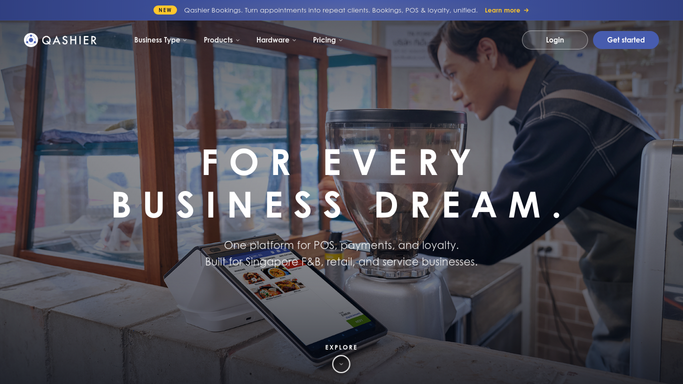
WebRun opens Qashier to detect the new Treats member signup. - Watch the Treats member list for a new signup
- Pull the new member's join date, outlet, and starting perk or points
- Note whether the signup happened in store or online
Done when Every new Treats signup is captured with its outlet and starting perk.
-
2
WhatsApp - draft a personal welcome message
whatsapp.com How to Automate WhatsApp

WebRun opens WhatsApp to draft a personal welcome message. - Draft a short, friendly welcome message for the new member
- Explain how their Treats points work and mention their starting perk
- Leave the message as an unsent draft. Never message the customer directly
Done when A welcome draft exists for every new member, unsent.
-
3
Google Sheets - hold the draft for staff review
google.com How to Automate Google Sheets

WebRun opens Google Sheets to hold the draft for staff review. - List the new member with their number and the draft message
- Mark the row sent once staff confirm it went out
- Flag any new member still unsent after 24 hours
Done when Every new member's welcome draft is logged and ready for staff to send.
How is each run configured?
Secure by default
Connect once, stays signed in
WebRun signs in once and keeps each session in a persistent environment, so every run picks up right where it left off.
Every action is checked against this policy before it runs.
Questions, answered
Will new members get a message without anyone checking it?
No. Every welcome message is drafted and held in the Google Sheet for staff to review first. WebRun never sends a message to a new member on its own.
How fast does a new signup get a draft ready?
Within minutes. WebRun checks for new Treats signups every few minutes during trading hours, so the draft is ready for staff before the member has left the outlet.
What if a draft doesn't get sent the same day?
It flags any new member still unsent after 24 hours in the Sheet, so a welcome message never quietly falls through.
Related templates
Put this on autopilot.
Turn it on in minutes - or have our team set it up for you.