Stay on top of every order's fulfillment status without refreshing Printful
Every morning, WebRun opens Printful, reviews all open orders, groups them by fulfillment stage, counts how many are pending, in production, shipped, or delayed, and sends a structured Telegram digest so your team starts the day with a complete fulfillment picture.
- No credit card
- Under $0.01 per run
- Cancel anytime
How do I get a daily fulfillment status digest from Printful sent to Telegram?
WebRun opens Printful every morning and reviews all open orders, grouping them by fulfillment stage: pending, in production, shipped, and delayed. A Telegram digest lands in your channel with stage counts, a list of any orders stuck in production beyond your threshold, and a shipped total for the day, giving your team a complete picture before they start.
- Your team sees every order's fulfillment stage before the workday starts
- Stuck production orders are flagged automatically before customers notice a delay
- No manual log-in to Printful needed for a daily status overview
Built for print on demand sellers · Shopify store operators · Etsy sellers · ecommerce operations teams
What does WebRun do on every run?
The exact actions WebRun takes, in order - in plain language, so you can adjust anything.
-
WebRun signs in and gets to work
Opens
www.printful.com/dashboardin a real browser with your saved login - no setup, no API keys. -
1
Printful - review open orders by fulfillment stage
printful.com How to Automate Printful
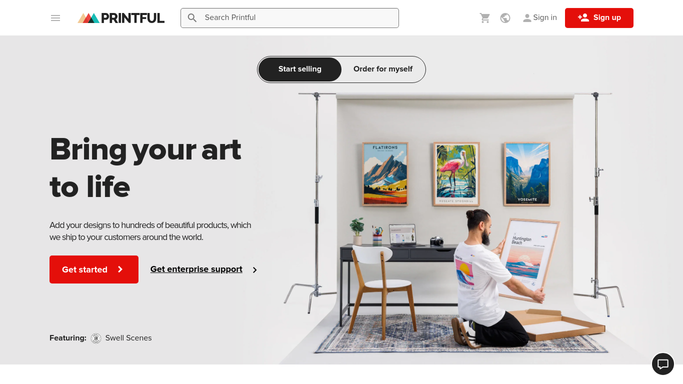
WebRun opens Printful to review open orders by fulfillment stage. - Open Printful and navigate to the Orders section
- Filter to all open (non-delivered) orders
- Group orders by stage: pending, in production, shipped, and any marked as delayed or on hold
- Count orders in each stage and flag any order that has been in production longer than 5 business days
Done when All open orders are grouped by stage with counts and long-running flags noted.
-
2
Telegram - send the daily fulfillment status digest
telegram.org How to Automate Telegram

WebRun opens Telegram to send the daily fulfillment status digest. - Send a Telegram digest showing the order count per fulfillment stage
- List any orders flagged as delayed or stuck in production with their order IDs
- Include the total open order count and the count of orders shipped today
Done when Your team receives the fulfillment digest in Telegram with all stage counts and delay flags.
How is each run configured?
Secure by default
Connect once, stays signed in
WebRun signs in once and keeps each session in a persistent environment, so every run picks up right where it left off.
Every action is checked against this policy before it runs.
Questions, answered
What triggers a delay flag?
Any order that has been in the production stage for more than 5 business days is flagged automatically. You can adjust this threshold at setup to match your product category's typical production time.
Will it contact customers about delays?
No. The digest is an internal message for your team only. Any customer communication about a delay is drafted and sent by you, not by this workflow.
Does it cover orders from multiple stores?
Yes. If multiple stores are connected to your Printful account, the digest includes all open orders across stores, with a per-store breakdown in the summary.
Related templates
Put this on autopilot.
Turn it on in minutes - or have our team set it up for you.