Catch low-stock products before they go out of stock
Every morning, WebRun opens Printful, scans product variants for low or out-of-stock status, cross-references your bestsellers list in Google Sheets, and sends a prioritized Telegram message so you can restock or pause listings before customers hit a dead end.
- No credit card
- Under $0.01 per run
- Cancel anytime
What does WebRun do on every run?
The exact actions WebRun takes, in order - in plain language, so you can adjust anything.
-
WebRun signs in and gets to work
Opens
www.printful.com/dashboardin a real browser with your saved login - no setup, no API keys. -
1
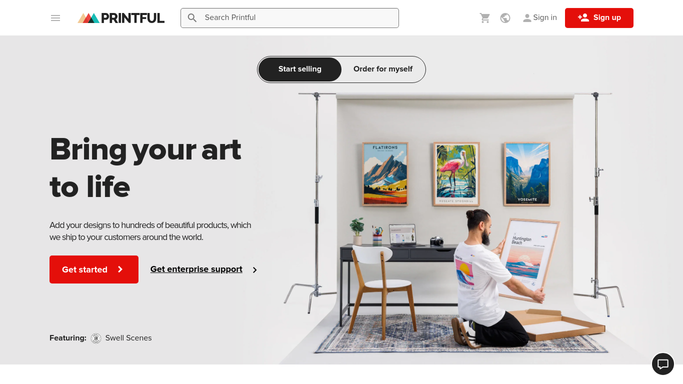
Printful - scan product variants for low stock
printful.com How to Automate Printful

WebRun opens Printful to scan product variants for low stock. - Open Printful and navigate to the product catalog
- Check stock levels for each product variant
- Flag any variant with fewer than your defined minimum units
- Note the product name, variant, current stock, and fulfillment supplier
Done when All low-stock variants are listed with their current quantities.
-
2
Google Sheets - cross-check against bestsellers list
google.com How to Automate Google Sheets
WebRun opens Google Sheets to cross-check against bestsellers list. - Open the bestsellers Google Sheet and read the ranked product list
- Match each low-stock variant against the bestsellers ranking
- Sort the alert list so top-ranked sellers appear first
Done when The low-stock list is sorted by sales priority.
-
3
Telegram - send prioritized reorder alert
telegram.org How to Automate Telegram
WebRun opens Telegram to send prioritized reorder alert. - Send a Telegram message listing each low-stock item, its current quantity, and its sales rank
- Highlight any item that is already out of stock
- Include a direct link to the Printful product page for each item
Done when You receive the prioritized reorder alert in Telegram.


How do I get alerts when my Printful products are running low on stock?
WebRun scans your Printful product catalog every morning for low-stock variants, cross-references them against your bestsellers list in Google Sheets, and sends a ranked Telegram alert. Top-selling items at risk of running out are flagged first so you can reorder or pause listings before any customer sees an out-of-stock message.
- Top-selling variants are flagged before they go out of stock
- Stock alerts are ranked by sales priority, not just alphabetically
- No manual catalog review needed each morning
Built for print on demand sellers · Shopify store owners · Etsy sellers · ecommerce operators
How is each run configured?
Secure by default
Connect once, stays signed in
WebRun signs in once and keeps each session in a persistent environment, so every run picks up right where it left off.
Every action is checked against this policy before it runs.
Questions, answered
What counts as low stock?
You set the minimum threshold per product in your Google Sheet. WebRun flags any variant that falls below your defined number, so the cutoff is always yours to control.
Will it automatically reorder or pause listings?
No. WebRun sends you the alert; all reorder and listing decisions are made by you. Nothing is purchased or paused without your action.
Does it work with Printful warehousing and third-party stock?
Yes. It reads all variant stock statuses visible in your Printful dashboard, including warehouse stock and supplier availability indicators.
Related templates
Put this on autopilot.
Turn it on in minutes - or have our team set it up for you.