Flag aged inventory for markdown before it ties up your floor
Every Monday, WebRun opens Bravo Store Systems, identifies retail inventory items that have exceeded your aging threshold without selling, categorizes them by how far past the threshold they are, logs the full list to a Google Sheet, and posts a prioritized Slack digest so staff can decide which items to mark down or rotate off the floor.
- No credit card
- Under $0.01 per run
- Cancel anytime
How do I automatically identify aged pawn shop inventory that needs a markdown?
WebRun scans Bravo Store Systems every Monday for retail items past your aging threshold, logs them with suggested markdown percentages to a Google Sheet, and posts a prioritized Slack digest sorted by days on floor. Staff make every pricing decision. WebRun never changes a price in your system.
- Aged stock is caught every Monday before it becomes dead inventory
- Suggested markdowns give staff a starting point, saving pricing time
- Repeat-aged items are flagged so the most stubborn stock gets attention first
Built for pawn shop owners · pawn shop floor managers · pawn shop buyers and pricers
What does WebRun do on every run?
The exact actions WebRun takes, in order - in plain language, so you can adjust anything.
-
WebRun signs in and gets to work
Opens
www.bravostoresystems.comin a real browser with your saved login - no setup, no API keys. -
1
Bravo Store Systems - find inventory past the aging threshold
bravostoresystems.com
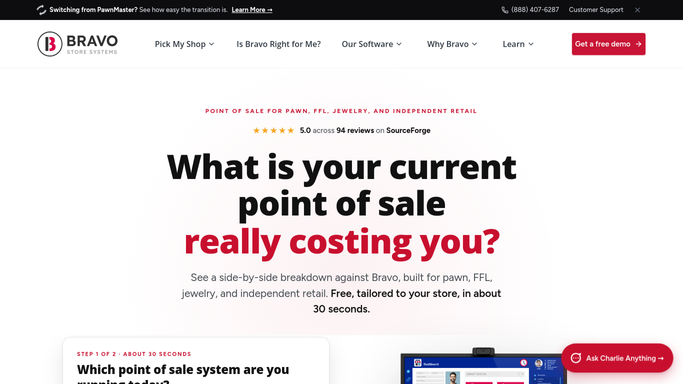
WebRun opens Bravo Store Systems to find inventory past the aging threshold. - Open Bravo Store Systems and filter retail inventory by acquisition date
- Flag items that have been on the floor longer than your configured threshold (e.g., 60 days for electronics, 90 days for jewelry)
- Capture item description, category, acquisition cost, current ticket price, and days on floor for each flagged item
Done when All inventory items past the aging threshold are listed with their pricing and age details.
-
2
Google Sheets - log aged items for tracking
google.com How to Automate Google Sheets

WebRun opens Google Sheets to log aged items for tracking. - Open the aged inventory Google Sheet and append each flagged item as a new row with today's date
- Calculate the suggested markdown percentage based on days past threshold and category rules you have defined
- Mark items that appeared on the list last week to show repeat offenders
Done when All aged items are logged to the sheet with suggested markdowns and repeat-flag status.
-
3
Slack - post markdown-candidate digest to staff
slack.com How to Automate Slack

WebRun opens Slack to post markdown-candidate digest to staff. - Post a formatted digest to the staff Slack channel sorted by days on floor, oldest first
- Include item description, current price, suggested markdown, and days on floor for each entry
- Link to the Google Sheet for the full list and historical comparison
Done when Staff have this week's markdown-candidate list in Slack and can assign pricing decisions.
How is each run configured?
Secure by default
Connect once, stays signed in
WebRun signs in once and keeps each session in a persistent environment, so every run picks up right where it left off.
Every action is checked against this policy before it runs.
Questions, answered
Will WebRun automatically change prices in Bravo Store Systems?
No. WebRun only flags items and suggests markdown percentages. Every pricing decision is made by your staff. No price is changed in Bravo Store Systems without explicit manual action from your team.
Can I set different aging thresholds for different categories?
Yes. You configure the threshold per category during setup: for example, 45 days for electronics, 90 days for jewelry, and 60 days for tools. WebRun applies the right rule for each item automatically.
What happens to items that appear on the list week after week?
WebRun tracks repeat appearances in the Google Sheet and flags them in the Slack digest so staff can see which items have been aging for multiple weeks and prioritize the most stubborn stock first.
Related templates
Put this on autopilot.
Turn it on in minutes - or have our team set it up for you.