Flag payer underpayments before your team misses them
Every morning, WebRun opens Tebra, reviews remittance payments posted the previous day, compares each payment against the contracted fee schedule for that payer, flags any payment that falls below the contracted amount, and posts an underpayment report to Google Sheets and a summary to your billing Slack channel.
- No credit card
- Under $0.01 per run
- Cancel anytime
What does WebRun do on every run?
The exact actions WebRun takes, in order - in plain language, so you can adjust anything.
-
WebRun signs in and gets to work
Opens
app.tebra.comin a real browser with your saved login - no setup, no API keys. -
1
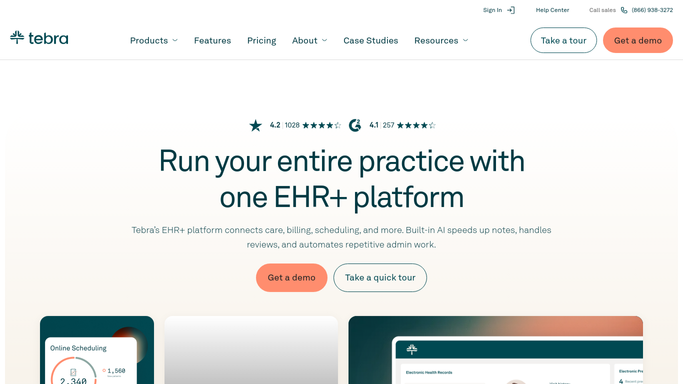
Tebra - review remittance payments
tebra.com How to Automate Tebra

WebRun opens Tebra to review remittance payments. - Open Tebra and filter the payment activity to remittances posted yesterday
- For each remittance, capture the payer name, procedure code, billed amount, allowed amount, and payment received
- Compare the payment received against the contracted rate for that procedure code and payer in your fee schedule
- Flag any line where the payment received is more than a small variance below the contracted rate
Done when Every remittance payment from yesterday has been compared to the contracted rate and underpayments are identified.
-
2
Google Sheets - build underpayment flag report
google.com How to Automate Google Sheets
WebRun opens Google Sheets to build underpayment flag report. - Add flagged underpayments to the running underpayment tracker sheet with payer, procedure code, contracted rate, amount paid, and variance amount
- Group underpayments by payer to show which payers have a pattern of underpaying
- Calculate the total dollar variance across all flagged claims for the day
- Mark any payer with three or more underpayments this month as a pattern payer for escalation
Done when Today's underpayments are logged in the tracker with payer groupings and total variance calculated.
-
3
Slack - alert billing team
slack.com How to Automate Slack
WebRun opens Slack to alert billing team. - Post a daily summary to the billing channel showing the count of underpayments, total variance amount, and top underpaying payer for the day
- Include a link to the Google Sheets underpayment tracker
Done when The billing team has today's underpayment summary and tracker link in Slack.


How do I automatically flag payer underpayments against contracted rates?
Every morning, WebRun opens Tebra, compares every remittance payment posted the previous day against your contracted fee schedule, and flags any claim where the payer paid below the contracted rate. It logs the variances in a Google Sheets tracker grouped by payer and posts a summary to Slack so your team can dispute underpayments before they accumulate.
- Underpayments are caught within one business day of the remittance posting
- Pattern payers who repeatedly underpay are identified for contract renegotiation
- Total variance dollars are visible each morning before the billing team starts work
Built for medical billing companies · RCM managers · billing auditors · physician practices with payer contracts
How is each run configured?
Secure by default
Connect once, stays signed in
WebRun signs in once and keeps each session in a persistent environment, so every run picks up right where it left off.
Every action is checked against this policy before it runs.
Questions, answered
Does it file disputes with payers automatically?
No. WebRun flags the underpayments and builds the dispute-ready list, but your team reviews each variance and decides whether and how to dispute it. No payer communication is initiated automatically.
How does it know the contracted rate for each payer?
It references the contracted fee schedule data stored in Tebra for each payer and procedure code. If your fee schedules are not yet loaded in Tebra, you will need to enter them before the comparison can run.
What counts as an underpayment versus a normal contractual adjustment?
It flags any payment that falls below the contracted rate by more than a tolerance you configure. Standard contractual adjustments at exactly the contracted rate are not flagged.
Related templates
Put this on autopilot.
Turn it on in minutes - or have our team set it up for you.