Catch medication conflicts before they slip through
Every night, WebRun opens CGM APRIMA, reads the medication list updated during that day's home visits, compares it against the patient's active problem list and prior medication history, flags discrepancies, duplicate therapies, and high risk combinations, logs each flag to an Airtable base, and posts a Slack summary for the provider to review before the next visit.
- No credit card
- Under $0.01 per run
- Cancel anytime
How do I automatically flag medication reconciliation issues after a home visit?
WebRun reviews CGM APRIMA every night for medication lists updated during the day's home visits, comparing each against the patient's problem list and prior history to flag discrepancies, duplicate therapies, and high risk combinations. It logs every flag to Airtable and posts a ranked Slack summary, so a provider reviews each concern before the next visit.
- High risk medication combinations are flagged the same night, not at the next scheduled visit
- Every flag is logged and tracked until a provider clears it
- Discrepancies against the active problem list are caught automatically instead of relying on memory
Built for home based primary care physicians · geriatric nurse practitioners · clinical pharmacists · house call medical groups
What does WebRun do on every run?
The exact actions WebRun takes, in order - in plain language, so you can adjust anything.
-
WebRun signs in and gets to work
Opens
www.cgm.com/usa_en/products/electronic-health-records/cgm-aprima.htmlin a real browser with your saved login - no setup, no API keys. -
1
CGM APRIMA - read today's updated medication lists
cgm.com How to Automate CGM APRIMA
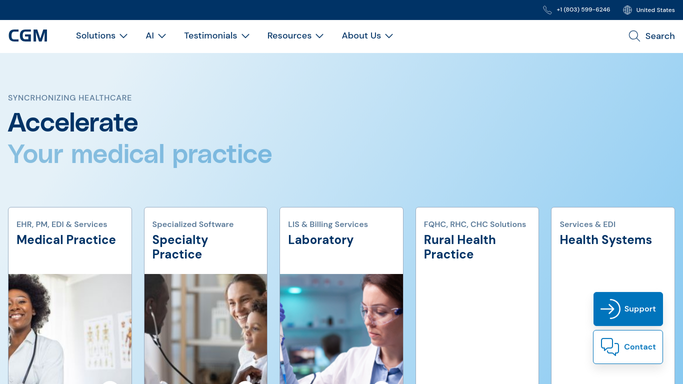
WebRun opens CGM APRIMA to read today's updated medication lists. - Open CGM APRIMA and filter for medication lists updated during today's home visits
- Compare each updated list against the patient's active problem list and the prior medication history
- Identify discrepancies, duplicate therapies, and combinations flagged as high risk
Done when Every medication list updated today has been compared and any discrepancy identified.
-
2
Airtable - log each reconciliation flag
airtable.com How to Automate Airtable

WebRun opens Airtable to log each reconciliation flag. - Open the Medication Reconciliation base
- Add a record for each flag with the patient, the specific medications involved, and the type of concern
- Mark the record as open until a provider reviews and clears it
Done when Every flag from today's visits has an open record in the Airtable base.
-
3
Slack - alert the provider to review
slack.com How to Automate Slack

WebRun opens Slack to alert the provider to review. - Post a summary to the clinical Slack channel listing today's reconciliation flags by patient
- Put high risk interaction flags first, ahead of duplicate therapy or minor discrepancy flags
- Ask the assigned provider to review and clear each flag in Airtable
Done when The provider has a Slack summary of every open flag, ranked by risk.
How is each run configured?
Secure by default
Connect once, stays signed in
WebRun signs in once and keeps each session in a persistent environment, so every run picks up right where it left off.
Every action is checked against this policy before it runs.
Questions, answered
Does it change or remove any medication on its own?
No. WebRun only flags discrepancies, duplicates, and high risk combinations for a provider to review. Adding, changing, or stopping a medication always stays a clinical decision made by the prescribing provider.
What counts as a high risk flag?
It flags combinations known for significant interactions, duplicate therapies within the same drug class, and any medication on the list that no longer matches an active problem on the chart. Your clinical team can adjust which combinations get flagged.
What happens once a provider reviews a flag?
Clearing the flag in Airtable marks it resolved, and it will not reappear in the next night's Slack summary unless the same discrepancy shows up again in a later CGM APRIMA update.
Related templates
Put this on autopilot.
Turn it on in minutes - or have our team set it up for you.