Keep caregivers in the loop every week
Every Monday, WebRun opens CGM APRIMA, reads the past week's visit notes and any care plan changes for each active patient, drafts a warm plain language update addressed to that patient's family caregiver, saves every draft unsent in Gmail, and posts a Slack reminder to the care team that this week's drafts are ready to review.
- No credit card
- Under $0.01 per run
- Cancel anytime
What does WebRun do on every run?
The exact actions WebRun takes, in order - in plain language, so you can adjust anything.
-
WebRun signs in and gets to work
Opens
www.cgm.com/usa_en/products/electronic-health-records/cgm-aprima.htmlin a real browser with your saved login - no setup, no API keys. -
1
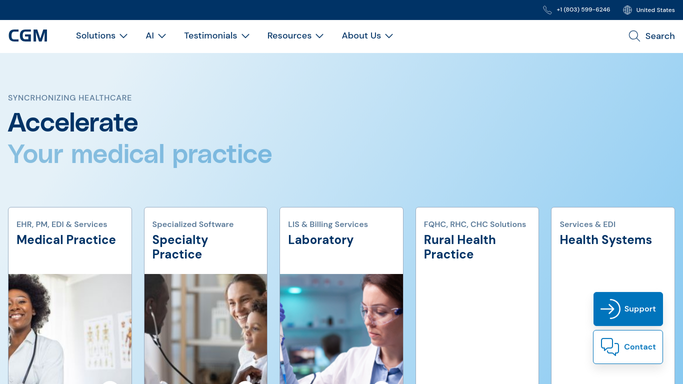
CGM APRIMA - read the week's visit notes
cgm.com How to Automate CGM APRIMA

WebRun opens CGM APRIMA to read the week's visit notes. - Open CGM APRIMA and pull visit notes for the past seven days for each active patient
- Identify patients with at least one completed visit and a designated family caregiver on file
- Capture the visit summary, any care plan changes, and general status for each
Done when Visit notes for every active patient with a caregiver on file are captured for the week.
-
2
Gmail - draft caregiver update emails
gmail.com How to Automate Gmail
WebRun opens Gmail to draft caregiver update emails. - Draft a warm, plain language update for each patient's caregiver based on the week's visit notes
- Leave out clinical detail that needs provider judgment and flag it in the draft instead
- Save every email as a Gmail draft. Do not send any message without provider review
Done when A Gmail draft exists for every eligible patient's caregiver, held for provider review.
-
3
Slack - notify the team drafts are ready
slack.com How to Automate Slack
WebRun opens Slack to notify the team drafts are ready. - Post a Monday reminder to the clinical Slack channel listing how many caregiver drafts are ready
- Name each patient so the provider knows which draft to open first
- Ask the provider to review, edit, and send each draft
Done when The care team is notified in Slack that this week's caregiver drafts are ready for review.


How do I automatically draft weekly caregiver updates for home based primary care patients?
WebRun reads each active patient's visit notes from CGM APRIMA every Monday and drafts a plain language weekly update addressed to that patient's family caregiver. Every draft is held in Gmail for a provider to review and send, so caregivers get a warm, accurate update without adding correspondence work to the provider's visit schedule.
- Caregivers receive a warm weekly update without the provider writing it from scratch
- No caregiver email sends without provider review, protecting patient privacy
- Patients with no visit that week are skipped so caregivers never get a blank message
Built for home based primary care providers · family caregivers · care coordinators · house call medical groups
How is each run configured?
Secure by default
Connect once, stays signed in
WebRun signs in once and keeps each session in a persistent environment, so every run picks up right where it left off.
Every action is checked against this policy before it runs.
Questions, answered
Will it email a caregiver without a provider reviewing it first?
No. Every caregiver update is saved as a Gmail draft and held until a provider reviews and sends it. WebRun flags any clinical detail that needs professional judgment instead of including it automatically.
How does it decide what goes into the update?
It draws on the past week's completed visit notes and any care plan changes recorded in CGM APRIMA, written in plain language for a family member rather than clinical shorthand.
What if a patient had no visit that week?
Patients with no completed visit in the past seven days are skipped, so caregivers never receive a blank or placeholder update. They pick back up automatically once a new visit note is recorded.
Related templates
Put this on autopilot.
Turn it on in minutes - or have our team set it up for you.