Send you a weekly revenue and attendance report
Every Monday morning, WebRun opens Mindbody, pulls last week's revenue totals, class attendance figures, and membership counts, logs the data into a running Google Sheet, and posts a concise report to Slack so you start the week knowing your numbers.
- No credit card
- Under $0.01 per run
- Cancel anytime
How can I automatically get a weekly revenue and attendance report from Mindbody?
Every Monday morning, WebRun opens Mindbody, pulls last week's revenue totals, class attendance figures, and membership counts, logs the data into a running Google Sheet, and posts a concise report to Slack - so you start the week knowing your numbers without touching a single dashboard.
- Full revenue and attendance picture delivered every Monday morning
- Data logged to Google Sheets for week-over-week trend tracking
- Management starts the week informed without manual reporting
Built for gym owners · fitness studio managers · multi-location fitness operators · studio finance teams
What does WebRun do on every run?
The exact actions WebRun takes, in order - in plain language, so you can adjust anything.
-
WebRun signs in and gets to work
Opens
clients.mindbodyonline.comin a real browser with your saved login - no setup, no API keys. -
1
Mindbody - pull last week's revenue and attendance
mindbodyonline.com
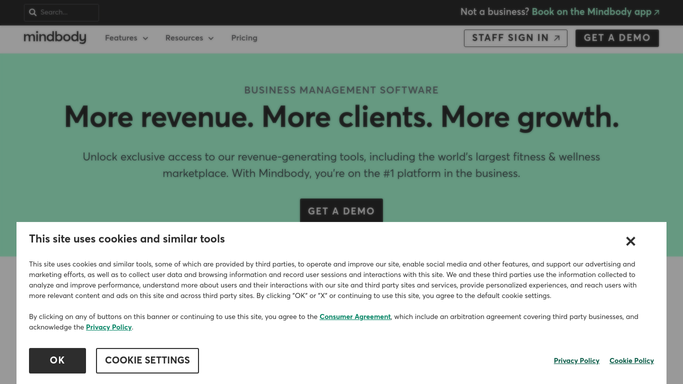
WebRun opens Mindbody to pull last week's revenue and attendance. - Open Mindbody and navigate to the Reports section
- Pull total revenue for last week broken down by service type
- Pull class attendance: total visits, average per class, and your busiest and quietest classes
- Capture active membership count and any new sign-ups or cancellations last week
Done when Last week's revenue, attendance, and membership data are fully captured.
-
2
Google Sheets - log the weekly figures
google.com How to Automate Google Sheets

WebRun opens Google Sheets to log the weekly figures. - Open the weekly performance tracker sheet
- Add a new row for last week with all metrics: revenue, visits, class averages, and membership movement
- Update any rolling trend charts in the sheet
Done when The Google Sheet has last week's data logged and trends are updated.
-
3
Slack - deliver your weekly report
slack.com How to Automate Slack

WebRun opens Slack to deliver your weekly report. - Post a formatted weekly report to Slack with key headline numbers
- Highlight week-over-week changes and any metrics that are off-trend
- Include a link to the Google Sheet for the full detail
Done when Your weekly performance report is live in Slack before your Monday morning review.
How is each run configured?
Secure by default
Connect once, stays signed in
WebRun signs in once and keeps each session in a persistent environment, so every run picks up right where it left off.
Every action is checked against this policy before it runs.
Questions, answered
Which revenue figures does it include?
By default: total sales, broken down by service category (classes, treatments, retail). You can add or remove categories to match how you review your business.
Can I compare to the same week last year?
Yes. If your Google Sheet has historical data, WebRun can add a year-over-year comparison column and highlight it in the Slack report.
What if Mindbody is missing data from part of the week?
WebRun flags any reporting gaps in the Slack message so you know the numbers may be incomplete and can check manually.
Related templates
Put this on autopilot.
Turn it on in minutes - or have our team set it up for you.