Win back lapsed members and clients
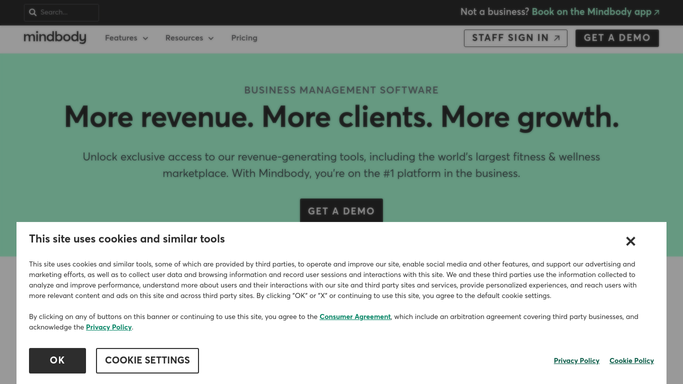
Every Monday, WebRun opens Mindbody to identify clients who haven't visited in 30 or more days, drafts a personalised win-back email for each via Mailchimp, and posts the batch to Slack so you can review and send.
- No credit card
- Under $0.01 per run
- Cancel anytime
What does WebRun do on every run?
The exact actions WebRun takes, in order - in plain language, so you can adjust anything.
-
WebRun signs in and gets to work
Opens
clients.mindbodyonline.comin a real browser with your saved login - no setup, no API keys. -
1
Mindbody - identify lapsed clients
mindbodyonline.com How to Automate Mindbody

WebRun opens Mindbody to identify lapsed clients. - Open Mindbody and filter client visit history for anyone last seen more than 30 days ago
- Capture each client's name, last visit date, and the service or class they attended
- Exclude clients with an active membership or a future booking already scheduled
Done when A list of genuinely lapsed clients is ready, each with their last visit details.
-
2
Mailchimp - draft win-back emails
mailchimp.com How to Automate Mailchimp
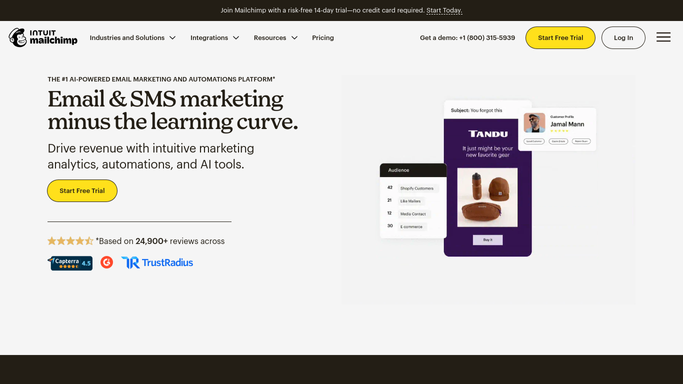
WebRun opens Mailchimp to draft win-back emails. - Draft a personalised win-back email for each lapsed client, referencing their last visit or favourite service
- Include a limited-time offer or an easy re-booking link
- Save each email as a draft in Mailchimp - do not schedule or send yet
Done when A draft win-back email exists in Mailchimp for every lapsed client.
-
3
Slack - deliver the batch for your approval
slack.com How to Automate Slack
WebRun opens Slack to deliver the batch for your approval. - Post a summary to Slack: number of lapsed clients found and a link to the draft campaign
- Flag any clients who have lapsed for the second time so you can personalise further
Done when You have a Slack summary and can review drafts in Mailchimp before sending.

How can I automatically win back lapsed gym or studio members?
Every Monday, WebRun opens Mindbody to identify clients who haven't visited in 30 or more days, drafts a personalised win-back email for each via Mailchimp, and posts the batch to Slack for your review - so lapsed clients get a warm, timely outreach without your team hunting the list manually.
- Lapsed clients contacted every week before they cancel permanently
- Personalised outreach drafted without manual list-pulling
- Team reviews and sends in one Slack step
Built for fitness studio owners · gym managers · yoga studios · wellness and spa businesses
How is each run configured?
Secure by default
Connect once, stays signed in
WebRun signs in once and keeps each session in a persistent environment, so every run picks up right where it left off.
Every action is checked against this policy before it runs.
Questions, answered
Will it email clients without me approving?
Never. Every win-back email is saved as a Mailchimp draft and posted to Slack for your review. Nothing is sent until you choose to.
How does it decide someone is lapsed?
By default it flags anyone with no visit in 30 days and no upcoming booking. You can adjust that window - 14 days, 60 days, or whatever fits your business.
What offer should it include?
Give WebRun a standing offer - a percentage off, a free add-on, or a re-intro package - and it will weave it into every draft consistently.
Related templates
Put this on autopilot.
Turn it on in minutes - or have our team set it up for you.