Alert your team when GoTab shift coverage gaps appear
Every morning, WebRun reviews the GoTab staff schedule for the coming 48 hours, identifies any uncovered shifts or positions with no assigned staff, and posts a clear alert to the manager Slack channel with the shift details and the time available to fill the gap.
- No credit card
- Under $0.01 per run
- Cancel anytime
How do I automatically get alerts for uncovered shifts in GoTab before service starts?
WebRun checks the GoTab staff schedule every morning, identifies any uncovered shifts in the next 48 hours, and posts a sorted alert to the manager Slack channel with the shift time, position, and location. Managers get a clear picture of gaps with enough lead time to arrange cover before service begins.
- Uncovered shifts flagged 48 hours ahead with time to arrange cover
- Coverage gaps at multiple locations grouped in a single Slack alert
- Manager channel stays quiet when all shifts are covered
Built for bar managers · brewery managers · food hall operations managers · hospitality scheduling teams
What does WebRun do on every run?
The exact actions WebRun takes, in order - in plain language, so you can adjust anything.
-
WebRun signs in and gets to work
Opens
gotab.comin a real browser with your saved login - no setup, no API keys. -
1
GoTab - check staff schedule for uncovered shifts
gotab.com How to Automate GoTab
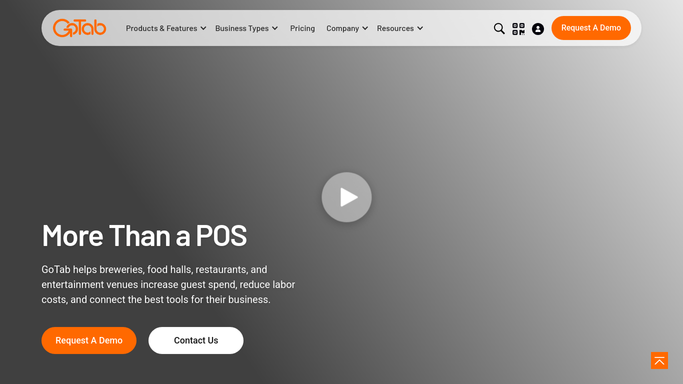
WebRun opens GoTab to check staff schedule for uncovered shifts. - Open GoTab and navigate to the staff scheduling section
- Review all shifts scheduled for the next 48 hours
- Identify any shift with no assigned staff member or a position marked as open
- Capture the shift date, time, position, and location for each gap
Done when All uncovered shifts in the next 48 hours are identified with date, time, and position.
-
2
Slack - alert manager to coverage gaps
slack.com How to Automate Slack

WebRun opens Slack to alert manager to coverage gaps. - Post a Slack alert to the manager channel listing each open shift with its date, time, position, and location
- Sort by urgency with the earliest uncovered shift at the top
- Include a note on how many hours remain before the shift starts
Done when Manager has a full list of coverage gaps in Slack with enough lead time to act.
How is each run configured?
Secure by default
Connect once, stays signed in
WebRun signs in once and keeps each session in a persistent environment, so every run picks up right where it left off.
Every action is checked against this policy before it runs.
Questions, answered
Does it contact staff to fill the gap automatically?
No. WebRun only alerts the manager in Slack. Deciding who to contact and how to fill the shift is always a manager decision.
Can it check coverage for multiple locations?
Yes. If you run multiple GoTab venues, WebRun checks the schedule at each location and groups the gaps by venue in the Slack alert.
What if every shift for the next 48 hours is covered?
WebRun skips the Slack message entirely. You only get an alert when at least one shift is genuinely uncovered, so your channel stays clean.
Related templates
Put this on autopilot.
Turn it on in minutes - or have our team set it up for you.