Route GoTab QR and online orders to the right kitchen station
Every few minutes, WebRun checks GoTab for new QR and online orders, verifies each order's destination and prep station, and posts any routing exceptions or unacknowledged tickets to the manager Slack channel so nothing slips through.
- No credit card
- Under $0.01 per run
- Cancel anytime
How do I get alerted when a GoTab QR or online order is not routed to the kitchen?
WebRun monitors GoTab every few minutes, checks the QR and online order queue for tickets that have not been acknowledged by a kitchen display station, and alerts the manager in Slack with the order details and wait time. Routing gaps are caught in real time so no guest order goes unnoticed during a busy service.
- Unacknowledged QR and online tickets flagged within minutes during service
- Manager alerted in Slack before a guest order is significantly delayed
- Both in-venue QR and advance online order channels monitored in one workflow
Built for bar managers · brewery operators · food hall kitchen managers · large-venue hospitality teams
What does WebRun do on every run?
The exact actions WebRun takes, in order - in plain language, so you can adjust anything.
-
WebRun signs in and gets to work
Opens
gotab.comin a real browser with your saved login - no setup, no API keys. -
1
GoTab - check new QR and online orders for routing status
gotab.com How to Automate GoTab
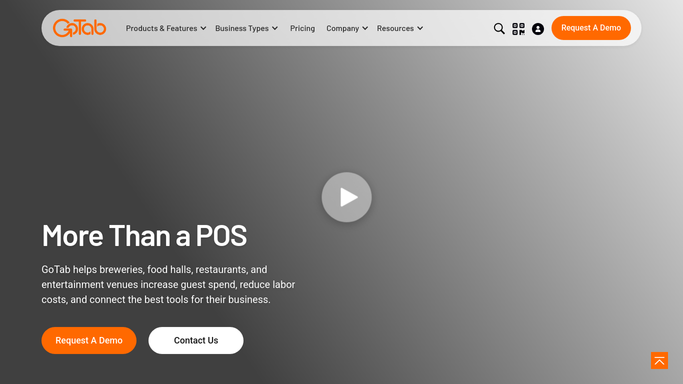
WebRun opens GoTab to check new QR and online orders for routing status. - Open GoTab Operator Portal and check the live order queue
- Identify any QR or online orders that have not been acknowledged by a kitchen display station
- Flag orders waiting longer than the configured threshold without a KDS acknowledgment
- Note the order type, table or pickup zone, and the items in each flagged ticket
Done when All unacknowledged or misrouted orders are identified with their details.
-
2
Slack - alert manager to unrouted or unacknowledged tickets
slack.com How to Automate Slack

WebRun opens Slack to alert manager to unrouted or unacknowledged tickets. - Post a concise alert to the manager Slack channel for each flagged order
- Include the order number, items, destination, and how long it has been waiting
- Clear the alert once the order has been acknowledged in GoTab on the next check
Done when Manager is notified in Slack for every order waiting beyond the acknowledgment threshold.
How is each run configured?
Secure by default
Connect once, stays signed in
WebRun signs in once and keeps each session in a persistent environment, so every run picks up right where it left off.
Every action is checked against this policy before it runs.
Questions, answered
Does it handle GoTab QR orders and online advance orders separately?
Yes. It checks both the live in-venue QR order queue and scheduled online advance orders, and flags unacknowledged tickets in either channel.
Can it adjust the wait-time threshold?
Yes. Set the acknowledgment threshold to match your kitchen SLA, such as 3 minutes for walk-up QR orders or 10 minutes for advance orders.
Will it keep alerting for the same ticket after the first message?
It checks on each run. If the order is still unacknowledged it will repeat the alert, giving you a clear signal that the issue is ongoing.
Related templates
Put this on autopilot.
Turn it on in minutes - or have our team set it up for you.