Respond to new event leads within minutes
The moment a new inquiry lands in Planning Pod, WebRun reads the event type, date, and estimated guest count, drafts a personalized first reply in Outlook referencing those details, and pings your sales team in Slack so someone can review, send, and follow up while the lead is still hot.
- No credit card
- Under $0.01 per run
- Cancel anytime
How do I respond to new event leads before they go cold?
The moment a new inquiry lands in Planning Pod, WebRun reads the event type, date, and guest count, then drafts a personalized first reply in Outlook referencing those details and leaves it unsent. It pings your sales team in Slack with the lead's details, so a rep can review and send a reply while the lead is still hot.
- New inquiries get a drafted reply within minutes, not hours
- Sales team is alerted to hot leads the moment they arrive
- No lead sits untouched overnight waiting for someone to notice
Built for event planning firms · wedding and event venues · corporate event sales teams · event agency owners
What does WebRun do on every run?
The exact actions WebRun takes, in order - in plain language, so you can adjust anything.
-
WebRun signs in and gets to work
Opens
app2.planningpod.comin a real browser with your saved login - no setup, no API keys. -
1
Planning Pod - read the new inquiry details
planningpod.com How to Automate Planning Pod
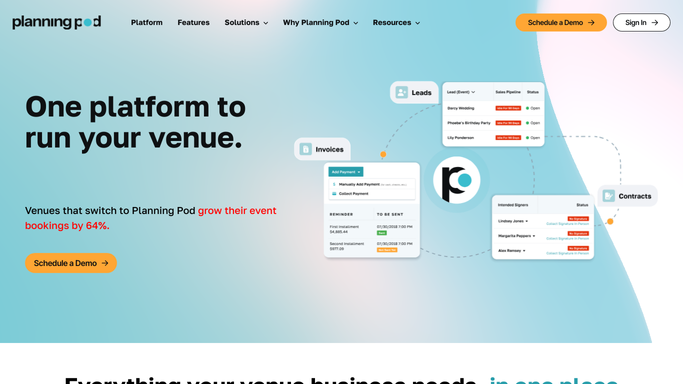
WebRun opens Planning Pod to read the new inquiry details. - Watch the leads or inquiries pipeline for a new inquiry
- Read the event type, requested date, estimated guest count, and budget range submitted
- Check whether the requested date is open on your calendar
Done when The new inquiry's details and date availability are captured.
-
2
Outlook - draft a personalized first reply
microsoft.com How to Automate Outlook

WebRun opens Outlook to draft a personalized first reply. - Draft a personalized first reply referencing the event type, date, and guest count from the inquiry
- Note the date's availability and suggest next steps like a call or venue tour
- Save as a draft in Outlook. Leave it unsent for your review
Done when A personalized reply draft is waiting in Outlook for the new inquiry.
-
3
Slack - alert your sales team
slack.com How to Automate Slack

WebRun opens Slack to alert your sales team. - Post the new inquiry to the sales channel with the event type, date, and estimated value
- Tag the rep on rotation to review and send the draft
- Flag it as urgent if the requested date is within 30 days
Done when Your sales team has been alerted to the new lead with a draft ready to send.
How is each run configured?
Secure by default
Connect once, stays signed in
WebRun signs in once and keeps each session in a persistent environment, so every run picks up right where it left off.
Every action is checked against this policy before it runs.
Questions, answered
Will it reply to the lead without me?
No. WebRun only drafts the reply in Outlook and leaves it unsent. A rep reviews and sends it, so every new prospect hears from a real person on your team.
How fast does it draft the reply?
It runs the moment a new inquiry is submitted, so the draft and the Slack alert are usually ready within minutes, well before the lead goes cold.
What if two reps could handle the same lead?
It posts to your shared sales channel and tags whoever is on rotation, so the whole team sees the lead and only one person claims it.
Related templates
Put this on autopilot.
Turn it on in minutes - or have our team set it up for you.