Get distributor allocation numbers ready before your sales calls
Every Friday afternoon, WebRun opens Ekos, pulls each distributor's allocated volume by brand and package type against what has actually shipped this period, logs the figures to a running Google Sheet, and posts a ranked allocation report to Slack so your sales team has the numbers before Monday's distributor calls.
- No credit card
- Under $0.01 per run
- Cancel anytime
How do I automatically report distributor allocation versus shipped volume?
WebRun pulls each distributor's allocated volume by brand and package type from Ekos every Friday, compares it against what actually shipped that period, and posts a ranked Slack report highlighting the largest gaps, so your sales team walks into Monday's distributor calls already knowing who is under allocation and who needs a follow up.
- Sales walks into Monday distributor calls with the allocation gaps already ranked
- Under allocated distributors surface every week instead of at quarter end
- Allocation history builds automatically in Google Sheets for trend review
Built for craft breweries · sales directors · distribution managers · brewery owners
What does WebRun do on every run?
The exact actions WebRun takes, in order - in plain language, so you can adjust anything.
-
WebRun signs in and gets to work
Opens
app.goekos.comin a real browser with your saved login - no setup, no API keys. -
1
Ekos - pull allocation vs shipped volume by distributor
goekos.com How to Automate Ekos
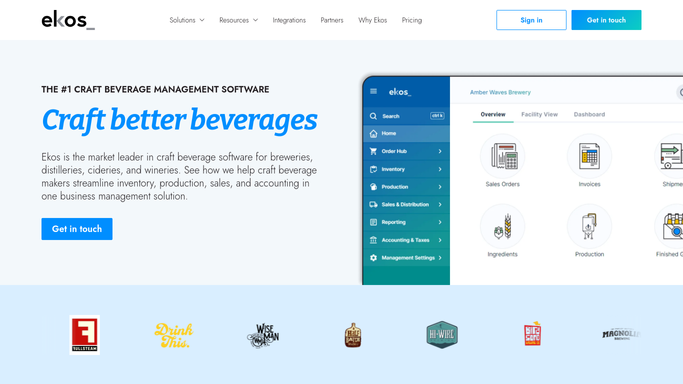
WebRun opens Ekos to pull allocation vs shipped volume by distributor. - Open Ekos and go to distributor sales allocation
- Pull each distributor's allocated volume by brand and package type for the period
- Pull actual shipped volume for the same period and territory
- Calculate the gap between allocated and shipped for each distributor
Done when Every distributor has an allocated volume, a shipped volume, and a calculated gap.
-
2
Google Sheets - log the period's allocation figures
google.com How to Automate Google Sheets

WebRun opens Google Sheets to log the period's allocation figures. - Open the distributor allocation tracking sheet
- Add this period's figures for each distributor and brand
- Update the running under allocated and over allocated totals
Done when The period's allocation figures are logged and running totals are current.
-
3
Slack - post the ranked allocation report
slack.com How to Automate Slack

WebRun opens Slack to post the ranked allocation report. - Post the allocation report to your sales channel
- Rank distributors by the size of their allocation gap, largest first
- Call out any distributor tracking well under its allocation for follow up
Done when Sales has a ranked allocation report in Slack ahead of the week's distributor calls.
How is each run configured?
Secure by default
Connect once, stays signed in
WebRun signs in once and keeps each session in a persistent environment, so every run picks up right where it left off.
Every action is checked against this policy before it runs.
Questions, answered
Does it change how beer gets allocated to distributors?
No. WebRun only reports the allocation and shipment numbers already set in Ekos. Any change to how volume is split between distributors stays your call.
How does it decide which distributors to flag?
It ranks every distributor by the gap between what they were allocated and what actually shipped, so the ones furthest under their allocation surface at the top of the report.
Can it send the report straight to distributors?
No. The report is posted only to your internal Slack channel for the sales team. Sharing numbers with a distributor stays a decision your team makes.
Related templates
Put this on autopilot.
Turn it on in minutes - or have our team set it up for you.