Get your daily consignment sales summary every morning
Every morning, WebRun opens SimpleConsign and pulls yesterday's sales totals, top-selling categories, number of transactions, and accrued consignor payout liabilities, logs the figures to a running Google Sheet, and posts a clean daily digest to your Slack channel so your whole team starts the day aligned.
- No credit card
- Under $0.01 per run
- Cancel anytime
How do I get an automated daily sales report for my consignment shop?
Every morning, WebRun pulls the previous day's sales data from SimpleConsign, including revenue, transaction count, top categories, and consignor payout liabilities. It logs the figures to a running Google Sheet and posts a concise digest to your Slack channel, so your whole team starts the day with the same clear picture of performance.
- Your team starts every morning with yesterday's sales figures in Slack
- Payout liabilities are tracked daily so payroll surprises are avoided
- Low-revenue days are flagged automatically in the Google Sheet trend log
Built for consignment shop owners · resale store managers · multi-location thrift retailers
What does WebRun do on every run?
The exact actions WebRun takes, in order - in plain language, so you can adjust anything.
-
WebRun signs in and gets to work
Opens
app.simpleconsign.comin a real browser with your saved login - no setup, no API keys. -
1
SimpleConsign - pull yesterday's sales totals
simpleconsign.com How to Automate SimpleConsign
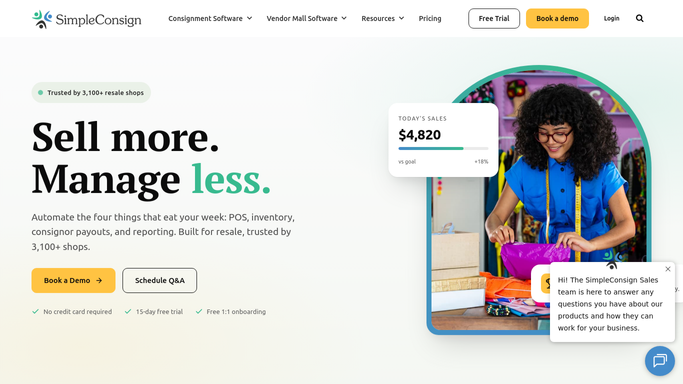
WebRun opens SimpleConsign to pull yesterday's sales totals. - Open SimpleConsign and navigate to the Sales report for yesterday's date range
- Capture total revenue, number of transactions, average transaction value, and gross margin
- Identify the top three selling categories and top five selling items by revenue
- Note total consignor payout liabilities accrued from yesterday's sales
Done when Yesterday's sales totals, top performers, and payout liabilities are captured and ready to log.
-
2
Google Sheets - log figures to running report
google.com How to Automate Google Sheets

WebRun opens Google Sheets to log figures to running report. - Append a new row to the running daily sales Google Sheet with yesterday's date and all captured figures
- Update any rolling totals or trend columns in the sheet
- Flag any day where revenue is more than 20% below the 7-day average for easy review
Done when Yesterday's figures are logged in Google Sheets and trend columns are updated.
-
3
Slack - post daily digest to team
slack.com How to Automate Slack

WebRun opens Slack to post daily digest to team. - Post a concise daily sales digest to your team Slack channel
- Include total revenue, transaction count, top category, and accrued payout liability
- Link to the Google Sheet for the full breakdown and flag any anomalies
Done when Your team has yesterday's sales summary in Slack with a link to the full Google Sheet.
How is each run configured?
Secure by default
Connect once, stays signed in
WebRun signs in once and keeps each session in a persistent environment, so every run picks up right where it left off.
Every action is checked against this policy before it runs.
Questions, answered
Does it post the sales report publicly or to customers?
No. The daily digest is posted only to your internal team Slack channel. No sales data is shared externally or with consignors.
Can it track multiple store locations separately?
Yes. If your SimpleConsign account covers multiple locations, you can configure WebRun to report each location separately or as a combined total, depending on how you manage your Sheets.
What if SimpleConsign has no sales for a day?
WebRun posts a zero-sales digest so you always have a record, and it flags the zero day in the Google Sheet trend column so you can investigate if needed.
Related templates
Put this on autopilot.
Turn it on in minutes - or have our team set it up for you.