Win back lapsed coaching clients with a personalised outreach
Every Monday, WebRun opens CoachAccountable, finds clients with no session or active programme in the last 90 days, logs them to a winback tracker in Google Sheets, and drafts a warm, personalised re-engagement email in Gmail for each one, ready for your review before you reach out.
- No credit card
- Under $0.01 per run
- Cancel anytime
How do I automatically re-engage lapsed coaching clients?
WebRun opens CoachAccountable every Monday, finds clients with no session or active programme in the last 90 days, logs them to a Google Sheet winback tracker, and drafts a warm, personalised re-engagement email in Gmail for each one. Every draft waits for your approval, giving you a steady stream of lapsed client outreach without any manual searching.
- Lapsed clients are identified and outreached within 90 days rather than being forgotten
- Re-engagement emails reference each client's past goals for a genuinely personal feel
- A Google Sheet gives you a clear view of your winback pipeline each week
Built for life coaches · business coaches · executive coaches · solo coaching practices
What does WebRun do on every run?
The exact actions WebRun takes, in order - in plain language, so you can adjust anything.
-
WebRun signs in and gets to work
Opens
www.coachaccountable.comin a real browser with your saved login - no setup, no API keys. -
1
CoachAccountable - identify lapsed clients
coachaccountable.com
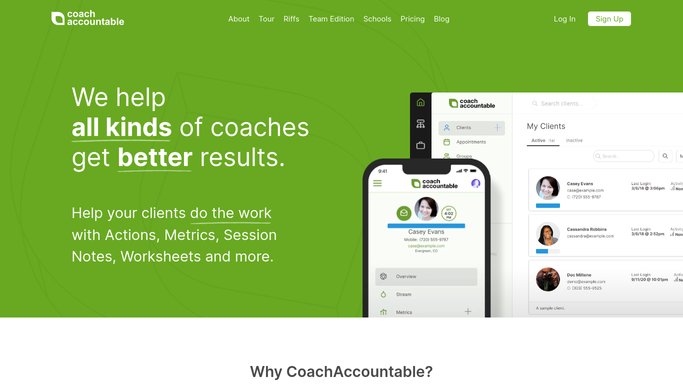
WebRun opens CoachAccountable to identify lapsed clients. - Open CoachAccountable and go to the Clients section
- Filter for clients whose last session was 90 or more days ago and who have no active package
- Note each client's name, last session date, programme history, and any goals on file
Done when Every lapsed client meeting the 90-day threshold is listed with their session history and goal notes.
-
2
Google Sheets - log winback candidates
google.com How to Automate Google Sheets

WebRun opens Google Sheets to log winback candidates. - Open the lapsed client winback tracker
- Append a row for each new lapsed client with their name, last session date, and outreach status
- Flag clients already contacted in the last 30 days to avoid repeated outreach
Done when The winback tracker is updated and recently contacted clients are excluded from this week's drafts.
-
3
Gmail - draft re-engagement emails for review
gmail.com How to Automate Gmail

WebRun opens Gmail to draft re-engagement emails for review. - Draft a warm, non-pushy re-engagement email for each eligible lapsed client referencing their past coaching work and goals
- Include a gentle invitation to reconnect and a link to book a catch-up call
- Save each message as a Gmail draft, not sent, for your review
Done when A personalised re-engagement draft sits in Gmail for every lapsed client who has not been recently contacted.
How is each run configured?
Secure by default
Connect once, stays signed in
WebRun signs in once and keeps each session in a persistent environment, so every run picks up right where it left off.
Every action is checked against this policy before it runs.
Questions, answered
Will it contact lapsed clients without my approval?
No. Every re-engagement email is saved as a Gmail draft for your review. Nothing reaches a former client until you read it, adjust the message if needed, and send it yourself.
How does it avoid bombarding the same client every week?
WebRun logs each outreach attempt in the Google Sheet tracker and skips clients who have already been contacted in the last 30 days, so re-engagement stays warm and non-intrusive.
What if a lapsed client re-books on their own before I send the email?
WebRun reads live session data from CoachAccountable each Monday. Anyone who booked since last week is no longer classified as lapsed and is removed from that week's winback list.
Related templates
Put this on autopilot.
Turn it on in minutes - or have our team set it up for you.