Review the open source licenses your projects pulled in
Every Monday, WebRun opens Checkmarx, reads the open source packages found in each project with the license attached to them, compares the list to last week to find what is new, sends the restrictive ones to Telegram, and drafts a summary email for legal in Gmail.
- No credit card
- Under $0.01 per run
- Cancel anytime
How do I review the open source licenses in my codebase every week?
WebRun opens Checkmarx every Monday and reads the open source packages in each project with the license attached to each one, comparing against last week to find what is new. It sends restrictive licenses to Telegram and drafts a summary for legal in Gmail, so a licensing problem is raised before a customer's review finds it.
- New licenses are named the week they enter the codebase
- Legal hears about a restrictive package before a customer audit
- Packages are grouped by license so one decision covers many
Built for engineering managers · security teams · legal counsel · platform teams
What does WebRun do on every run?
The exact actions WebRun takes, in order - in plain language, so you can adjust anything.
-
WebRun signs in and gets to work
Opens
checkmarx.comin a real browser with your saved login - no setup, no API keys. -
1
Checkmarx - read package licenses
checkmarx.com
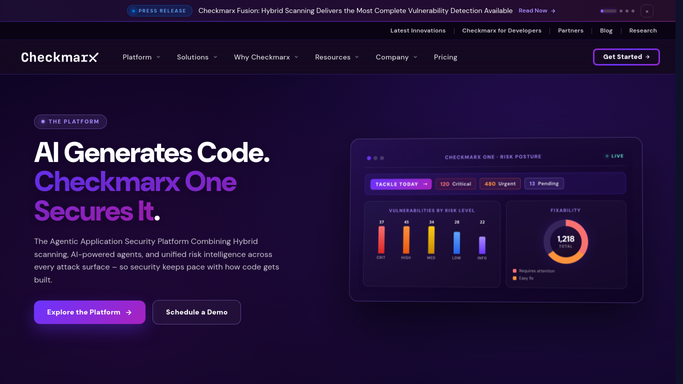
WebRun opens Checkmarx to read package licenses. - Open Checkmarx and list the projects you asked WebRun to review
- Read the latest scan results for open source packages in each project
- Record the package, version, and the license attached to it
- Compare against last week's list to separate the newly introduced packages
Done when Every reviewed project has a current package and license list with the new entries marked.
-
2
Telegram - flag restrictive licenses
telegram.org How to Automate Telegram

WebRun opens Telegram to flag restrictive licenses. - Send the packages whose license sits on your restricted list
- Name the project, the package, the version, and the license for each
- Include a count of new packages added this week even when none are restrictive
Done when The engineering channel has this week's restrictive license list.
-
3
Gmail - draft the note for legal
gmail.com How to Automate Gmail

WebRun opens Gmail to draft the note for legal. - Draft an email to your legal contact listing the new licenses from this week
- Group the packages by license so one decision covers several dependencies
- Note which project and which team introduced each package
- Leave the email in Drafts so an engineer confirms it before legal sees it
Done when A license summary is drafted in Gmail for legal review.
How is each run configured?
Secure by default
Connect once, stays signed in
WebRun signs in once and keeps each session in a persistent environment, so every run picks up right where it left off.
Every action is checked against this policy before it runs.
Questions, answered
Will it email legal without me?
No. The summary is drafted in Gmail and left unsent. An engineer reads it first, because a license question sent to legal with the wrong project attached costs everyone a week.
Does it change any scan or policy in Checkmarx?
No. WebRun reads existing scan results only. It never starts a scan, edits a policy, or marks a finding, so your Checkmarx configuration is untouched.
How does it decide a license is restrictive?
From the list you give it. Name the licenses your legal team wants to hear about, such as strong copyleft ones, and WebRun flags only those, leaving permissive licenses in the weekly count.
Related templates
Put this on autopilot.
Turn it on in minutes - or have our team set it up for you.