See wash counts and revenue every morning
Every morning, WebRun opens DRB and pulls the prior day's wash counts, membership scans, and revenue by location, logs each metric to a Google Sheet for trending, and posts a clean daily digest to Slack so your team has the numbers before the first car arrives.
- No credit card
- Under $0.01 per run
- Cancel anytime
How do I get a daily car wash revenue and wash count report?
WebRun pulls the prior day's wash counts and revenue from DRB every morning, logs each metric by location to a Google Sheet for trending, and posts a clear digest to Slack so your team starts the day with the full picture. Week-over-week comparisons and location flags are included automatically on every run.
- Your team has yesterday's revenue and wash counts in Slack before the first car arrives
- Location-level trends are logged automatically in Google Sheets for review
- Week-over-week drops are flagged without anyone running a manual report
Built for car wash operators · multi-site owners · operations managers
What does WebRun do on every run?
The exact actions WebRun takes, in order - in plain language, so you can adjust anything.
-
WebRun signs in and gets to work
Opens
drb.comin a real browser with your saved login - no setup, no API keys. -
1
DRB - pull wash counts and revenue
drb.com
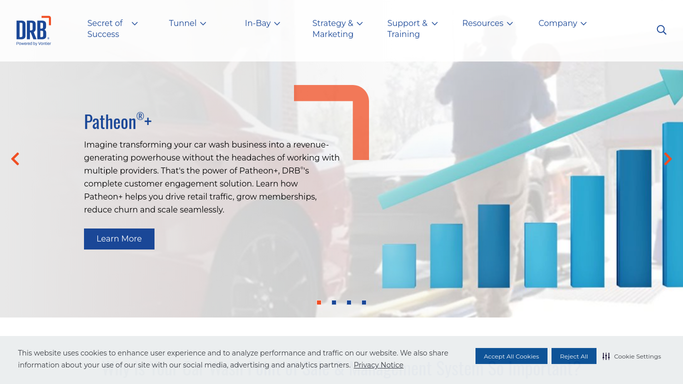
WebRun opens DRB to pull wash counts and revenue. - Open DRB and navigate to the daily reporting view
- Capture total wash count, membership scans, retail washes, and gross revenue for each location
- Compare to the same day last week and note the percentage change
Done when Yesterday's wash counts and revenue are captured for every location, with week-over-week comparison.
-
2
Google Sheets - log metrics for trending
google.com How to Automate Google Sheets

WebRun opens Google Sheets to log metrics for trending. - Append a new row to the revenue tracking sheet with today's date, location, wash count, and revenue
- Update the rolling 7-day and 30-day summary columns automatically
- Flag any location where revenue dropped more than 15 percent versus the prior week
Done when The Google Sheet has a fresh row for yesterday with all location metrics logged.
-
3
Slack - post daily digest
slack.com How to Automate Slack

WebRun opens Slack to post daily digest. - Post a concise daily digest to the ops Slack channel with totals and per-location breakdown
- Highlight the top-performing location and any site that dropped significantly
- Include a link to the Google Sheet for the full trend view
Done when Your team has yesterday's revenue digest and a sheet link in Slack before the day begins.
How is each run configured?
Secure by default
Connect once, stays signed in
WebRun signs in once and keeps each session in a persistent environment, so every run picks up right where it left off.
Every action is checked against this policy before it runs.
Questions, answered
Which locations does it cover?
WebRun pulls data for every location in your DRB account and posts a per-site breakdown in the digest, so you see the whole portfolio at a glance each morning.
Can I change the metrics it tracks?
Yes. Tell WebRun which DRB fields matter most to your business, such as membership scan rate or average ticket, and it will include them in both the sheet and the digest.
Does it write to or change anything in DRB?
No. WebRun only reads from DRB. All writes go to your Google Sheet, and the Slack message is a read-only digest. Nothing in DRB is modified.
Related templates
Put this on autopilot.
Turn it on in minutes - or have our team set it up for you.