Alert clinical staff when urgent care lab results are ready for review
Every hour, WebRun opens Experity and checks for lab orders that have received a result since the last run. It drafts a patient-ready notification for each new result and holds those drafts for clinical review. It then posts a Slack alert to the clinical team listing which results are ready and waiting for approval before any patient is contacted.
- No credit card
- Under $0.01 per run
- Cancel anytime
How do I notify patients when urgent care lab results are ready without skipping clinical review?
WebRun checks Experity every hour for newly resulted lab orders, drafts a patient-ready notification via Twilio for each one, and posts a Slack alert to your clinical team listing which results are waiting for approval. No message ever reaches a patient until a clinician reviews and releases it from the draft queue.
- No lab result sits unnoticed because clinical staff get a Slack alert every hour
- Patients are never contacted about results until a clinician approves the draft
- Draft messages contain no clinical details, protecting patient privacy until a provider is ready to discuss
Built for urgent care clinical staff · urgent care medical directors · urgent care front desk teams · clinic operations managers
What does WebRun do on every run?
The exact actions WebRun takes, in order - in plain language, so you can adjust anything.
-
WebRun signs in and gets to work
Opens
app.experityhealth.comin a real browser with your saved login - no setup, no API keys. -
1
Experity - check for newly resulted lab orders
experityhealth.com How to Automate Experity
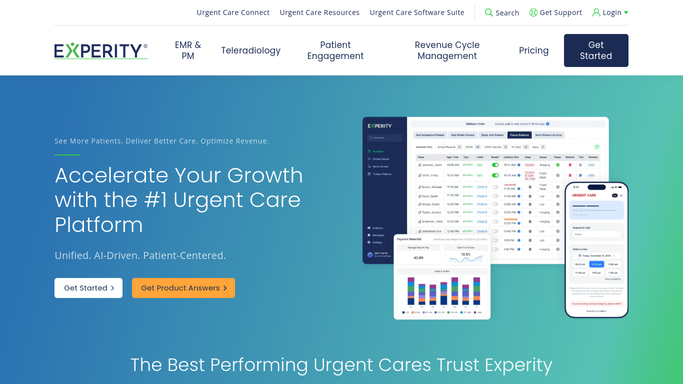
WebRun opens Experity to check for newly resulted lab orders. - Open Experity and navigate to the lab orders or results section
- Filter for orders that transitioned to a resulted or final status since the previous hourly run
- Capture the patient name, order type, result date and time, and the ordering provider
- Note the patient mobile number on file and the provider responsible for result review
Done when All newly resulted lab orders are identified with patient contact details and responsible provider.
-
2
Twilio - draft patient notification messages for clinical review
twilio.com How to Automate Twilio

WebRun opens Twilio to draft patient notification messages for clinical review. - For each new result, draft a brief SMS to the patient indicating their lab result is ready for discussion
- Do not include any result values or clinical details in the draft message
- Hold every draft in the review queue. Do not send any message until a clinical staff member explicitly approves it
- Flag drafts for patients with no mobile number on file so staff can arrange alternate contact
Done when All patient notification drafts are queued for clinical approval. No message has been sent.
-
3
Slack - flag pending results for clinical staff approval
slack.com How to Automate Slack

WebRun opens Slack to flag pending results for clinical staff approval. - Post a Slack message to the clinical staff channel listing each new result by patient initials, order type, and time resulted
- Include the ordering provider name so the right clinician can review and approve the corresponding draft
- Note the total count of drafts awaiting approval so staff can prioritize the queue
Done when Clinical staff have a Slack alert listing all results ready for review and the draft count awaiting approval.
How is each run configured?
Secure by default
Connect once, stays signed in
WebRun signs in once and keeps each session in a persistent environment, so every run picks up right where it left off.
Every action is checked against this policy before it runs.
Questions, answered
Will WebRun send lab result notifications to patients without clinical review?
No. Every patient notification is a draft only. WebRun holds all messages in a review queue and never sends them until a clinical staff member explicitly approves and releases each one.
Does the draft message include the actual lab result values?
No. Draft messages tell the patient their result is ready for discussion and do not include any clinical result values or details. This protects patient privacy and ensures the provider delivers results in context.
What if a result comes in after hours when no one is watching Slack?
WebRun queues the draft and posts the Slack alert regardless of the time. When staff return, the Slack message and draft queue reflect every result that arrived, so nothing is missed at the start of the next shift.
Related templates
Put this on autopilot.
Turn it on in minutes - or have our team set it up for you.