Keep every adopted pet's family connected and supported
A set number of days after an adoption is finalised in Shelterluv, WebRun finds the adopter's contact details, drafts a warm check-in email asking how the pet is settling in, and queues it in Gmail for staff to review and send.
- No credit card
- Under $0.01 per run
- Cancel anytime
How do I automatically send post-adoption check-ins to new pet owners?
WebRun checks Shelterluv each morning for adoptions that have reached your chosen follow-up milestone, drafts a personalised check-in email for each adopter in Gmail, and posts a summary to Slack so staff can review and send. Every adopted family hears from the shelter on schedule, without staff having to remember to reach out.
- Every adopting family receives a timely, personalised check-in on schedule
- Staff review drafts instead of writing individual emails from scratch
- No adoption falls through the cracks after the animal leaves the shelter
Built for animal shelters · rescue organisations · humane societies · adoption coordinators
What does WebRun do on every run?
The exact actions WebRun takes, in order - in plain language, so you can adjust anything.
-
WebRun signs in and gets to work
Opens
www.shelterluv.comin a real browser with your saved login - no setup, no API keys. -
1
Shelterluv - find recently completed adoptions
shelterluv.com How to Automate Shelterluv
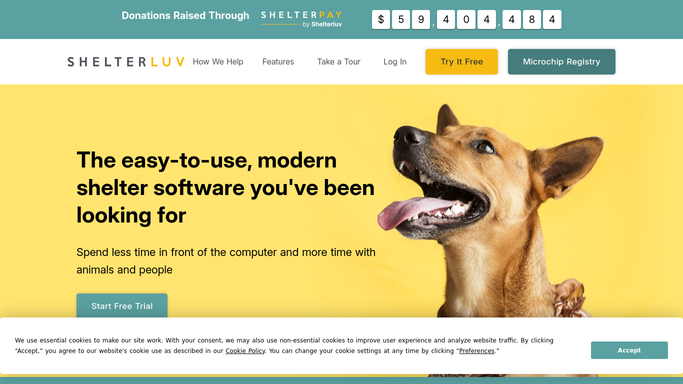
WebRun opens Shelterluv to find recently completed adoptions. - Open Shelterluv and filter adoptions completed the right number of days ago
- Read the adopter name, email address, and the name and species of their adopted animal
- Note any special needs or follow-up flags recorded on the animal record
Done when All adoptions due for a check-in today are listed with adopter and animal details.
-
2
Gmail - draft post-adoption check-in
gmail.com How to Automate Gmail

WebRun opens Gmail to draft post-adoption check-in. - Draft a warm check-in email to each adopter using their name and the pet's name
- Ask how the animal is settling in and offer shelter resources or a callback if needed
- Save each draft unsent so staff can personalise or approve before sending
Done when A draft check-in email exists in Gmail for each adoption due for follow-up.
-
3
Slack - alert staff to review draft
slack.com How to Automate Slack

WebRun opens Slack to alert staff to review draft. - Post a Slack summary of today's check-in drafts to the adoptions channel
- List the adopter names and animal names so staff know what to review
Done when Staff see the day's pending check-in drafts in Slack.
How is each run configured?
Secure by default
Connect once, stays signed in
WebRun signs in once and keeps each session in a persistent environment, so every run picks up right where it left off.
Every action is checked against this policy before it runs.
Questions, answered
Will it send the check-in email without staff approval?
No. Every check-in is drafted and left unsent in Gmail. A staff member reviews and sends it, ensuring no message reaches an adopter without a human check.
When does the check-in go out after adoption?
You set the number of days. Common choices are 3 days, 1 week, or 30 days. WebRun checks every morning and drafts check-ins for adoptions that hit the threshold that day.
Can it handle multiple check-in milestones, such as one week and one month?
Yes. Configure multiple day thresholds and WebRun will draft a check-in at each milestone, with different message templates for each.
Related templates
Put this on autopilot.
Turn it on in minutes - or have our team set it up for you.