Get a weekly roast batch yield report without pulling it yourself
Every Monday, WebRun opens Cropster, reads last week's completed roast batches, calculates the yield percentage and weight loss for each lot, logs the results in a Google Sheet, and posts a summary digest to your production Slack channel.
- No credit card
- Under $0.01 per run
- Cancel anytime
How do I get an automatic weekly roast batch yield report from Cropster?
Every Monday, WebRun pulls last week's roast batches from Cropster, calculates yield and weight-loss percentages for each lot, logs everything in Google Sheets, and posts a production digest to Slack. Outlier batches are flagged automatically so your roast team can investigate before the week's production starts.
- Production team sees last week's yield data before Monday's first roast
- Outlier batches are flagged automatically, not discovered hours later
- A running yield history in Google Sheets builds week over week
Built for coffee roasters · roastery production managers · head roasters tracking consistency
What does WebRun do on every run?
The exact actions WebRun takes, in order - in plain language, so you can adjust anything.
-
WebRun signs in and gets to work
Opens
app.cropster.comin a real browser with your saved login - no setup, no API keys. -
1
Cropster - pull completed roast batch data
cropster.com How to Automate Cropster
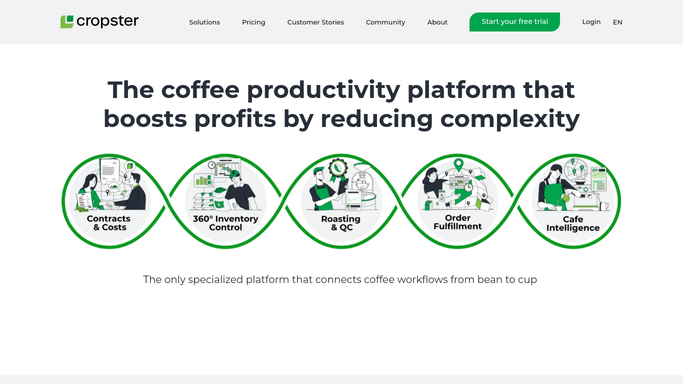
WebRun opens Cropster to pull completed roast batch data. - Open Cropster and filter roast batches to the previous calendar week
- Capture the batch ID, green coffee lot, green weight in, roasted weight out, and roast date for each completed batch
- Calculate weight-loss percentage as the difference between green-in and roasted-out weights
Done when All last week's completed roast batches have yield and weight-loss figures calculated.
-
2
Google Sheets - log yield and weight-loss figures
google.com How to Automate Google Sheets

WebRun opens Google Sheets to log yield and weight-loss figures. - Open the roast yield tracking Google Sheet
- Append each batch as a new row with batch ID, lot name, green weight, roasted weight, and yield percentage
- Update running averages and flag any batch whose weight loss is outside your acceptable range
Done when All batches are logged in the sheet with running averages updated and outliers flagged.
-
3
Slack - post production yield digest
slack.com How to Automate Slack

WebRun opens Slack to post production yield digest. - Post a weekly yield summary to your production or roasting Slack channel
- Include total batches run, average weight loss, and any lots outside your acceptable yield range
- Call out the best and worst-performing lots by yield percentage for the week
Done when Your production team has last week's yield summary in Slack before Monday roasting begins.
How is each run configured?
Secure by default
Connect once, stays signed in
WebRun signs in once and keeps each session in a persistent environment, so every run picks up right where it left off.
Every action is checked against this policy before it runs.
Questions, answered
Does it write back to Cropster or change any roast records?
No. WebRun only reads from Cropster. All calculations happen externally and are logged in Google Sheets. No roast records are modified.
What counts as an outlier batch?
You set an acceptable weight-loss range during setup, for example 13% to 18% for medium roasts. Any batch outside that range is flagged in the Google Sheet and called out in the Slack digest.
Can it report on specific lots or origins rather than all batches?
Yes. You can filter by lot name, origin, or roast profile in Cropster to scope the report to a subset of batches. The digest will cover only the batches that match your filter.
Related templates
Put this on autopilot.
Turn it on in minutes - or have our team set it up for you.