Stay on top of accounts on credit hold before orders ship
Every morning, WebRun pulls pending orders from Cropster, checks each customer against the credit-hold list in QuickBooks, and posts a Slack worklist flagging any order that should be paused until the account is cleared.
- No credit card
- Under $0.01 per run
- Cancel anytime
What does WebRun do on every run?
The exact actions WebRun takes, in order - in plain language, so you can adjust anything.
-
WebRun signs in and gets to work
Opens
app.cropster.comin a real browser with your saved login - no setup, no API keys. -
1
Cropster - pull pending orders for the day
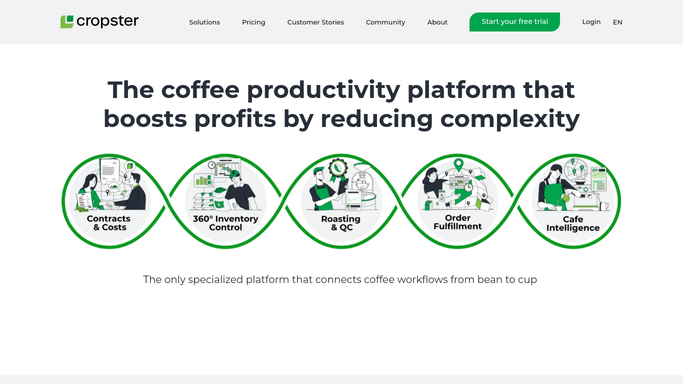
cropster.com How to Automate Cropster

WebRun opens Cropster to pull pending orders for the day. - Open Cropster and navigate to pending orders scheduled for dispatch today or tomorrow
- Capture the order ID, customer name, and order value for each pending shipment
Done when All pending orders with customer names and values are listed.
-
2
QuickBooks - check each customer credit status
- Look up each customer in QuickBooks to check their credit status
- Identify any customer flagged as on credit hold or with an overdue balance above your hold threshold
- Note the outstanding balance and the reason for the hold for each flagged account
Done when Every pending order has been checked, and those tied to held accounts are identified with balance details.
-
3
Slack - post credit-hold worklist to ops
slack.com How to Automate Slack
WebRun opens Slack to post credit-hold worklist to ops. - Post a credit-hold worklist to your ops or dispatch Slack channel
- List each held account with the pending order ID, order value, and outstanding balance
- Mark orders that must not ship until the hold is cleared
Done when Ops team has a clear list of orders to pause before today's dispatch run begins.

How do I automatically check for orders from credit-held accounts before they ship?
Every morning, WebRun pulls the day's pending orders from Cropster and checks each customer against the credit-hold list in QuickBooks. Any order tied to a held or overdue account is surfaced in a Slack worklist before dispatch begins, so your ops team can pause those shipments without a manual cross-check.
- No order ships to a held account without ops team awareness
- Ops has the credit-hold worklist before the first dispatch of the day
- Manual cross-checking of orders against QuickBooks is eliminated
Built for wholesale coffee roasters · roastery ops and dispatch teams · roastery finance managers
How is each run configured?
Secure by default
Connect once, stays signed in
WebRun signs in once and keeps each session in a persistent environment, so every run picks up right where it left off.
Every action is checked against this policy before it runs.
Questions, answered
Will it automatically cancel or hold orders in Cropster?
No. WebRun only reads order and credit data and posts a worklist to Slack. Pausing or releasing an order is always a human action, so your ops team stays in control of every dispatch decision.
What is the hold threshold for overdue balances?
You set the overdue balance threshold during setup, for example any account with more than 60 days outstanding is flagged. The threshold is fully configurable to match your credit policy.
What if the credit hold is resolved during the day?
The worklist reflects the status at the time of the morning check. If a hold is cleared later in the day, your ops team can manually release the order in Cropster. The next morning's run will confirm the account is clear.
Related templates
Put this on autopilot.
Turn it on in minutes - or have our team set it up for you.