Know who owns and who can open every app
Every Monday, WebRun signs in to Power Apps, walks every environment, lists each app with its owner, its co-owners, who it is shared with, and the connectors it uses, flags apps whose owner has left or that are shared with everyone, texts you the orphaned ones, and books a review slot in Google Calendar.
- No credit card
- Under $0.01 per run
- Cancel anytime
How do I audit who owns and can open every Power App?
WebRun audits Power Apps governance every Monday. It walks every environment, lists each app with its owner, co-owners, sharing scope and connectors, flags apps whose owner has left or that are shared tenant-wide, texts the admin about orphans, and books a review slot in Google Calendar.
- An orphaned business app gets reassigned before it breaks
- Apps shared with the whole company are named every week
- Every environment is covered, sandboxes included
Built for platform admins · IT governance teams · Power Platform owners · compliance teams
What does WebRun do on every run?
The exact actions WebRun takes, in order - in plain language, so you can adjust anything.
-
WebRun signs in and gets to work
Opens
make.powerapps.comin a real browser with your saved login - no setup, no API keys. -
1
Microsoft Power Apps - audit ownership and sharing
powerapps.microsoft.com
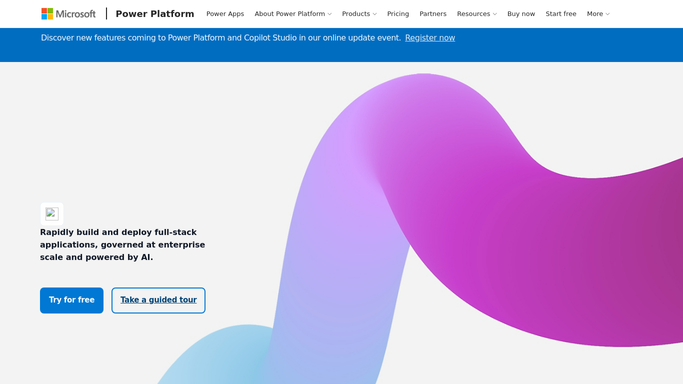
WebRun opens Microsoft Power Apps to audit ownership and sharing. - Sign in to Power Apps and open each environment in turn
- List every app with its owner, co-owners, and the users or groups it is shared with
- Note the connectors each app uses so a shared app touching sensitive data stands out
- Flag apps whose owner no longer has an active account, and apps shared with everyone in the tenant
Done when Every app in every environment has an owner, a sharing scope, and a flag if either is a problem.
-
2
Twilio - text about orphaned apps
twilio.com How to Automate Twilio

WebRun opens Twilio to text about orphaned apps. - Text the platform admin the count of apps with no active owner
- Name the busiest orphaned app and the environment it sits in
- Send nothing in weeks where every app has an active owner
- Never reassign ownership or change sharing: WebRun reports and the admin acts
Done when The platform admin knows about every app left without an owner.
-
3
Google Calendar - book the review slot
calendar.google.com How to Automate Google Calendar

WebRun opens Google Calendar to book the review slot. - Book a private review slot on the admin calendar when apps need reassigning
- Put the app names, environments, and sharing scope in the event description
- Size the slot to the number of apps flagged
- Skip the booking in weeks where the audit is clean
Done when Reassignment work has time booked with the flagged apps listed on it.
How is each run configured?
Secure by default
Connect once, stays signed in
WebRun signs in once and keeps each session in a persistent environment, so every run picks up right where it left off.
Every action is checked against this policy before it runs.
Questions, answered
Can it reassign an app or remove sharing?
No. WebRun reads ownership and sharing and reports what it finds. Reassigning an owner or narrowing who can open an app stays with your platform admin, because a wrong change breaks a live business app.
How does it know an owner has left?
It flags apps whose listed owner no longer has an active account in the tenant, so an app left behind by a leaver shows up in the audit rather than waiting until it breaks.
Does it cover every environment?
Yes. It walks each environment you have access to in turn and reports per environment, so an app shared tenant-wide in a sandbox is not hidden behind the production list.
Related templates
Put this on autopilot.
Turn it on in minutes - or have our team set it up for you.