Catch elopement risk before it becomes an incident
Every hour, WebRun opens StoriiCare, reviews behavior notes and history for signals of rising elopement or wandering risk, exit seeking, agitation, a past incident, and posts an immediate Slack alert naming the resident and tagging the shift lead so your care team can respond right away.
- No credit card
- Under $0.01 per run
- Cancel anytime
How do I get an early warning before a memory care resident elopes?
WebRun checks StoriiCare every hour for behavior notes and history that signal rising elopement or wandering risk, exit seeking, agitation, a past incident, a new care plan flag. The moment it finds one, it posts an immediate Slack alert naming the resident and tagging the shift lead, so your care team can respond before a risk becomes an incident.
- Rising risk signals reach the shift lead within the hour, not at the next shift change
- Every alert names the specific resident and the specific signal, not a generic warning
- Staff get an earlier window to intervene before a wandering incident occurs
Built for memory care communities · dementia unit staff · assisted living safety teams · skilled nursing memory units
What does WebRun do on every run?
The exact actions WebRun takes, in order - in plain language, so you can adjust anything.
-
WebRun signs in and gets to work
Opens
app.storiicare.comin a real browser with your saved login - no setup, no API keys. -
1
StoriiCare - check for rising elopement risk signals
storiicare.com How to Automate StoriiCare
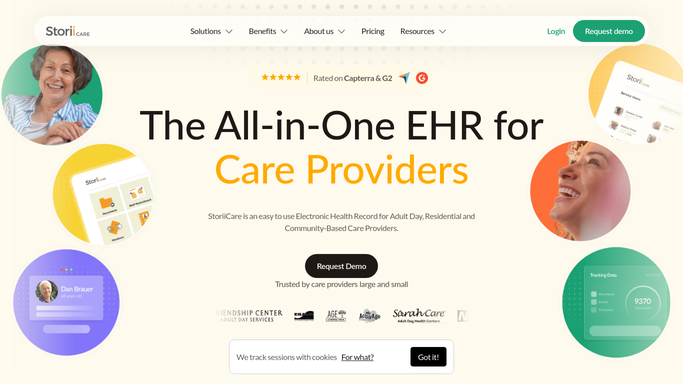
WebRun opens StoriiCare to check for rising elopement risk signals. - Open StoriiCare and review behavior notes and history logged this hour
- Check for known risk signals: exit seeking, agitation, a history of wandering, a new care plan flag
- Rank any resident showing signals as elevated risk
Done when Every resident with a new risk signal this hour is identified and ranked.
-
2
Slack - alert the care team immediately
slack.com How to Automate Slack

WebRun opens Slack to alert the care team immediately. - Post an immediate alert to the care team channel naming the resident and the signal
- Tag the shift lead so it isn't missed in a busy channel
- Do not wait for a scheduled digest. Send the alert as soon as a signal is found
Done when The care team has an immediate alert in Slack for every new risk signal.
How is each run configured?
Secure by default
Connect once, stays signed in
WebRun signs in once and keeps each session in a persistent environment, so every run picks up right where it left off.
Every action is checked against this policy before it runs.
Questions, answered
Does this replace our elopement prevention protocol?
No. It adds an earlier warning on top of your existing protocol by watching for risk signals between shift changes and rounds. Staff still follow your facility's own elopement response procedure.
How fast does the alert go out?
Within the hour a signal is logged, not saved for a daily or weekly digest, because elopement risk is exactly the kind of thing that shouldn't wait.
What counts as a risk signal?
Behavior notes and history already in StoriiCare: exit seeking, rising agitation, a past wandering incident, or a new risk flag on the care plan.
Related templates
Put this on autopilot.
Turn it on in minutes - or have our team set it up for you.