Reconcile consignment stock before it becomes lost revenue
On the first of every month, WebRun opens Accolent ERP and pulls the consigned inventory count for each practice location, compares it against the practice's submitted usage report to calculate items used since the last count, drafts a QuickBooks invoice per practice for that usage, and logs any count mismatch to a Google Sheet for your inventory team to investigate.
- No credit card
- Under $0.01 per run
- Cancel anytime
What does WebRun do on every run?
The exact actions WebRun takes, in order - in plain language, so you can adjust anything.
-
WebRun signs in and gets to work
Opens
adssolutions.comin a real browser with your saved login - no setup, no API keys. -
1
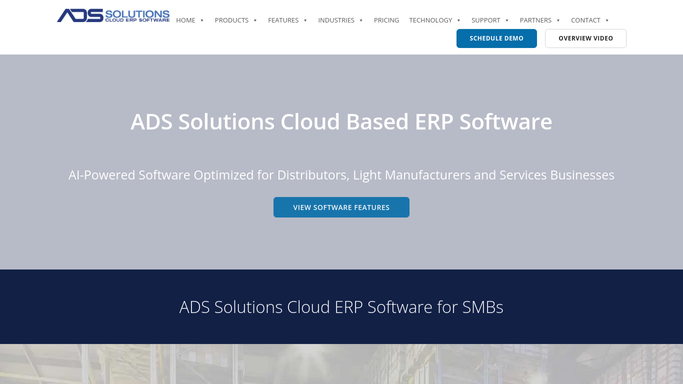
Accolent ERP - compare consigned stock to usage
adssolutions.com How to Automate Accolent ERP

WebRun opens Accolent ERP to compare consigned stock to usage. - Open Accolent ERP and pull the consigned inventory count for each practice location
- Compare it against the practice's submitted usage report for the period
- Calculate the items and quantities used since the last reconciliation
Done when Every consignment location has a calculated usage count for the period.
-
2
QuickBooks - draft an invoice for items used
- Open QuickBooks and draft an invoice for each practice listing the consigned items used and their price
- Total each invoice against the practice's usage for the period
- Save every invoice as a draft. Do not send any invoice to the practice
Done when A draft invoice exists for every practice with consigned usage, unsent.
-
3
Google Sheets - log discrepancies for review
google.com How to Automate Google Sheets
WebRun opens Google Sheets to log discrepancies for review. - Open the Consignment Reconciliation sheet
- Log any location where the physical count does not match Accolent ERP's expected remaining quantity
- Flag the size of each discrepancy for the inventory team to investigate
Done when Every discrepancy is logged in the sheet for the inventory team to review.

How do I reconcile consigned medical or dental inventory without losing revenue to untracked usage?
On the first of every month, WebRun compares each practice's consigned inventory count in Accolent ERP against their submitted usage report, drafts a QuickBooks invoice for the items used since the last count, and logs any count mismatch to a Google Sheet, so consigned stock gets billed accurately and discrepancies surface before they turn into lost revenue.
- Consigned usage is invoiced every month instead of going untracked between counts
- Count discrepancies are logged and flagged for investigation instead of quietly absorbed
- Billing team reviews one draft invoice per practice instead of building each from scratch
Built for medical supply distributors · dental supply distributors · consignment inventory teams · distributor billing teams
How is each run configured?
Secure by default
Connect once, stays signed in
WebRun signs in once and keeps each session in a persistent environment, so every run picks up right where it left off.
Every action is checked against this policy before it runs.
Questions, answered
Will WebRun invoice the practice for consigned items automatically?
No. WebRun drafts the invoice in QuickBooks for items used since the last count and leaves it unsent for your billing team to review and send.
What counts as a discrepancy?
Any location where the physical count a practice reports does not match what Accolent ERP expects to remain based on prior counts and usage. Both overages and shortages are logged.
How often should consignment stock be reconciled?
Monthly by default, so usage is invoiced close to when it happens and discrepancies are caught before they compound. The schedule can be set to run more often for high value consigned kits.
Related templates
Put this on autopilot.
Turn it on in minutes - or have our team set it up for you.