Build a welfare-safe pen load plan for every livestock booking
Every morning, WebRun opens M2X, reads each confirmed livestock booking, works out how many head fit per compartment by animal type and pen size, writes the loading plan to a Google Sheet, and posts a clean load plan to your dispatch Slack channel.
- No credit card
- Under $0.01 per run
- Cancel anytime
How do I automatically build a pen load plan from head count and animal type?
Every morning WebRun opens M2X, reads each confirmed booking's head count and animal type, and works out how many head fit per compartment from the pen size and loading constraints. It writes the compartment plan to a Google Sheet and posts a load plan to your dispatch Slack channel, so loaders start the day welfare-safe.
- Loaders start each day with a compartment by compartment plan, not a head count guess
- Split loads are flagged before loading, not discovered at the ramp
- Every plan respects the pen size limits for that animal type
Built for livestock haulers · cattle transporters · feedlot logistics teams · livestock dispatchers
What does WebRun do on every run?
The exact actions WebRun takes, in order - in plain language, so you can adjust anything.
-
WebRun signs in and gets to work
Opens
www.m2xgroup.comin a real browser with your saved login - no setup, no API keys. -
1
M2X - read bookings, head count, and animal type
m2xgroup.com How to Automate M2X
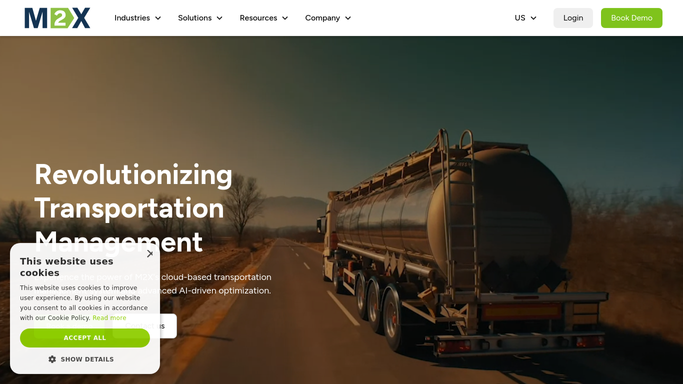
WebRun opens M2X to read each booking's head count and animal type. - Open M2X and list today's confirmed livestock bookings
- For each booking, read the head count, animal type, average weight, and trailer configuration
- Apply the pen size and loading constraints for that animal type to work out head per compartment
- Note any load that exceeds a single trailer and needs a second truck
Done when Every booking has a compartment by compartment head allocation that respects pen size limits.
-
2
Google Sheets - write the compartment loading plan
google.com How to Automate Google Sheets

WebRun opens Google Sheets to write the compartment loading plan. - Open the Load Plan sheet for today
- Add one row per booking with the truck, animal type, total head, and head per compartment
- Flag any booking that needs a split load across two trailers
- Sort the rows by pickup time so the earliest loads sit at the top
Done when The sheet holds a compartment level loading plan for every booking, ordered by pickup time.
-
3
Slack - post the day's load plan to dispatch
slack.com How to Automate Slack

WebRun opens Slack to post the day's load plan to dispatch. - Post the day's load plan to the dispatch channel
- Summarise total trucks, total head, and any split loads first
- Link the full Google Sheet for the loaders to open
Done when Dispatch has today's compartment loading plan in Slack with a link to the full sheet.
How is each run configured?
Secure by default
Connect once, stays signed in
WebRun signs in once and keeps each session in a persistent environment, so every run picks up right where it left off.
Every action is checked against this policy before it runs.
Questions, answered
Does the load plan account for animal welfare limits?
Yes. WebRun reads each booking's animal type, pen size, and average weight in M2X and allocates head per compartment so no compartment is overloaded, keeping the plan within the loading constraints your operation follows.
Will it change my bookings in M2X on its own?
No. WebRun only reads your confirmed bookings in M2X. The loading plan is written to a Google Sheet and posted to Slack for your loaders and dispatch to act on, so nothing in M2X is edited automatically.
What happens when a load is too big for one trailer?
It flags any booking that exceeds a single trailer as a split load in both the Google Sheet and the Slack summary, so dispatch can assign a second truck before loading starts.
Related templates
Put this on autopilot.
Turn it on in minutes - or have our team set it up for you.