Send your preparer a daily cost seg status digest
Every morning, WebRun opens KBKG, reads the status of every active study, records a dated snapshot in an Airtable base, and posts your tax preparer a short Slack digest of which studies advanced, which are waiting on documents, and which are approaching a return deadline.
- No credit card
- Under $0.01 per run
- Cancel anytime
How do I get a daily status update on all my cost segregation studies?
Every morning WebRun opens KBKG, reads the stage, owner, and blocker of every active study, records a dated snapshot in an Airtable base, and posts your preparer a short Slack digest grouped into moved, blocked, and due soon, so the whole cost segregation pipeline is visible in one glance before the day starts.
- The preparer sees the whole pipeline in one Slack message each morning
- Stalled studies are surfaced instead of quietly aging
- Studies nearing a return deadline are flagged with runway to act
Built for cost segregation firms · CPA firms · tax preparers · practice managers
What does WebRun do on every run?
The exact actions WebRun takes, in order - in plain language, so you can adjust anything.
-
WebRun signs in and gets to work
Opens
kbkg.comin a real browser with your saved login - no setup, no API keys. -
1
KBKG - read every study status
kbkg.com How to Automate KBKG
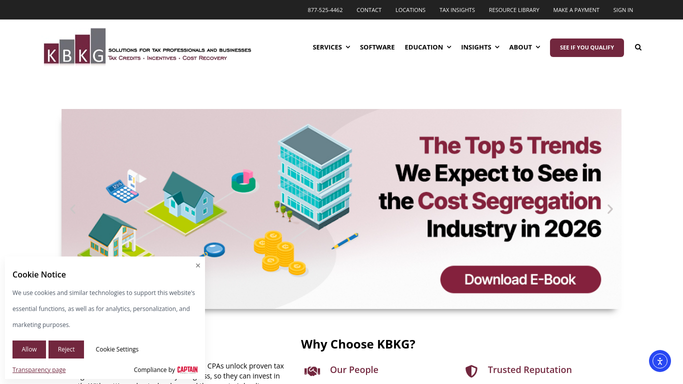
WebRun opens KBKG to read every study status. - Open KBKG and list all active studies with their current stage
- Read who owns each study and what it is waiting on
- Note the target return date tied to each property
Done when Every active study has its stage, owner, and blocker read.
-
2
Airtable - snapshot the pipeline
airtable.com How to Automate Airtable

WebRun opens Airtable to snapshot the pipeline. - Open the study pipeline base in Airtable
- Write today's stage for each study next to yesterday's so movement is visible
- Flag studies that have not advanced in over a week
Done when A dated snapshot of the pipeline is saved in the base.
-
3
Slack - digest it to the preparer
slack.com How to Automate Slack

WebRun opens Slack to digest the pipeline to the preparer. - Post a short digest to the preparer grouped into moved, blocked, and due soon
- Name the property and owner for each item so it is actionable
- Keep it an internal summary, with no client contacted
Done when The preparer has this morning's status digest in Slack.
How is each run configured?
Secure by default
Connect once, stays signed in
WebRun signs in once and keeps each session in a persistent environment, so every run picks up right where it left off.
Every action is checked against this policy before it runs.
Questions, answered
Is the digest safe to post automatically?
Yes. The Slack digest is an internal summary for your preparer, not a client message, so WebRun posts it on its own each morning. There is no external step, so nothing leaves the firm without a human.
How does it show what changed?
It writes today's stage for each study beside yesterday's in the Airtable base, so the digest can call out exactly which studies moved, which stalled, and which have sat unchanged for over a week.
What does due soon mean?
Due soon means a study is tied to a return date approaching within your chosen window. WebRun reads each property's target return date in KBKG and flags the ones running out of runway.
Related templates
Put this on autopilot.
Turn it on in minutes - or have our team set it up for you.