Start a cost seg study from every new closing packet
When a new closing packet arrives in Google Drive, WebRun reads the settlement statement, opens a new study in KBKG with the property address, purchase price, and placed-in-service date, and posts your team a short note that intake is ready to review.
- No credit card
- Under $0.01 per run
- Cancel anytime
How do I start a cost segregation study from a property closing packet?
When a new property closing packet lands in Google Drive, WebRun reads the settlement statement for the address, purchase price, and placed-in-service date, opens a matching cost segregation study in KBKG with those figures entered, and posts your tax team a short Slack note that intake is ready to confirm.
- New closings become started studies within minutes of landing in Drive
- Basis and placed-in-service dates are captured from the source document, not rekeyed
- Preparers open Slack to a ready-to-confirm intake, not a blank form
Built for cost segregation firms · CPA firms · real estate tax advisors · tax preparers
What does WebRun do on every run?
The exact actions WebRun takes, in order - in plain language, so you can adjust anything.
-
WebRun signs in and gets to work
Opens
drive.google.comin a real browser with your saved login - no setup, no API keys. -
1
Google Drive - read the closing packet
drive.google.com How to Automate Google Drive

WebRun opens Google Drive to read the closing packet. - Open the intake folder in Google Drive and pick up the newest closing packet
- Read the settlement statement for the property address, purchase price, and closing date
- Note any land value or appraisal figure shown on the statement
Done when The address, purchase price, and closing date have been read from the packet.
-
2
KBKG - open a new study with the basis
kbkg.com How to Automate KBKG
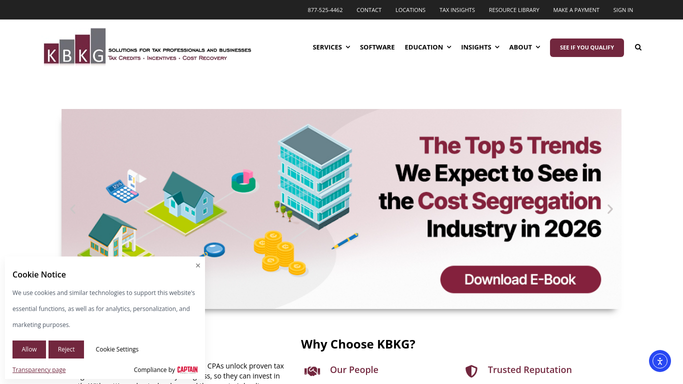
WebRun opens KBKG to start the study with the property basis. - Open KBKG and start a new cost segregation study
- Enter the property address, purchase price, and placed-in-service date from the packet
- Attach the settlement statement and leave the study at intake for a preparer to confirm
Done when A KBKG study exists with the basis and placed-in-service date entered.
-
3
Slack - tell the team intake is ready
slack.com How to Automate Slack

WebRun opens Slack to tell the team intake is ready. - Post a short note to the tax team channel that a new study is at intake
- Include the property address, purchase price, and placed-in-service date
- Link the study and the source packet so a preparer can confirm the figures
Done when The team has an intake note in Slack with the study link.
How is each run configured?
Secure by default
Connect once, stays signed in
WebRun signs in once and keeps each session in a persistent environment, so every run picks up right where it left off.
Every action is checked against this policy before it runs.
Questions, answered
Does it finalize the study on its own?
No. WebRun only opens the study at intake with the address, price, and placed-in-service date filled in, then leaves it for a preparer to confirm the figures before any classification work begins.
Where do the numbers come from?
The numbers come straight off the settlement statement in the closing packet. WebRun reads the address, purchase price, closing date, and any land or appraisal figure, and enters exactly those into KBKG.
What if a packet is missing the price or closing date?
WebRun flags it in the Slack note and still opens the study, marking the missing field so a preparer can chase the document rather than starting from a blank intake.
Related templates
Put this on autopilot.
Turn it on in minutes - or have our team set it up for you.