Nudge wholesale cafe accounts to reorder before they run out
Every Monday, WebRun opens Cropster, checks each wholesale cafe account's order cadence against how long it has been since their last order, drafts a friendly reorder reminder email in Gmail for any account due to run low, and posts your sales team a Slack list of who was drafted for so nothing sits unsent.
- No credit card
- Under $0.01 per run
- Cancel anytime
How do I remind wholesale cafe accounts to reorder before they run out?
WebRun checks every wholesale cafe account's order history in Cropster each Monday, flags any account overdue against its usual reorder cadence, and drafts a friendly reminder email in Gmail for each one, left unsent for review. Your sales team gets a Slack list of every waiting draft so no overdue account is forgotten.
- Overdue wholesale accounts get a personal reminder drafted before they churn to another roaster
- Sales reps review and send in seconds instead of writing each email from scratch
- Accounts that already reordered are skipped automatically
Built for wholesale coffee roasters · roastery sales reps · account managers
What does WebRun do on every run?
The exact actions WebRun takes, in order - in plain language, so you can adjust anything.
-
WebRun signs in and gets to work
Opens
app.cropster.comin a real browser with your saved login - no setup, no API keys. -
1
Cropster - find wholesale accounts due to reorder
cropster.com How to Automate Cropster
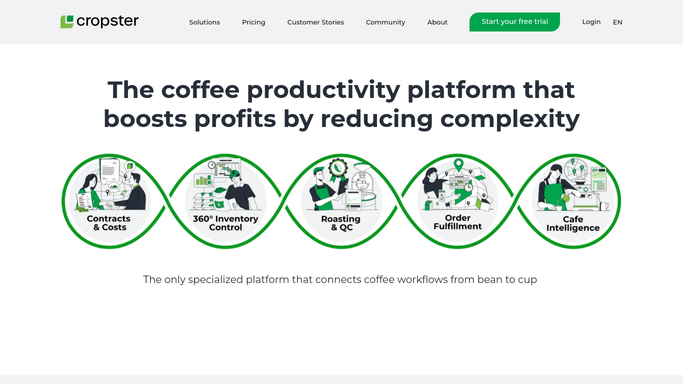
WebRun opens Cropster to find wholesale accounts due to reorder. - Open Cropster and pull each wholesale account's order history
- Calculate the average days between orders for that account
- Flag any account that has gone longer than its usual cadence without a new order
Done when Every wholesale account overdue for its usual reorder cadence is listed with days since last order.
-
2
Gmail - draft a reorder reminder for each account
gmail.com How to Automate Gmail

WebRun opens Gmail to draft a reorder reminder for each account. - Draft a short, friendly reorder reminder for each overdue account
- Reference their usual order, the blend and bag size, so it reads personal
- Save every reminder as a draft in Gmail. Do not send any of them
Done when A draft reminder exists in Gmail for every overdue wholesale account, unsent.
-
3
Slack - tell the team which drafts are waiting
slack.com How to Automate Slack

WebRun opens Slack to tell the team which drafts are waiting. - Post a Slack list of every wholesale account with a drafted reminder waiting
- Include the account name, days overdue, and their usual order
- Ask the sales rep to review and send each draft from Gmail
Done when Your sales team has a Slack list of every drafted reminder waiting for review.
How is each run configured?
Secure by default
Connect once, stays signed in
WebRun signs in once and keeps each session in a persistent environment, so every run picks up right where it left off.
Every action is checked against this policy before it runs.
Questions, answered
Will it email my wholesale customers without me seeing it first?
No. Every reminder is saved as a Gmail draft only. WebRun never sends a reorder email to a customer on its own, your sales team reviews and sends each one.
How does it know when an account is overdue?
It reads that account's order history in Cropster and works out their normal days between orders, then flags anyone who has gone past that pattern without a new order.
What if an account already reordered through another channel?
It reads the live order history in Cropster each run, so any account that already placed a new order is skipped automatically and gets no draft.
Related templates
Put this on autopilot.
Turn it on in minutes - or have our team set it up for you.