How to Automate Slack

Slack automates in two layers. Workflow Builder, reminders and vendor Slack apps cover anything that starts inside Slack or gets pushed to it. Getting an answer out of a tool that never built a Slack app is the layer people still do by hand, one browser tab at a time.

Slack is where the company keeps its attention

Slack is a messaging app that turned into something else along the way: the place a company keeps its attention. Decisions get made in a thread before they are written down anywhere official. The person who needs to know something asks in a channel rather than opening the system that holds the answer. New staff learn how the business actually works by scrolling.

Most companies run a few dozen channels and about four that matter. The one where orders come in. The one where things break. The one where the numbers get posted every morning. Those few are checked constantly, by people who are supposed to be doing something else.

That is both the value and the cost. Everything important passes through Slack, which is what makes it worth automating. Everything unimportant passes through too, which is why half the workspace has notifications off.

Someone is quietly paid to watch the dashboards

In most teams one person has become the human integration layer, without anyone deciding they should be.

They open the payment dashboard each morning and post yesterday's total. They check whether the overnight job finished and tell the channel either way. They copy the day's bookings across because the booking system has no Slack app. When somebody asks whether an order shipped, they open another tab and look.

None of that is in their job description. It is what happens when the tool everyone watches knows nothing about the tools that hold the facts. The channel is full of people and short of data.

The slack.com homepage, the app these three jobs run in. Slack
Morning numbers Yesterday's takings, failures and bookings read from the systems that hold them and posted before the team logs on.
The usual questions, answered Whether it shipped, whether it cleared, whether the status changed, checked and posted without anyone opening a tab.
Exceptions only The three lines that fell below reorder, not the two hundred that did not. Quiet channels are the ones people still read.

Workflow Builder only reacts to what happens inside Slack

Slack automates a fair amount on its own, and for what it covers it is good.

Workflow Builder runs a sequence when someone joins a channel, reacts with an emoji, submits a form or clicks a button. Reminders repeat on a schedule. Scheduled send posts a message you already wrote at a time you pick. Hundreds of products publish a Slack app that pushes their own events into a channel.

Every one of those is triggered by something that happened in Slack, or pushed in by a vendor who decided to build the integration. That is the ceiling. A workflow cannot go and look at anything. It posts what it is handed.

So the gap is every tool that never built a Slack app: the supplier portal, the council website, the twenty-year-old booking system, the bank. Those hold the answers people ask for in channels all day, and Slack has no way to reach them.

The channel can report before anyone asks

Change what is able to reach the channel and the whole thing inverts. Instead of people asking the channel questions, the channel starts answering them first.

Yesterday's takings, posted at seven, read from the till system that only ever shows them on a dashboard. The overnight payment failures, listed by customer, out of a portal with no export. The three stock lines that dropped below reorder, checked across every supplier you buy from. The bookings that came in during the night from a system that never built an integration.

The same goes for the questions people ask over and over. Whether a shipment moved. Whether a permit changed status. Whether a listing is still on the first page. Whether a competitor put their price up again. Each of those is somebody opening a tab, looking, and typing what they saw.

One thing worth building in from the start: a channel that posts everything gets muted inside a week, and a muted channel is worse than no channel. The version that survives posts what changed and stays quiet otherwise. Report the exception, not the heartbeat.

Nobody has to be watching at six in the morning

The till system will not post its own number into a channel, and the number is wanted before the doors open. Reading it off a screen at that hour is work, but it is not the kind that justifies a phone by the bed.

WebRun is an AI agent that works a real Chrome browser, signed in as you. It opens the portal or the dashboard, reads what is on the screen, and posts the result into the channel you choose. Because it works the browser rather than an API, it reaches the tools that never built a Slack app, which is most of them.

It runs on your schedule in your own private environment, and you can watch a run and stop it. Anything that would reach a customer drafts and waits for you.

The workflows below are already built, and each one names the apps it touches.

Questions people ask

Will it post to a channel without me approving it?

Posting to your own internal channel runs on its own, because a message you did not want is a message you delete. Anything customer-facing, like an email or a public reply, is drafted and waits for a person.

Do we need a paid Slack plan or admin rights?

No. It posts through the browser using the access you already have, so there is no app to get approved into the workspace and no admin ticket to wait on.

How do we stop it turning into noise?

Post exceptions rather than everything. Each workflow decides what is worth saying: the lines below reorder, the payments that failed, the job that did not finish. A channel that only speaks when something changed keeps getting read.

5,789 ready-made Slack workflows

Each one names the apps it touches and the exact steps it takes. Open one to read what it will do, then turn it on.

Automated Ingredient Price Increase Alerts
Every morning, WebRun compares the latest vendor prices in Restaurant365 against a watchlist of key ingredients in a Google Sheet, logs the moves, and posts you a Slack alert when a tracked item jumps beyond your threshold.
Restaurant365Google SheetsSlack
Automated Division Order Change Intake
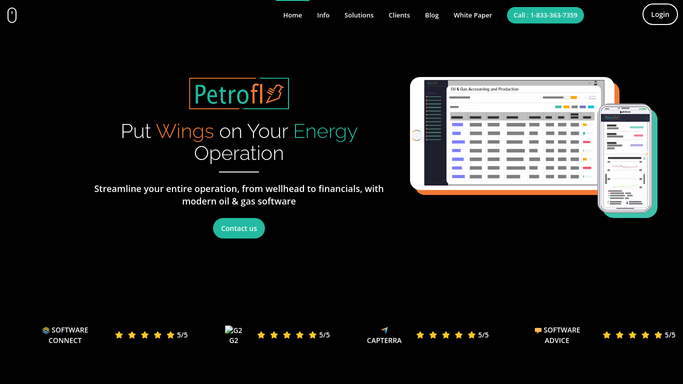
When an owner sends a division order change, WebRun reads the request in DocuSign, checks the new decimals against the current ownership in Petrofly, and queues a change summary in Slack for a person to approve before anything in the owner record moves.
PetroflyDocuSignSlack
Automated Depreciation Schedule Sync
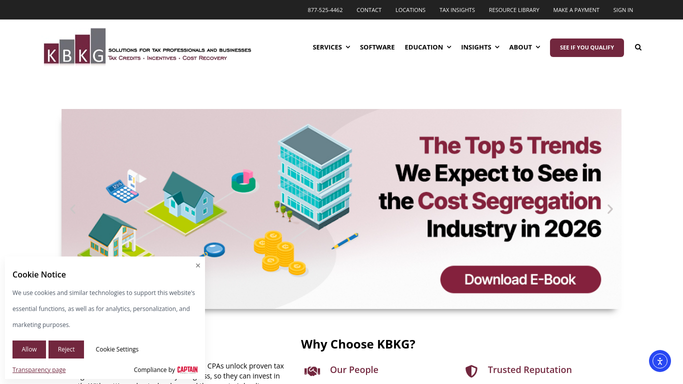
WebRun reads the finished depreciation schedule from a KBKG study, stages matching fixed asset entries in QuickBooks as drafts, and asks your bookkeeper to review before anything posts to the books.
KBKGQuickBooksSlack
Automated Jobsite Wait Time Alerts
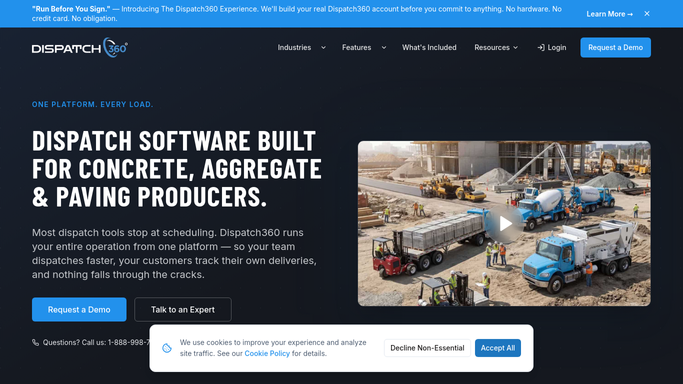
Every few minutes, WebRun tracks how long each truck has waited on site in Dispatch360 and alerts dispatch in Slack once a job passes its free unloading time, so demurrage gets managed and billed, not lost.
Dispatch360Slack
Automated Proof of Delivery Packets
WebRun gathers the signature, photos, and notes for each completed order in Deliveright, assembles a tidy POD packet in Google Drive, and posts the link to Slack.
DeliverightGoogle DriveSlack
Automated Wash Reject and Reclean Escalation
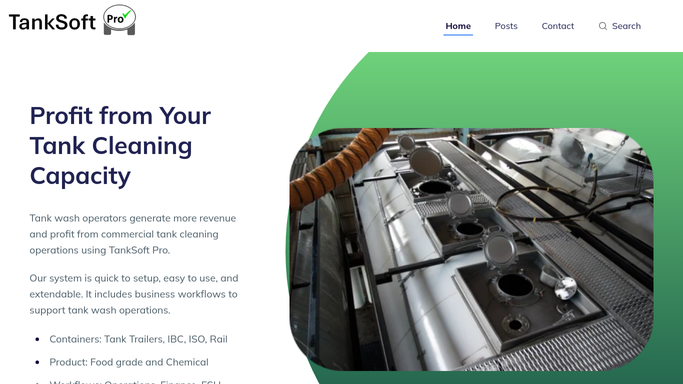
As washes are inspected in TankSoft Pro, WebRun catches any reject or reclean, posts it to the bay channel in Slack, and escalates to a supervisor on Telegram if it is not cleared in time.
TankSoft ProSlackTelegram
Automated EDI Yard Reconciliation
WebRun compares the gate moves reported in MRI Intermodal Software against the physical yard count, logs every mismatch to a Google Sheet, and posts the depot team a Slack list of containers that need a reconciling check.
MRI Intermodal SoftwareGoogle SheetsSlack
Automated Overdue Specimen Escalation
WebRun watches CXT Software for specimens that have not reached the lab by their cutoff time and escalates each one to your dispatch lead in Slack and to on-call in Telegram.
CXT SoftwareSlackTelegram
BeyondTrucks Automated Tank Wash Tracking
WebRun tracks each trailer's last wash and wash-due date in BeyondTrucks, puts each due date on a shared Google Calendar, and blocks any food-grade assignment on an overdue trailer while alerting the wash bay and dispatch in Slack.
BeyondTrucksGoogle CalendarSlack
Automated Optical Lab Throughput Report
WebRun pulls the day's production numbers from Ocuco Innovations each night, logs jobs started, finished, shipped, and remade to a Google Sheet, and posts your managers a Slack throughput report.
Ocuco InnovationsGoogle SheetsSlack
Panda Perio Automated Consent Tracking
WebRun finds upcoming soft-tissue and bone graft cases in Panda Perio, checks DocuSign for a signed consent, drafts the consent packet to send for any that are missing, and posts your team the outstanding list so no case reaches the chair unsigned.
Panda PerioDocuSignSlack
nAbleIVF Automated Thaw Survival Digest
Every week, WebRun opens nAbleIVF, reads the past week's egg and embryo thaw records, works out survival rates by clinician, protocol, and freeze method, logs the numbers to Google Sheets, and posts a KPI digest to Slack so your lab spots a drop in thaw survival early.
nAbleIVFGoogle SheetsSlack
Verify MC Automated Physician Capacity Digest
WebRun compares waiting patients in Verify MC to each certifying physician's open time on Google Calendar, works out where supply and demand are mismatched by state, and posts your scheduler a Slack capacity digest so open slots get filled and busy states get more cover.
Verify MCGoogle CalendarSlack
Sonio Automated Consult Report Loop
Each morning, WebRun opens Sonio, finds finalized consult reports whose report has not yet gone back to the referring OB, drafts the cover note and fax in Gmail for a clinician to approve and send, and tracks the loop in Slack.
SonioGmailSlack
Automated Psychiatry Referral Triage
Whenever a new referral arrives, WebRun reads it, records the patient and referring provider in Osmind, sorts it by likely treatment such as Spravato, ketamine, or TMS, posts the intake team a Slack summary, and drafts an acknowledgement reply to the referrer for review.
OsmindGmailSlack
Automated IR Charge Capture Sweep
Every day, WebRun sweeps yesterday's completed IR cases in HI-IQ for missing procedure and supply charges, logs each gap to Google Sheets, and posts a charge-capture summary to Slack with the revenue at risk.
HI-IQGoogle SheetsSlack
OmniMD Automated Unbilled Charge Sweep
Every morning, WebRun compares completed vein procedures in OmniMD against what has been billed, logs the gaps to Google Sheets, and posts your billing team a Slack list of ablations and studies still waiting on a charge.
OmniMDGoogle SheetsSlack
OnRamp Automated Coating Quote Follow-Ups
Every morning, WebRun reads open coating quotes in OnRamp, finds the ones that have gone quiet past your follow-up window, drafts a friendly Gmail nudge to each customer for you to review, and posts your team a Slack list of quotes awaiting a reply.
OnRampGmailSlack
Automated Lameness Exam Note Filing
WebRun gathers each day's lameness exam records from ThoroVet, compiles the flexion results, blocks, and grades into a tidy per-horse note, files it to Google Drive, and posts your team a summary so follow-up work never slips.
ThoroVetGoogle DriveSlack
Steelhead Automated Quote Follow-Up Drafts
Every morning, WebRun finds the quotes in Steelhead that have sat unanswered, drafts a friendly follow-up email for each customer, and posts you the list so you approve before anything sends.
Steelhead TechnologiesGmailSlack
MyApiary Automated Equipment Transfer Tracking
Every evening, WebRun reads RFID equipment scans and moves in MyApiary, updates a Google Sheet of what sits at each apiary site, and posts your team a summary of the day's transfers and anything unaccounted for.
MyApiaryGoogle SheetsSlack
User Interviews Automated Fully-Booked Alerts
WebRun watches each active User Interviews study, and the moment its sessions hit the target count it posts a fully-booked notice to Slack so the team can stop recruiting and start prepping.
User InterviewsSlack
AMFG Automated Pickup Reminder Texts
When an AMFG order is marked ready for collection, WebRun drafts a short pickup text in Twilio for you to approve and posts the ready-list to Slack.
AMFGTwilioSlack
Automated L&D Portfolio Digest
WebRun rolls up every active learning project in Cognota each week, records counts and movement to a Google Sheet, and posts a Slack digest of what launched, what is in flight, and what needs attention.
CognotaGoogle SheetsSlack

Want one of these running on your own Slack?

Show WebRun the process once and it will run it on schedule, in your own private browser environment.