How to Automate Slack

Slack automates in two layers. Workflow Builder, reminders and vendor Slack apps cover anything that starts inside Slack or gets pushed to it. Getting an answer out of a tool that never built a Slack app is the layer people still do by hand, one browser tab at a time.

Slack is where the company keeps its attention

Slack is a messaging app that turned into something else along the way: the place a company keeps its attention. Decisions get made in a thread before they are written down anywhere official. The person who needs to know something asks in a channel rather than opening the system that holds the answer. New staff learn how the business actually works by scrolling.

Most companies run a few dozen channels and about four that matter. The one where orders come in. The one where things break. The one where the numbers get posted every morning. Those few are checked constantly, by people who are supposed to be doing something else.

That is both the value and the cost. Everything important passes through Slack, which is what makes it worth automating. Everything unimportant passes through too, which is why half the workspace has notifications off.

Someone is quietly paid to watch the dashboards

In most teams one person has become the human integration layer, without anyone deciding they should be.

They open the payment dashboard each morning and post yesterday's total. They check whether the overnight job finished and tell the channel either way. They copy the day's bookings across because the booking system has no Slack app. When somebody asks whether an order shipped, they open another tab and look.

None of that is in their job description. It is what happens when the tool everyone watches knows nothing about the tools that hold the facts. The channel is full of people and short of data.

The slack.com homepage, the app these three jobs run in. Slack
Morning numbers Yesterday's takings, failures and bookings read from the systems that hold them and posted before the team logs on.
The usual questions, answered Whether it shipped, whether it cleared, whether the status changed, checked and posted without anyone opening a tab.
Exceptions only The three lines that fell below reorder, not the two hundred that did not. Quiet channels are the ones people still read.

Workflow Builder only reacts to what happens inside Slack

Slack automates a fair amount on its own, and for what it covers it is good.

Workflow Builder runs a sequence when someone joins a channel, reacts with an emoji, submits a form or clicks a button. Reminders repeat on a schedule. Scheduled send posts a message you already wrote at a time you pick. Hundreds of products publish a Slack app that pushes their own events into a channel.

Every one of those is triggered by something that happened in Slack, or pushed in by a vendor who decided to build the integration. That is the ceiling. A workflow cannot go and look at anything. It posts what it is handed.

So the gap is every tool that never built a Slack app: the supplier portal, the council website, the twenty-year-old booking system, the bank. Those hold the answers people ask for in channels all day, and Slack has no way to reach them.

The channel can report before anyone asks

Change what is able to reach the channel and the whole thing inverts. Instead of people asking the channel questions, the channel starts answering them first.

Yesterday's takings, posted at seven, read from the till system that only ever shows them on a dashboard. The overnight payment failures, listed by customer, out of a portal with no export. The three stock lines that dropped below reorder, checked across every supplier you buy from. The bookings that came in during the night from a system that never built an integration.

The same goes for the questions people ask over and over. Whether a shipment moved. Whether a permit changed status. Whether a listing is still on the first page. Whether a competitor put their price up again. Each of those is somebody opening a tab, looking, and typing what they saw.

One thing worth building in from the start: a channel that posts everything gets muted inside a week, and a muted channel is worse than no channel. The version that survives posts what changed and stays quiet otherwise. Report the exception, not the heartbeat.

Nobody has to be watching at six in the morning

The till system will not post its own number into a channel, and the number is wanted before the doors open. Reading it off a screen at that hour is work, but it is not the kind that justifies a phone by the bed.

WebRun is an AI agent that works a real Chrome browser, signed in as you. It opens the portal or the dashboard, reads what is on the screen, and posts the result into the channel you choose. Because it works the browser rather than an API, it reaches the tools that never built a Slack app, which is most of them.

It runs on your schedule in your own private environment, and you can watch a run and stop it. Anything that would reach a customer drafts and waits for you.

The workflows below are already built, and each one names the apps it touches.

Questions people ask

Will it post to a channel without me approving it?

Posting to your own internal channel runs on its own, because a message you did not want is a message you delete. Anything customer-facing, like an email or a public reply, is drafted and waits for a person.

Do we need a paid Slack plan or admin rights?

No. It posts through the browser using the access you already have, so there is no app to get approved into the workspace and no admin ticket to wait on.

How do we stop it turning into noise?

Post exceptions rather than everything. Each workflow decides what is worth saying: the lines below reorder, the payments that failed, the job that did not finish. A channel that only speaks when something changed keeps getting read.

5,789 ready-made Slack workflows

Each one names the apps it touches and the exact steps it takes. Open one to read what it will do, then turn it on.


Automated Gunsmith Repair Status Updates
Every morning, WebRun finds gunsmith repair firearms that have sat too long in FastBound, drafts a status update to each owner in Gmail, leaves it unsent for review, and posts your bench the stalled tickets.
FastBoundGmailSlack
Automated Builder Lead Routing
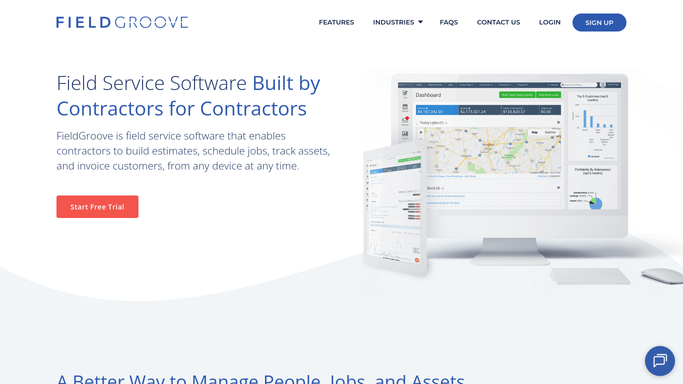
When a builder or general contractor emails a new job, WebRun reads the details, creates the lead in FieldGroove, logs it in a sheet, and pings the right estimator in Slack.
FieldGrooveGmailGoogle Sheets
Automated Code Violation Deadline Alerts
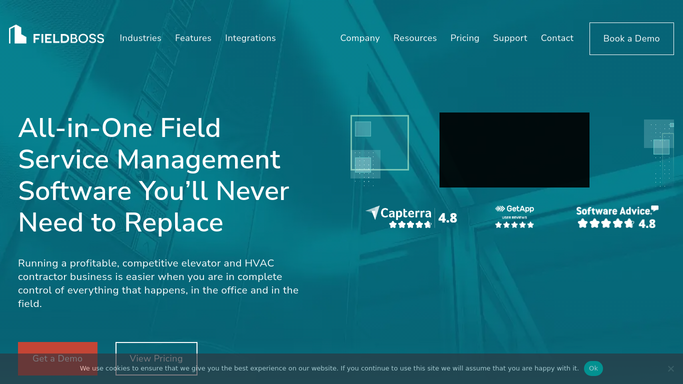
Each day, WebRun reads FIELDBOSS inspection violations, finds those with a correction deadline approaching, logs them to a sheet, and posts your compliance team a Slack alert.
FIELDBOSSGoogle SheetsSlack
Automated Commission Dispute Triage
WebRun reads incoming commission dispute emails, pulls the deal and payout from QuotaPath, drafts a reply, and posts finance a triaged queue to resolve.
QuotaPathGmailSlack
Automated Labor Cost Percentage Alerts
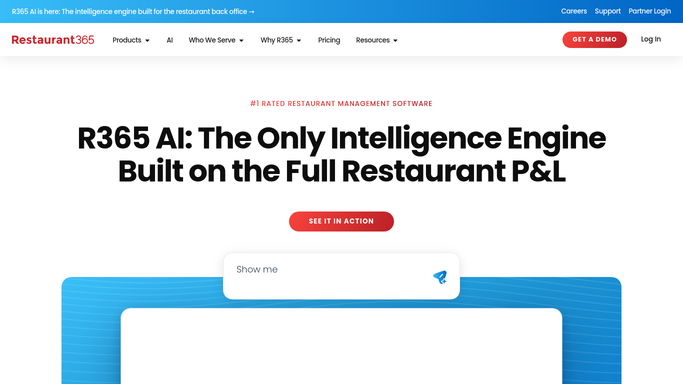
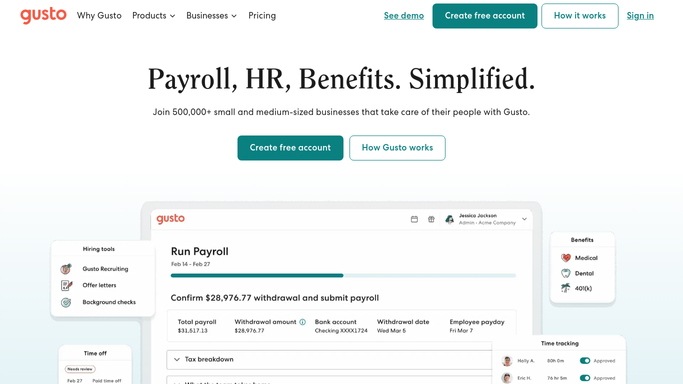
Every morning, WebRun pulls yesterday's payroll hours from Gusto and net sales from Restaurant365, works out each location's labor cost percentage, and posts you a Slack alert on any store that ran past its target.
Restaurant365GustoSlack
Automated Chargeback Ledger Matching
Each morning, WebRun matches new chargebacks in Chargeflow to the original order and revenue entry in NetSuite, and flags any dispute it cannot tie to a sale for review.
ChargeflowNetSuiteSlack
Automated Nil Escheat Report Tracking
Every month, WebRun opens Simple Escheat, works out which states require a negative report when you have nothing to escheat, checks whether each is filed, and posts the team a Slack list of the nil reports still owed.
Simple EscheatGoogle CalendarSlack
Automated TP Documentation Status Digest
Every week, WebRun reads the status of every local and master file in Exactera and posts the tax director a clear digest of what is filed, drafted, and outstanding.
ExacteraSlack
Automated 1031 Identification Form Alerts
Each morning, WebRun checks exchanges past their identification date in Accruit Exchange Manager Pro, finds any with no signed identification form on file, logs the exceptions to a Google Sheet, and posts the team a Slack alert.
Accruit Exchange Manager ProSlackGoogle Sheets
Automated Driver Cert Expiry Reminders
Every morning, WebRun checks driver H2S and hazmat certification dates, finds the ones expiring soon, drafts a reminder text for each driver, and posts the queue to Slack for a supervisor to approve before it sends.
Engage MobilizeGoogle SheetsTwilio
Automated Manifest Reconciliation
WebRun compares each route's manifest against what actually got delivered in Deliveright, writes the mismatches to Google Sheets, and posts a shortfall list to Slack.
DeliverightGoogle SheetsSlack
Automated Wash Chemical Usage Tracking
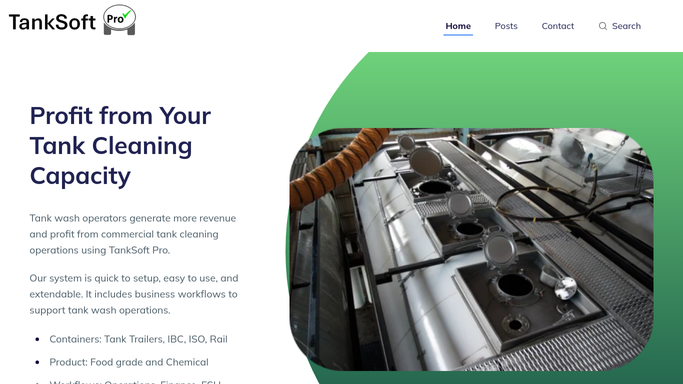
Each day, WebRun reads the detergents and chemicals logged against washes in TankSoft Pro, rolls up usage per wash type in an Airtable base, and posts a Slack summary that flags heavy users and low stock.
TankSoft ProAirtableSlack
Automated Reefer Repair Backlog Alerts
WebRun tracks reefer containers awaiting repair or precool in MRI Intermodal Software, posts the depot team a prioritized Slack backlog, and drafts a text to the on-call tech for units needed against a booking.
MRI Intermodal SoftwareSlackTwilio
Automated Specimen Manifest Reconciliation
After each run, WebRun compares the specimens scanned in CXT Software against the run manifest, logs any missing or extra items to a sheet, and posts a reconciliation summary to Slack.
CXT SoftwareGoogle SheetsSlack
Automated Pre-Season Screening Scheduling
WebRun takes a team roster, sets up each athlete for a Sports Vision EyeQ screening in RightEye, prepares a Calendly slot for each, and posts the day's schedule to Slack for staff to confirm before invites send.
RightEyeCalendlySlack
Automated Garment Remake Order Prep
WebRun spots garments logged as a poor fit in LymphaTech, prepares a corrected remake order from the latest scan, saves it to Google Drive, and posts your fitter in Slack to review and submit the remake to the vendor.
LymphaTechGoogle DriveSlack
Automated Dental Fee Schedule Change Log
When a payer fee schedule changes in Denticon, WebRun captures exactly what moved, drafts a plain-language broadcast to office managers for approval, and posts the change log to Slack.
DenticonGmailSlack
Panda Perio Automated Eligibility Checks
WebRun pulls next week's surgical schedule from Panda Perio, verifies each patient's benefits and remaining maximum, records the eligibility detail in Google Sheets, and posts your billing team a worklist so no case is a coverage surprise.
Panda PerioGoogle SheetsSlack
Automated OAT Denial Appeal Queue
WebRun pulls denied oral appliance therapy claims from DentalWriter, groups them by denial reason and payer in a sheet, drafts an appeal for each, and posts a Slack digest so nothing expires unappealed.
DentalWriterGoogle SheetsSlack
Automated Monitoring Denial Worklist
Every morning, WebRun pulls denied and rejected remote-monitoring claims from Octagos, groups them by denial reason and payer in Google Sheets, and posts your billing team a Slack worklist so appeals go out before each deadline passes.
OctagosGoogle SheetsSlack
Automated Unbilled Facility Fee Sweeps
WebRun compares completed procedures in EndoManager against charges posted in QuickBooks, finds cases missing a facility fee, builds a worklist of the gaps, and posts a Slack summary so billing can create the charges before revenue slips away.
EndoManagerQuickBooksSlack
Automated Device Recall Crosschecks
When a device recall notice lands in Gmail, WebRun crosschecks the affected model and lot against your HI-IQ implant log, and posts a Slack alert listing any matching cases so your team can act fast.
GmailHI-IQSlack
OmniMD Automated Vein Denial Worklist
Every morning, WebRun pulls denied and rejected vein claims from OmniMD, groups them by denial reason and payer in Google Sheets, and posts your billing team a Slack worklist so appeals start before the deadline passes.
OmniMDGoogle SheetsSlack
Angelpaw Automatic Pet Memorial Page Setup
As each pet completes service in Angelpaw, WebRun assembles a draft memorial page and a Mailchimp invite for the family, and posts your team a Slack list of pages awaiting a final check before they go live.
AngelpawMailchimpSlack

Want one of these running on your own Slack?

Show WebRun the process once and it will run it on schedule, in your own private browser environment.