Alert when a store's labor cost runs hot
Every morning, WebRun reads yesterday's worked hours and wage cost per location in Gusto, pulls net sales for the same day from Restaurant365, works out each store's labor cost as a percentage of sales, and posts you a Slack alert naming any location that ran past its labor target.
- No credit card
- Under $0.01 per run
- Cancel anytime
What does WebRun do on every run?
The exact actions WebRun takes, in order - in plain language, so you can adjust anything.
-
WebRun signs in and gets to work
Opens
app.gusto.comin a real browser with your saved login - no setup, no API keys. -
1
Gusto - read hours and wage cost
gusto.com How to Automate Gusto

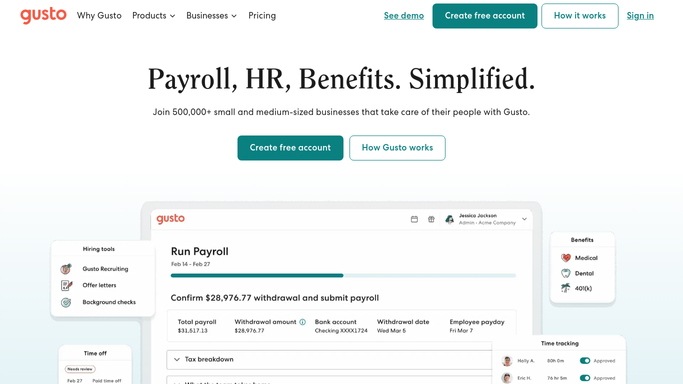
WebRun reads yesterday's worked hours and wage cost per location in Gusto. - Open Gusto and read yesterday's worked hours and wage cost per location
- Include overtime and premium pay in each store's labor total
- Capture the labor dollars for every unit for the day
Done when Yesterday's wage cost per location has been captured from Gusto.
-
2
Restaurant365 - pull net sales per store
restaurant365.com How to Automate Restaurant365
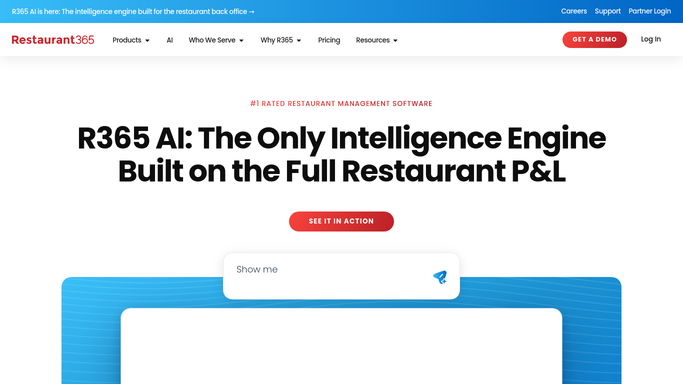
WebRun pulls net sales per store from Restaurant365 to compute labor percentage. - Open Restaurant365 and read yesterday's net sales for each location
- Divide each store's labor cost by its net sales to get the labor percentage
- Compare the result to that store's labor target
Done when Every location has a labor cost percentage against its sales and target.
-
3
Slack - alert on labor over target
slack.com How to Automate Slack
WebRun posts labor-cost-over-target alerts per store to Slack. - Post an alert naming each store whose labor percentage ran past its target
- Show the labor dollars, net sales, and the percentage over target
- Note whether overtime drove the overage so managers know where to look
Done when Managers have yesterday's labor-over-target alerts in Slack.

How do I get alerted when a store's labor cost percentage runs over target?
Every morning, WebRun reads yesterday's worked hours and wage cost per location in Gusto, pulls each store's net sales from Restaurant365, and works out labor cost as a percentage of sales. It posts a Slack alert on any store past its target and flags overtime-driven overages, so a hot labor day is addressed today.
- A store running hot on labor is flagged the next morning, not weeks later
- Each location is judged against its own labor target
- Overtime-driven overages are called out so managers know where to act
Built for restaurant operators · multi-unit managers · restaurant controllers · operations directors
How is each run configured?
Secure by default
Connect once, stays signed in
WebRun signs in once and keeps each session in a persistent environment, so every run picks up right where it left off.
Every action is checked against this policy before it runs.
Questions, answered
Does it change schedules or payroll?
No. WebRun only reads hours in Gusto and sales in Restaurant365 to calculate the labor percentage. It never edits a schedule, adjusts pay, or runs payroll, so it alerts managers without touching anything.
How is labor cost percentage calculated?
WebRun divides each store's wage cost for the day, including overtime and premium pay from Gusto, by that store's net sales from Restaurant365, so the percentage reflects true labor against true sales.
Can each store have its own target?
Yes. You set a labor target per location, and WebRun alerts only when a store runs past its own target, so a high-volume unit and a small cafe are each judged against the right benchmark.
Related templates
Put this on autopilot.
Turn it on in minutes - or have our team set it up for you.